- ActiveExa’s official free planNo end date · stays active
Give AI a Search Tool: Exa’s Free Credits Are Worth a Try
Exa offers web search for AI. Here are reported coupon codes, the official monthly free credits and documented ways to connect Grok Bot or Muse. The codes and app connections have not been individually tested here.
This deadline has passed; kept for reference only.
At a glance
- 01Active
Exa’s official free plan
US$10 per month, plus a one-time US$10 onboarding bonus
Claim window · No end date · stays active
Open Exa Billing ↗

When you ask AI to look up new tools or industry news, the links can be outdated or fail to support the answer. Connecting a search tool lets it find material and check the sources as it goes.
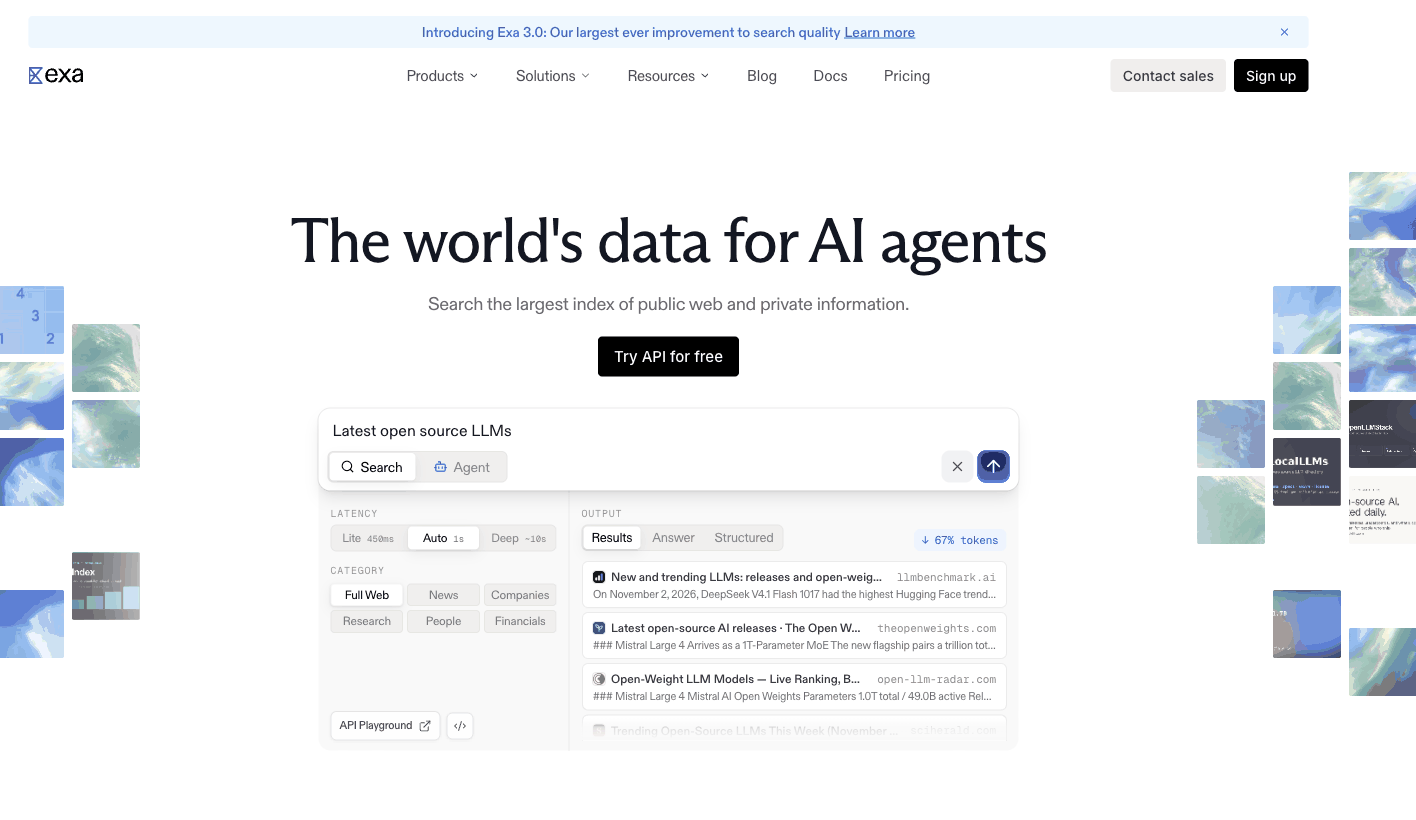
Exa is a web search service built for AI. It supports natural-language queries and can return page text or relevant passages together with titles and URLs, making it useful for product research, new documentation or comparisons of similar projects.
Coupon Codes and Official Free Credits
On November 2, people reported that the first three codes worked, and some said they could be stacked. These codes have not been individually tested here; check your account to see what actually arrives:
-
EXA50API: reportedly US$50 in API credits, valid for 30 days.
-
EXA20FREEBUFF: reportedly US$20 in credits, described as long-term; check your account for the actual expiry rules.
-
EXA20FIRESHIP: reportedly US$20 in credits, described as long-term; check your account for the actual expiry rules.
-
EXA50FIRESHIP: a message said it had expired, and forum users also reported that it had reached its redemption limit.
Redeem here:
After signing in, enter a code in “Enter coupon code” at the bottom right of the Billing page and click Redeem. Check whether your balance and expiry dates change.

There are free credits even without a code. As of November 2, 2026, the free plan requires no payment card and provides US$10 per month for the first team only. Credits reset each calendar month and do not roll over. Completing onboarding adds a one-time US$10 bonus, which the official documentation says does not expire.
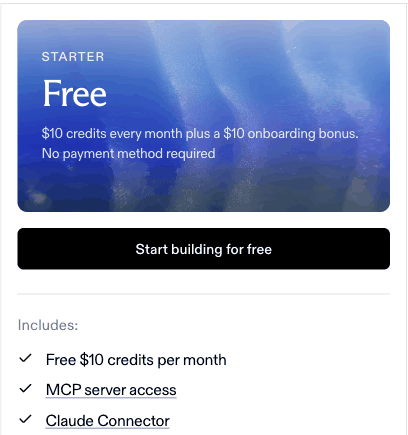
Exa charges per request. Lite Search starts at US$4 per 1,000 requests; other search modes and content extraction have different rates.
Connecting It to AI Tools
Have AI use Exa to find official announcements, changelogs and reporting, then organize the links and compare the information. It can make research easier.
You can try connecting Exa to Grok Bot or Meta’s Muse:
-
Grok Bot: the official documentation supports adding an MCP server by URL. Give the bot
https://mcp.exa.ai/mcp, ask it to add the server and list its tools, then try searching and reading public pages. -
Muse: the official documentation supports custom Connectors. Composio has a tutorial for connecting Exa to Muse, but it involves a third-party service and authorization.
These connection methods come from public documentation and have not been tested in either app here. Claiming credits does not configure the connection; keyless MCP search does not automatically use your account’s credits.
Once connected, try a concrete task:
Find AI search tool updates released in the past month, prioritizing official websites and changelogs. Give me the original links, publication dates and what changed in each update. List anything you cannot verify separately.
To use your own credits, configure your API key in the client. Do not include the key in public screenshots.