- ActiveJetpac first-order referral discountNo end date · stays active
Jetpac Eterna: a Travel eSIM with No Monthly Fee
Eligible trips include 100MB, up to four times a year with at least two months between activations. Zero-rating for four apps remains subject to feature and destination limits. Includes claim steps and referral code ANTZ45VR.
This deadline has passed; kept for reference only.
At a glance
- 01Active
Jetpac first-order referral discount
Use ANTZ45VR for US$5 off an eligible first paid data pack over US$10; separate from free Eterna
Claim window · No end date · stays active
Open Jetpac ↗
Backup Internet Abroad 11.04
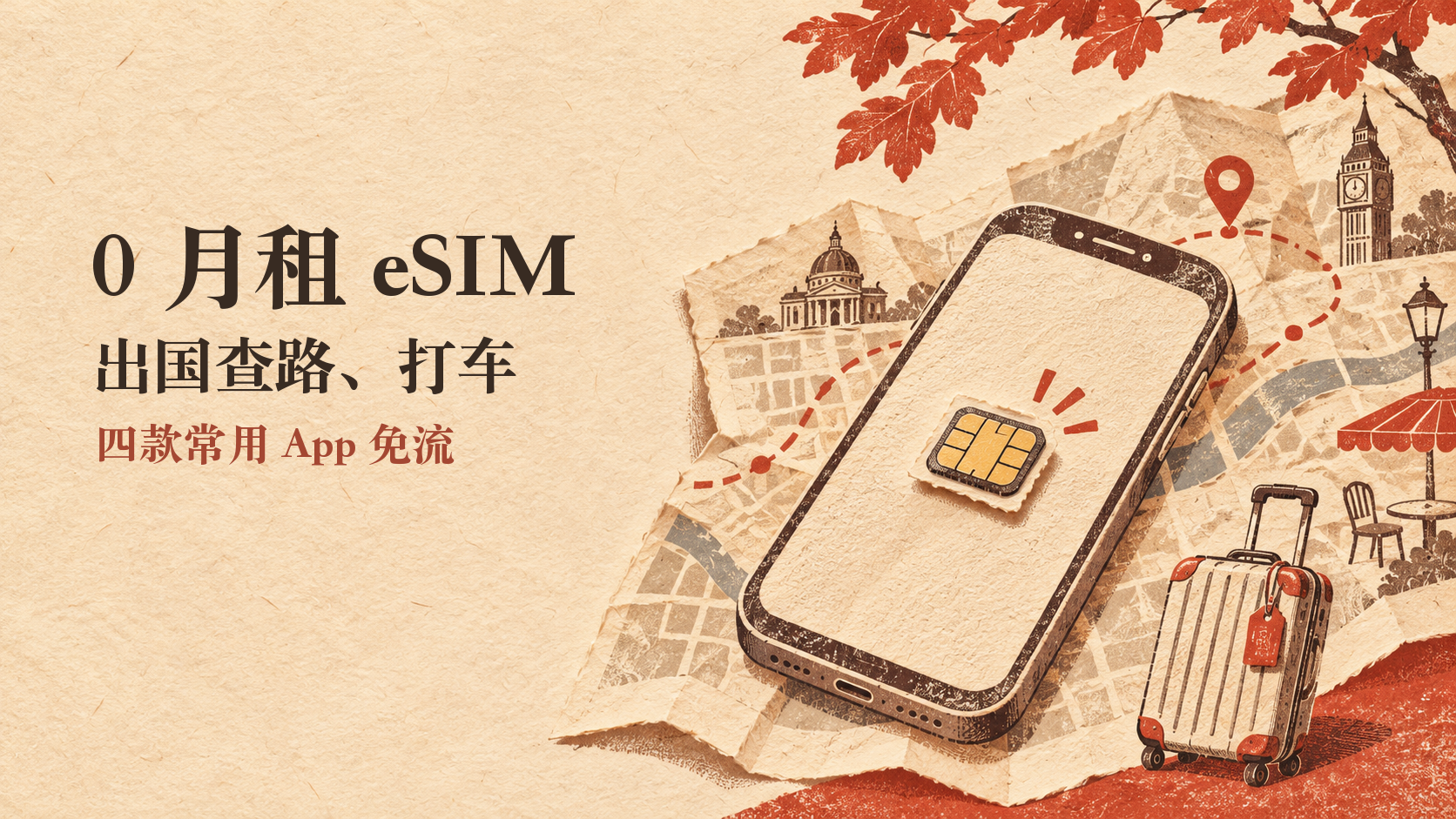
A Travel eSIM with No Monthly Fee for Life:
Zero-rated Maps and Rides Abroad
Just landed with no internet, so you cannot open maps or book a ride? Claim Jetpac Eterna before you travel and keep it as a backup.
No monthly fee
No monthly renewal
100MB x 4
Up to 4 trips a year
Each eligible trip includes 100MB of general data, with at least two months between activations. After that data runs out, these four apps can still be zero-rated on eligible trips:
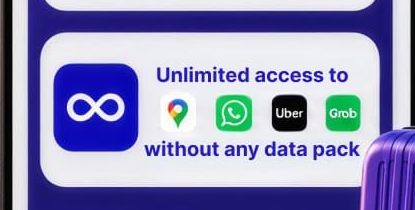
Zero-rating does not mean every feature is free. External links and some features may use other data; speeds and benefits depend on Jetpac’s current rules.
Save My Referral Code
Enter my referral code when buying your first paid Jetpac data pack. If eligible, you can get US$5 off:
ANTZ45VR
Enter it before paying for your first order; you cannot add it after that first purchase. You save US$5, and I also receive a referral reward.
Jetpac’s help page says the US$5 discount applies to data packs costing more than US$10. Claiming free Eterna and buying a paid data pack are separate things. Check that the discount applies before paying.
How to Claim It for Free
① Check Your Eligibility
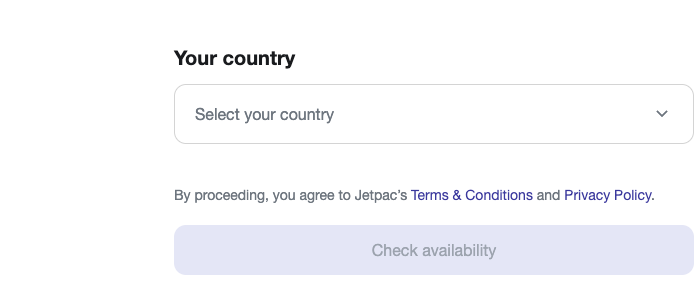
The link above opens the Jetpac app introduction page. Search for “Jetpac Eterna” in your browser, open the free claim page, select the country of your phone number, then tap “Check availability”. You need an eligible overseas phone number that can receive a verification code.
② Enter Your Details and Check Your Email
If the page says you can claim it, follow the prompts to enter your details and verify your phone number. “Waitlist” means you are on the waiting list; do not enter a false country.
③ Install It in the Jetpac App
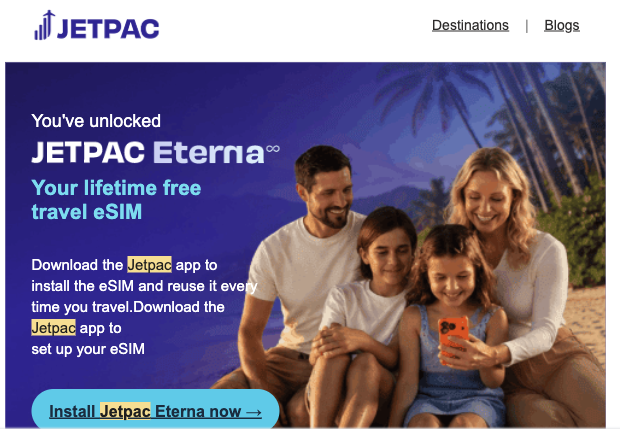
Sign in to the Jetpac app with the email used for the claim, find Eterna and follow the installation prompts. First check that your phone supports eSIM and is not carrier-locked.
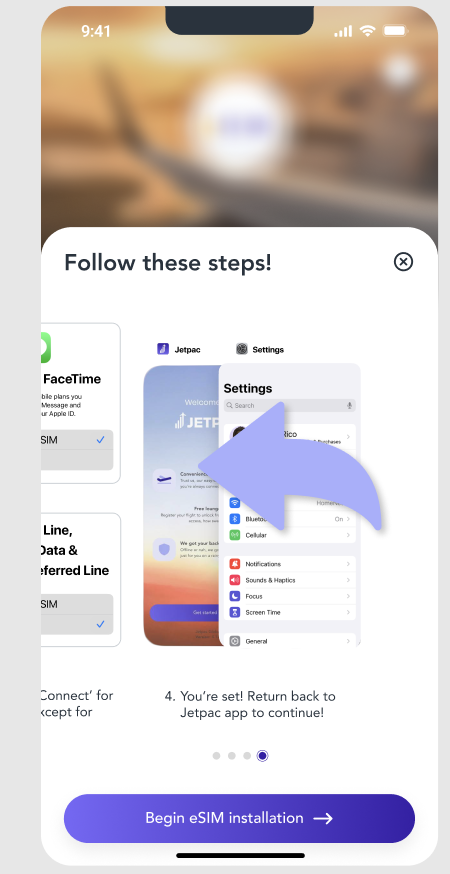
④ Switch Mobile Data after Landing
Open Settings > Cellular on your phone (SIM or Mobile Network on Android). Select Jetpac for mobile data and turn on data roaming for this eSIM. Open your maps app to check the connection.
Two Things to Check before You Fly
What about Verification Texts? This eSIM has no phone number and cannot receive ordinary SMS. Keep your home SIM for verification texts, and check your carrier’s roaming rules and charges beforehand.
What if My Phone Does Not Support eSIM? In my own tests, I could write it to a physical 5ber or 9eSIM adapter card. Compatibility varies by phone, so check before buying.
WeChat and Telegram are not among these four zero-rated apps. 100MB is a small allowance, so do not rely on it as your only connection. Recheck your destination and the offer benefits before departure.
“For life” is Jetpac’s official description of the eSIM’s validity, not a promise of unconditional, unrestricted access to every app feature. Eterna is for eligible international roaming, not use within your phone number’s home country. Eligibility, destinations and app benefits remain subject to the current official terms.