Lately the mood across the whole AI circle has shifted. People are not talking about lofty algorithms as much anymore. More people around me are talking about how to close the laptop and hand the chores to AI: finally, something can do the dirty work without a human guarding it.
Earlier technology tried to please programmers. The current wave of products finally understands that it should please lazy people. As expected, the lazy economy is the real future.
01Four digital employees that can run errands for you
Older local tools felt like brilliant brains sealed inside glass jars: very smart, but unable to take care of their own hands and feet. The four products that have erupted over the past few days are interesting because they add the practical limbs needed to run errands in the real world. Here is what they can already do, and how to start using them:
1. Grok Bot: a real-time radar mounted at the information outlet
Spending one or two hours every day scrolling social platforms or market dashboards is usually just unpaid noise-filtering work. Grok Bot is built directly on top of real-time data streams. Its value is not casual chat; it is acting as a 24-hour sentry at the water outlet, tapping you only when something material actually changes.
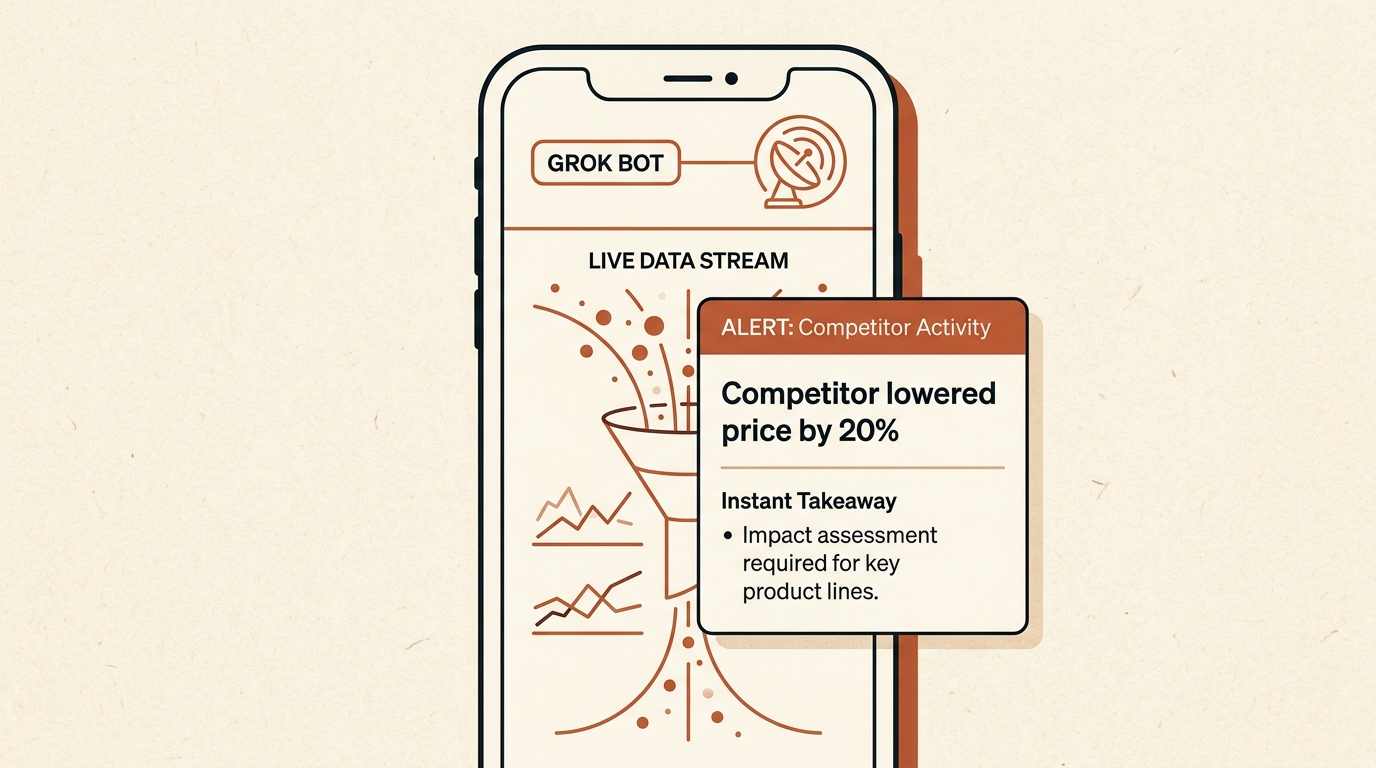
A netizen who runs a cross-border independent store said their biggest headache was competitors quietly launching flash undercutting campaigns in the middle of the night. Manual monitoring used to fall apart around three or four in the morning. They gave Grok Bot an always-on task to patrol the pricing interfaces of 12 major competitors.
At 3:20 a.m. last Friday, one leading competitor suddenly cut three hero products by 25% to intercept demand. Within four minutes of the change, Grok Bot not only surfaced the exact models with price cuts, but also combined the competitor’s current inventory level with recommended pricing responses into a comparison card that jolted their phone awake.
By responding quickly the next morning, they preserved nearly 80,000 RMB in order flow.
In the Grok Bot interface, click to create a new Task and write a clear monitoring rule:
Beyond competitor monitoring, many people use it to snipe specific second-hand equipment at broken-floor prices, monitor last-minute ticket releases on niche routes, or catch raw signals the moment a new overseas opportunity appears. Anything that depends on humans repeatedly refreshing for timing can be handed to it.
2. Meta Muse: built for customer-support fights and predatory cancellations
Plenty of people have lived through this disgusting little ritual: you subscribe to some overseas design or productivity tool for a temporary need, bind a card, and then get quietly charged 35 dollars every month. When you try to cancel, the site hides the cancellation path five layers deep. After finally reaching it, you are forced into a queue with human support, where agents stall with scripted replies and close the connection if you are slow by even a minute.
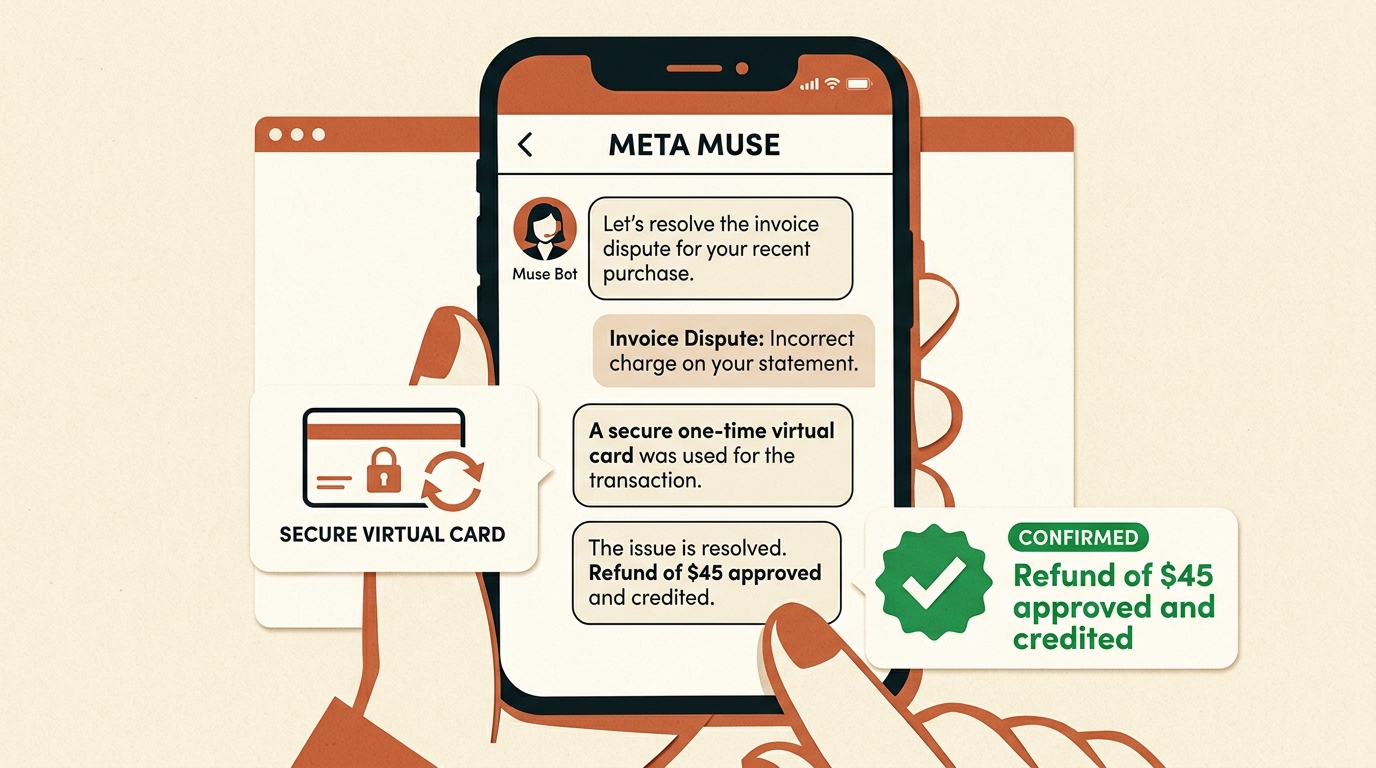
A netizen had been overcharged by one service provider for four consecutive months. They gave Muse the billing screenshots and account access. Muse launched a secure cloud browser, logged into the backend, identified and bypassed five layers of anti-cancellation retention pop-ups, and then directly cited California consumer-protection rules and unauthorized auto-renewal terms while arguing with support for a full 42 minutes.
In the end, support not only cancelled the recurring subscription, but also refunded the full 140 dollars, roughly 1,000 RMB, that had been overcharged across the previous four months. The netizen was lifting weights at the gym and did not type a single line to support.
Just throw the billing record into the mobile app or web interface and attach one sentence:
Muse uses Stripe’s Link virtual-card channel underneath. At checkout it generates a single-use virtual card, which lets it handle negotiation and refunds without exposing your real bank card. If you want to test it, you can enter invitation code GGO9WT in settings to receive 1 billion token credits.
When a flight is delayed or cancelled, it can automatically submit claim materials based on airline policy. If an e-commerce order drops in price a few days after purchase, it can contact support for a price-protection refund. It can also deal with painfully tedious English forms from overseas institutions.
3. Manus Cue: a virtual team with its own phone number and wallet
Previously, almost every AI worked as a single operator, and it could only reuse your own device and identity. Cue solves a more fundamental problem: each Agent receives its own real-world pass — an independent email address, a virtual phone number that can receive SMS verification codes, and a sandbox wallet with a capped budget.
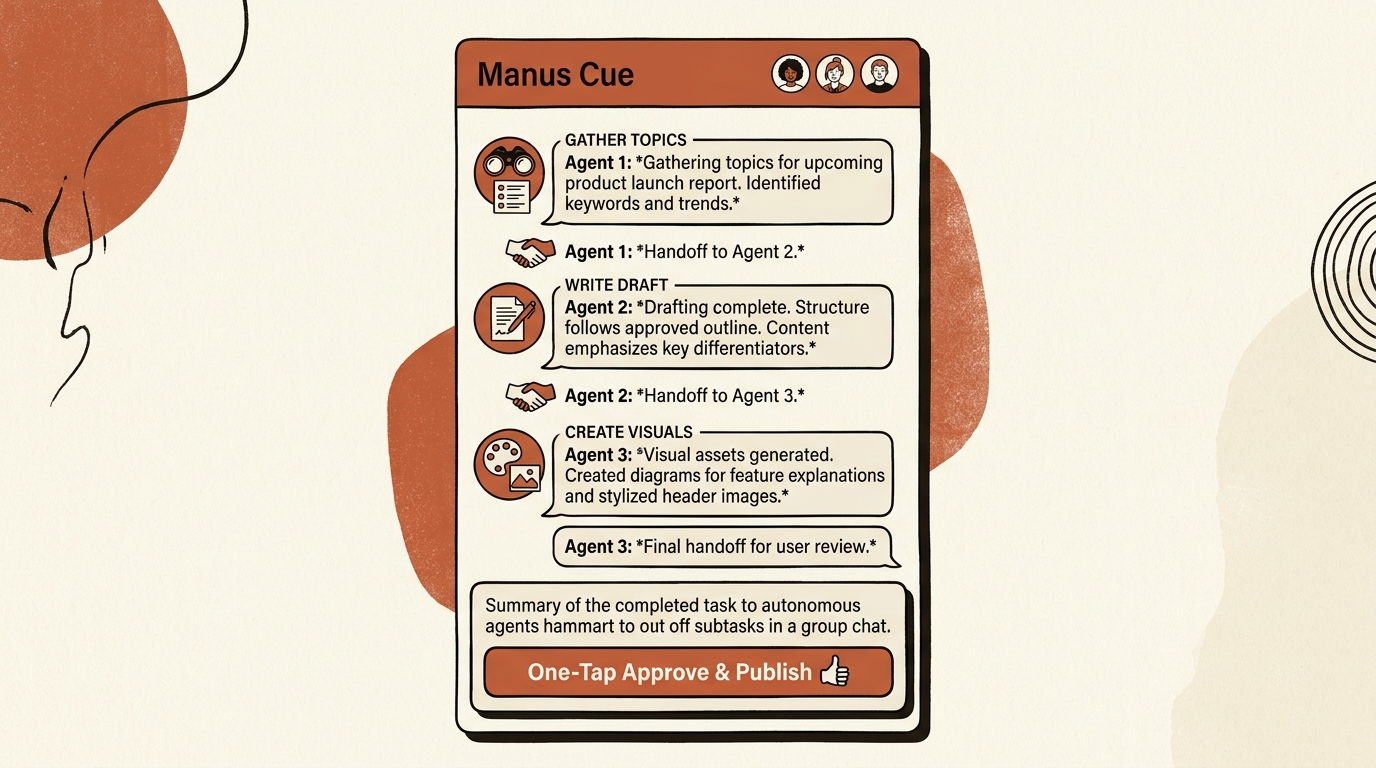
A netizen who runs a design studio said the most exhausting part of the job was not design itself, but intake, requirements checking, fronting money for licensed fonts and stock assets, invoicing, and reconciliation. In Cue, they created a three-person Agent group chat:
One Agent acts as the business front desk, with its own dedicated phone number and work email, receiving external inquiries 24 hours a day, filtering spam, and extracting real briefs into a checklist;
One Agent handles asset purchasing, carrying an independent sandbox wallet capped at 50 dollars, then shopping across stock libraries and completing small payments after receiving the checklist;
One Agent handles delivery and reconciliation, automatically packaging finished files, uploading them to cloud storage, generating share links, and creating payment bills.
Across the whole workflow, the only human action is glancing at a purchase summary when the phone buzzes, then tapping Approve to confirm a 29 dollar spend. One person can hold up an entire miniature outsourcing assembly line.
Note that Cue is currently under strict invitation only. You must enter with a test code, and seats are limited. You can use test code 2U5VZ.
It can also be used for around-the-clock inventory inspection and automated replenishment-price comparison for cross-platform e-commerce stores, automatic triage of cross-time-zone bug reports for indie developers, and initial screening and routing of business leads across channels for small teams.
4. ChatGPT Dot: the invisible back-office secretary for daily work
Dot, just announced by OpenAI at DevDay, is most notable because you do not need to wake it up every time. It sits in the background, connects your work email, calendar, and office software, and quietly tidies up trivial processes while you are not paying attention.
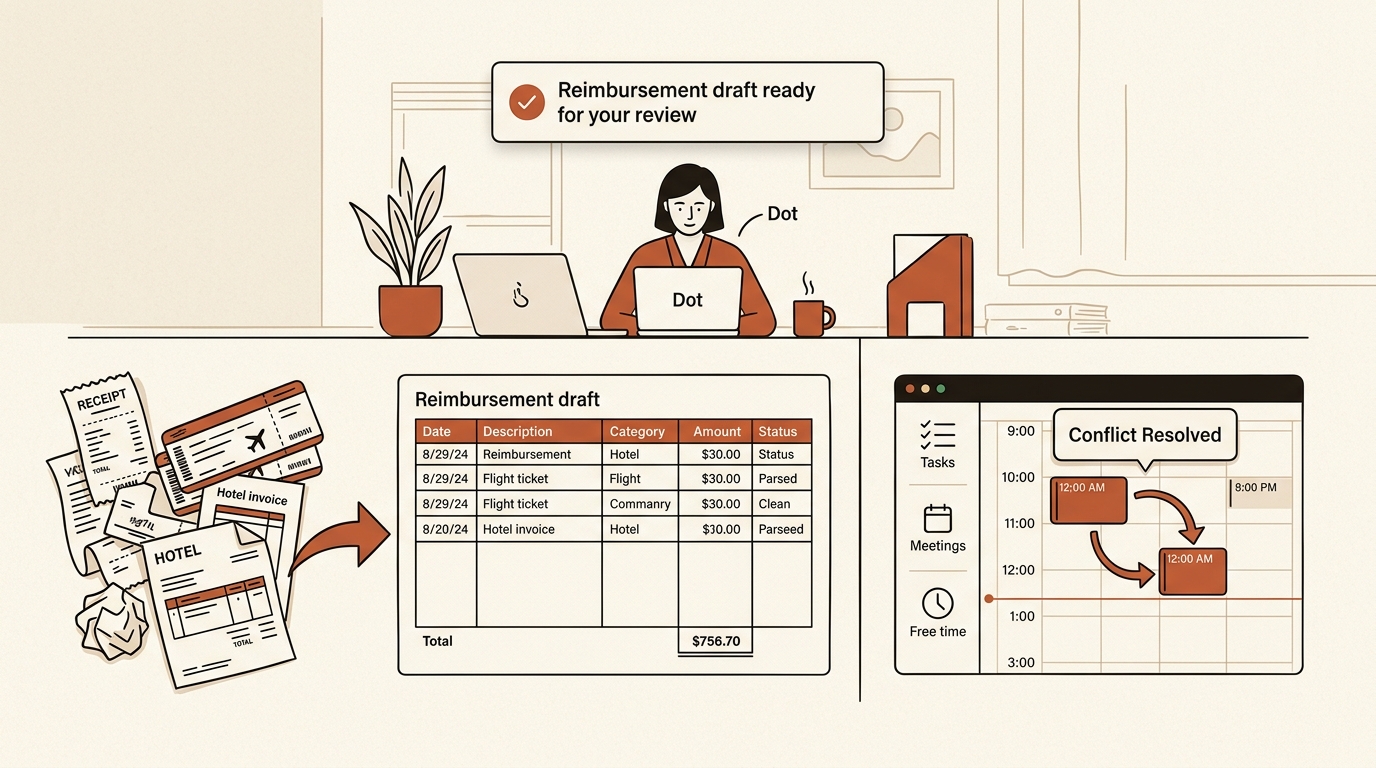
For people who travel often, the most painful moment usually arrives at month-end reimbursement time: dozens of electronic tickets and hotel folios are scattered across WeChat cards, email attachments, and ride-hailing apps, and you still need to check rules such as per-day meal allowances and required trip receipts. One reimbursement pass can consume half a day.
After Dot is assigned the long-term duty of travel-reimbursement auditing, it runs quietly in the background: it pulls 28 electronic invoices and trip receipts from work email over the past half month, OCRs invoice codes, amounts, and dates, and automatically categorizes them against company reimbursement rules.
For one taxi receipt that exceeded the allowed amount, it did not simply throw an error. It automatically split the extra 32 RMB into a personal out-of-pocket item, then filled all 28 expenses neatly into the Excel reimbursement sheet. Before leaving work on Friday, it only popped one Slack message: this month’s travel invoices have completed compliance checks automatically, and the reimbursement draft is ready; tap here to submit after confirmation.
Even more, when two cross-department executives inserted urgent meetings into the same time slot, it checked attendee availability in the background and sent a tactful coordination email to the other assistant. The meeting was rescheduled smoothly within 10 minutes, without leaving a human caught between two leaders.
It can also be used for gentle follow-up on unpaid business invoices, classifying massive customer email streams by urgency and sentiment, and aligning or chasing key milestones across departments.
02Why this is more useful than traditional Codex
Many people compare these tools with Codex or Cursor. That misses the point entirely.
Codex is a precision wrench in the toolbox. It assumes you understand the environment, and it requires you to hold it in your own project while tightening screws line by line. It does professional engineering work. But the ordinary person’s daily friction is made of forms, invoices, anti-cancellation traps, competitor monitoring, and reimbursement sheets — all the small digital burdens the modern internet manufactures.
Codex solves the 10% geek moment. This new crop of tools is trying to pull people out of the other 90% of digital drudgery.
It is not just that they stay awake in the cloud. More importantly, they fill in the missing real-world passes: receiving verification codes, paying within a capped budget, and taking initiative. These are three things tools sitting inside a local terminal could never really obtain.
03What it can actually handle today
In practice, failures are still common: extremely complex slider CAPTCHAs can stop it cold; arguments with human support can devolve into circular scripts; a wallet without hard limits can create accidental spending risk.
The boundary is clear today: it is good for fixed, repetitive, boring workflows that mainly cost time. Anything that requires weighing trade-offs and bearing real risk still cannot be delegated to a machine.
I have always kept one habit: if something happens more than three times, I have to find a way to push it to AI. Laziness is not a lack of ambition. Laziness is the desire to reclaim a finite life from meaningless mechanical slices.
Close the laptop. Keep the time for sunlight, family, and a proper meal. Let those cloud-based digital employees who never need to sleep handle the dirty work.