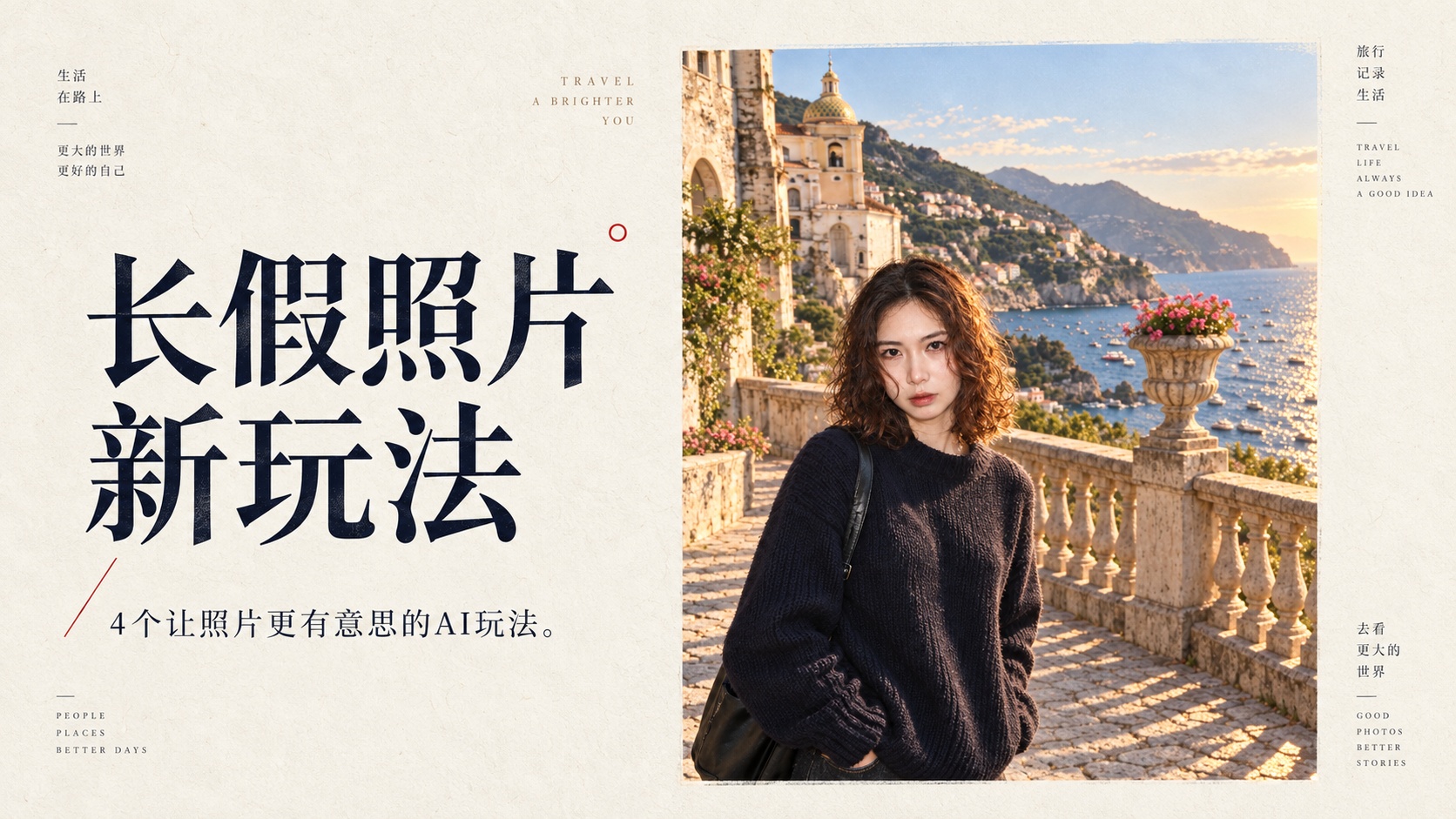
When taking photos during holiday trips, two kinds of outtakes inevitably pile up in your phone library:
One is the candid snapshot where someone’s facial expression went rogue or an awkward pose was caught. It’s too funny to delete, yet slightly too chaotic to post on public feeds. The other is the dream shot where the scenery is stunning and the subject looks great, but the entire background is overrun by random tourists and selfie sticks, reducing an editorial scene to an overcrowded tourist snapshot.
You don’t actually need tedious manual retouching. By approaching these images through generative AI, flawed outtakes can turn straight into custom messaging stickers, and ordinary crowded photos can have every tourist removed while pulling in genuine cinematic film lighting. Paired with outfit-checking before you pack and immortalizing quirky trip blunders into 3D fridge magnets, these four workflows are the most practical.
Here are the final outputs and structured prompts ready for you to copy and apply directly.
01Turn Awkward Outtakes Directly into Custom Reaction Memes
Everyone saves countless reaction stickers made from other people’s memes in group chats, but using your own face delivers the sharpest humor. Skip stale text like “Good morning” or “Received.” Weave in playful micro-actions and contemporary cultural humor to maximize the contrast.
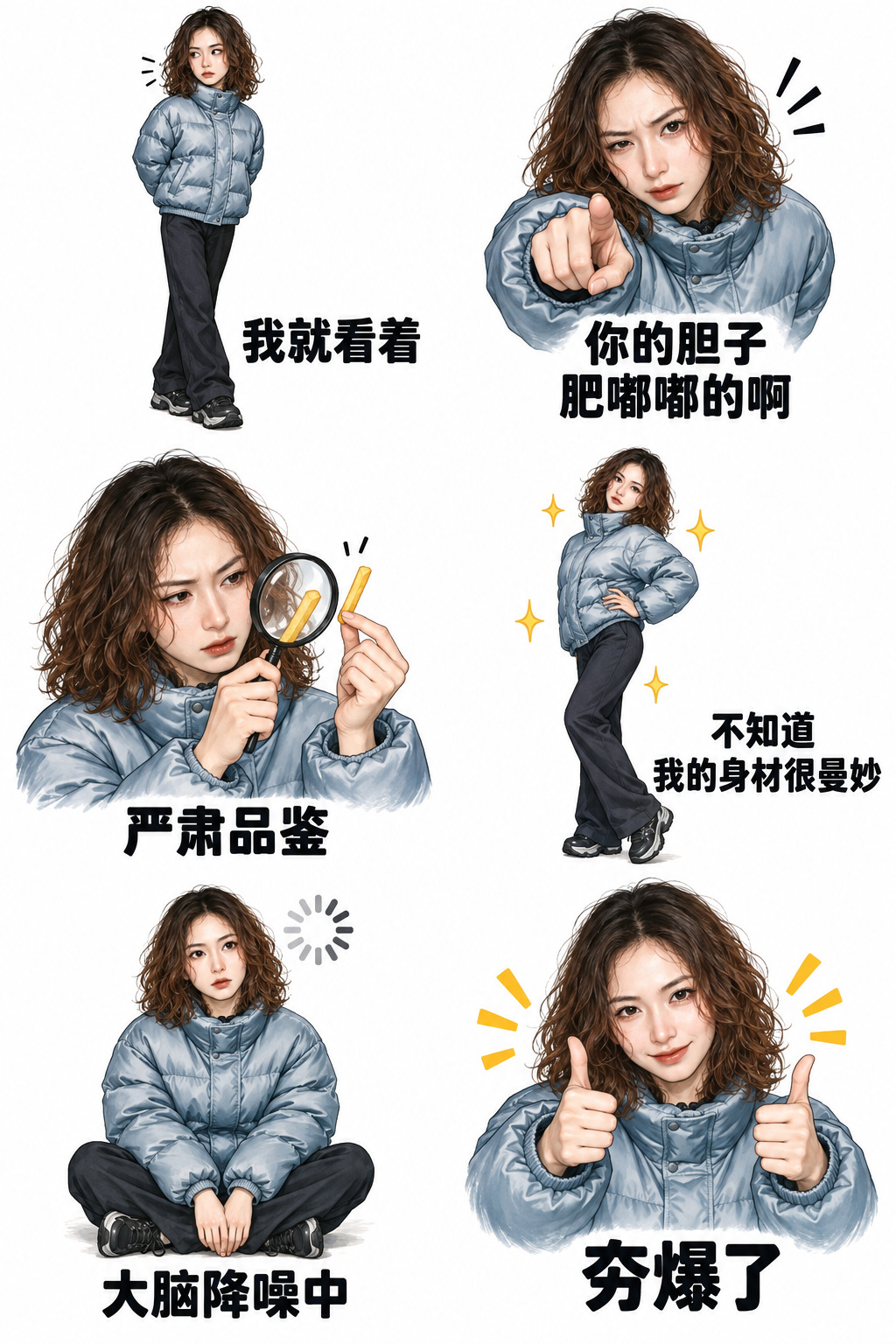
Take this six-panel sheet created from candid outtakes as an example:
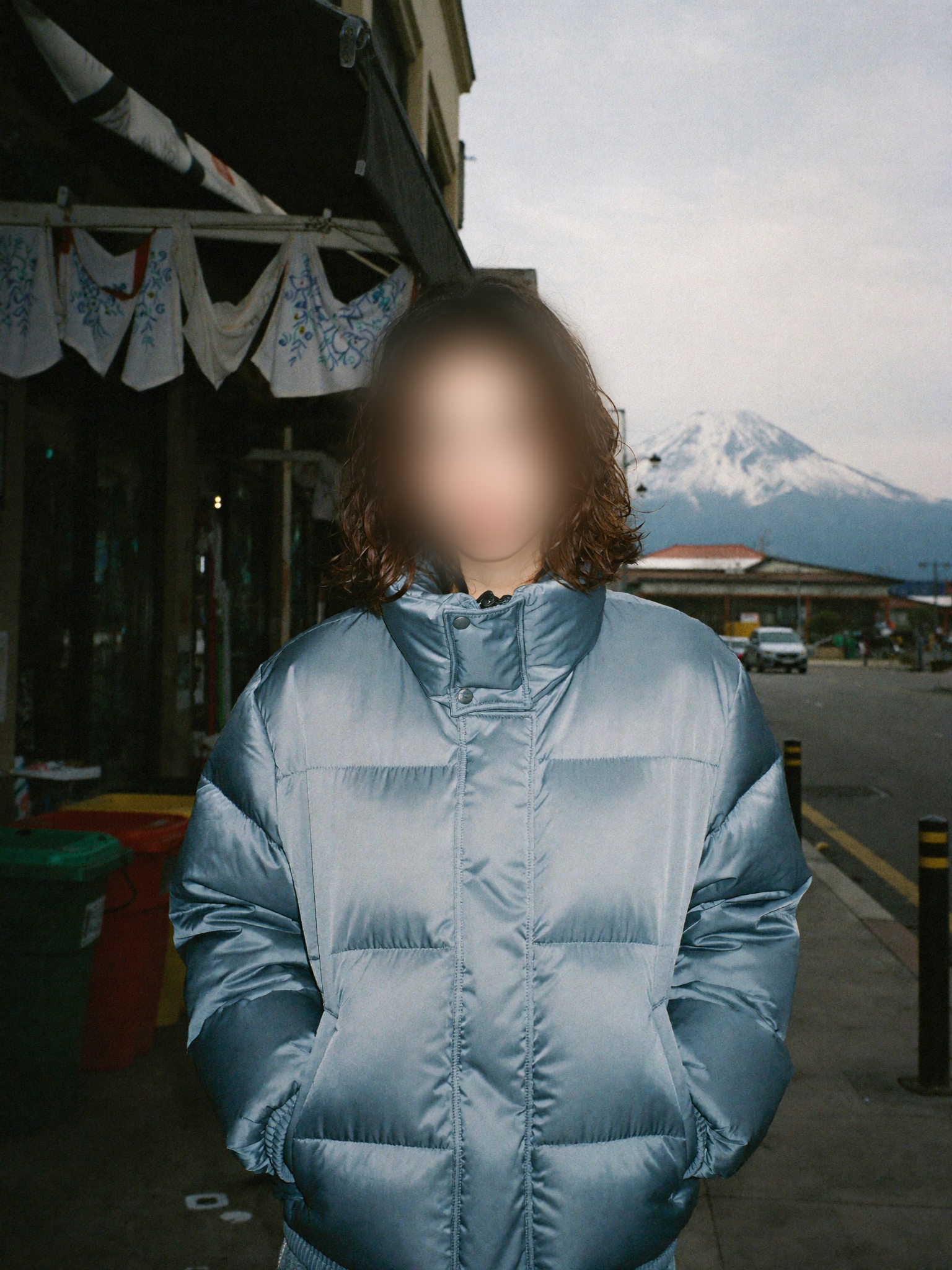
No studio session is necessary — an ordinary casual snapshot is all it takes:
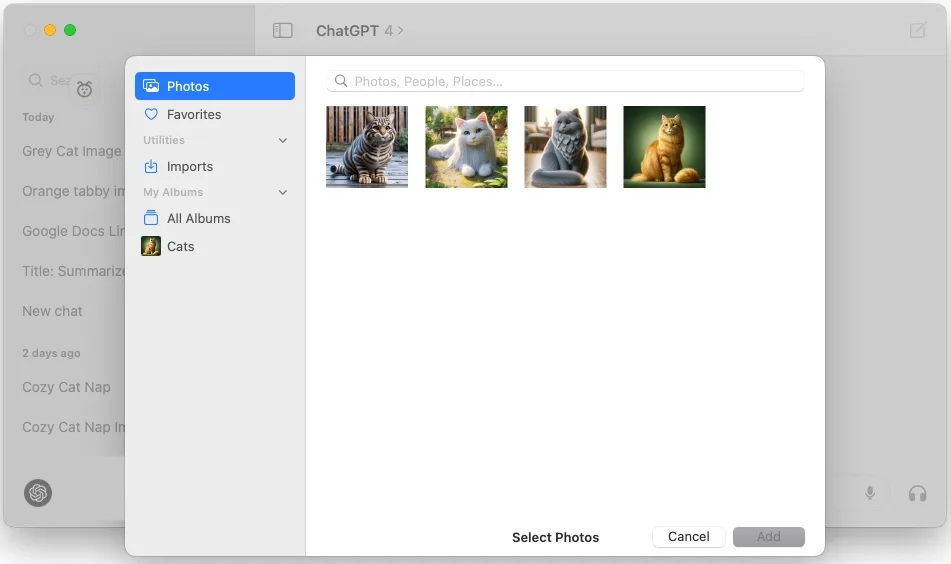
Open ChatGPT and upload your photo:
Copy this prompt and swap out the physical descriptors with your own:
Two columns by three rows, clean white background, each frame isolated with generous cutting gutters. From left to right, top to bottom: 1. Standing with hands behind back, calm side-eye glance, captioned “Just watching”; 2. Raising one eyebrow pointing towards the camera, playfully demanding, captioned “Bold move, isn’t it?”; 3. Examining a single French fry through a magnifying glass, captioned “Serious Tasting”; 4. Wearing an oversized puffer jacket, hands on hips striking a runway pose, captioned “Flawless Silhouette”; 5. Staring blankly into space with a loading spinner above head, captioned “Noise Cancelling”; 6. Beaming with both thumbs up and simple comic praise lines, captioned “Absolute Peak”.
Use bold black handwritten text placed below the face. Never obscure the face, never cross panel borders, and do not add overall titles, watermarks, or extra text.
Key technique: describe humor through concrete gestures (like “examining a French fry with a magnifying glass”) rather than generic cute poses, preventing the model from generating bland caricatures. Once generated, crop each frame for your messaging stickers.
02Prevent Packing Regrets Preview Three Outfits Before Leaving
The most frustrating travel packing mistake is lugging a heavy suitcase of clothes, only to find upon arriving at the hotel that none of them match or a vital pair of pants was left behind.
You don’t need to buy new clothes just for a trip. Take a single full-body portrait of yourself, and lay out the candidate garments flat on your bed to photograph them:
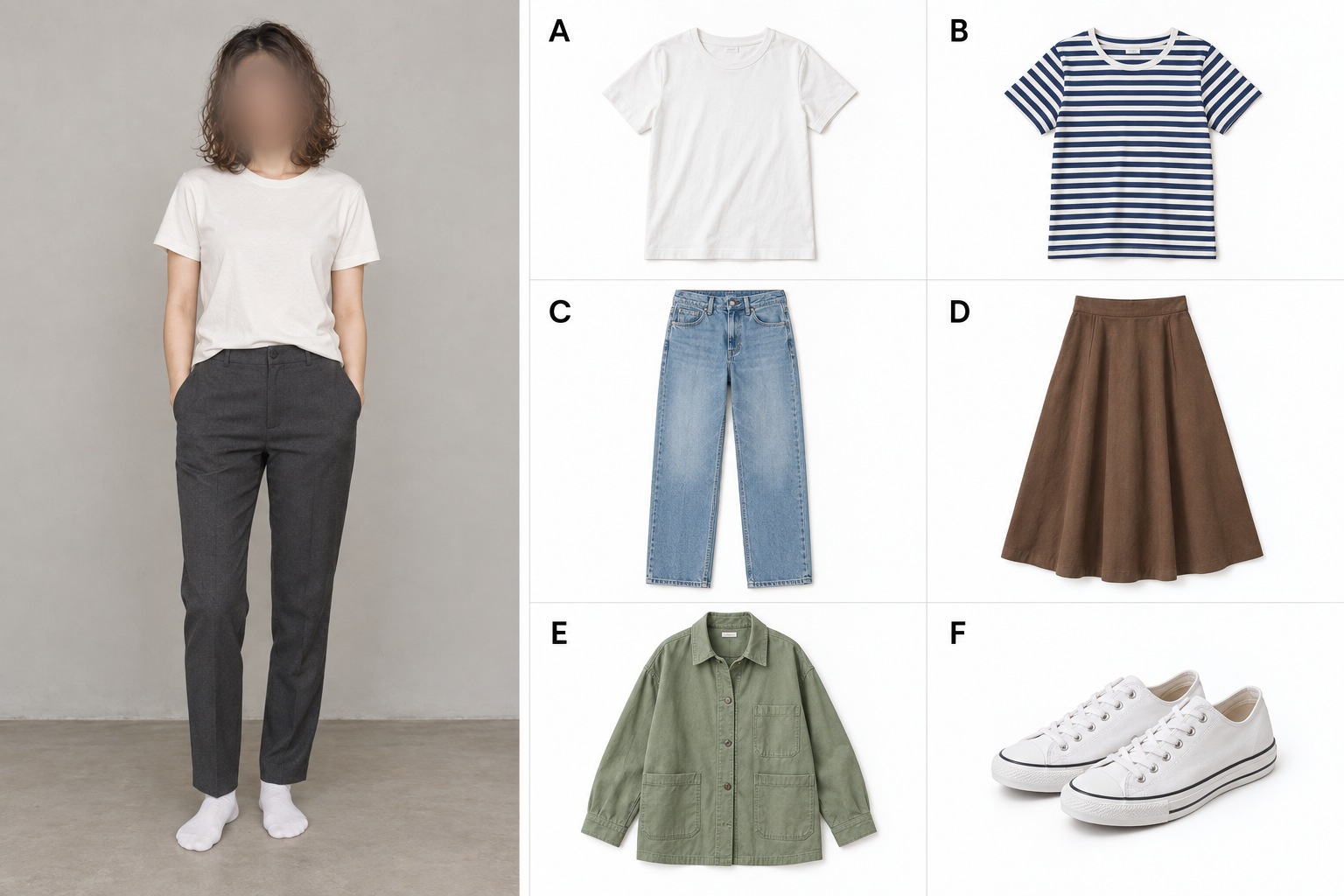
Always label each piece with clean letters A, B, C, D — vision models track structured letters reliably without confusing garments.
Apply this structured prompt:
Garment catalog: A white short-sleeve tee, B blue-and-white striped top, C light blue straight-leg jeans, D brown A-line midi skirt, E sage green utility jacket, F white canvas sneakers.
Outfit combinations: A+C+F, B+D+F, and A+C+E+F (with jacket worn open). Place the three outfits side by side showing full footwear against a neutral clean background, labeled underneath with each combination and “AI Styling Preview”.
Resulting preview:
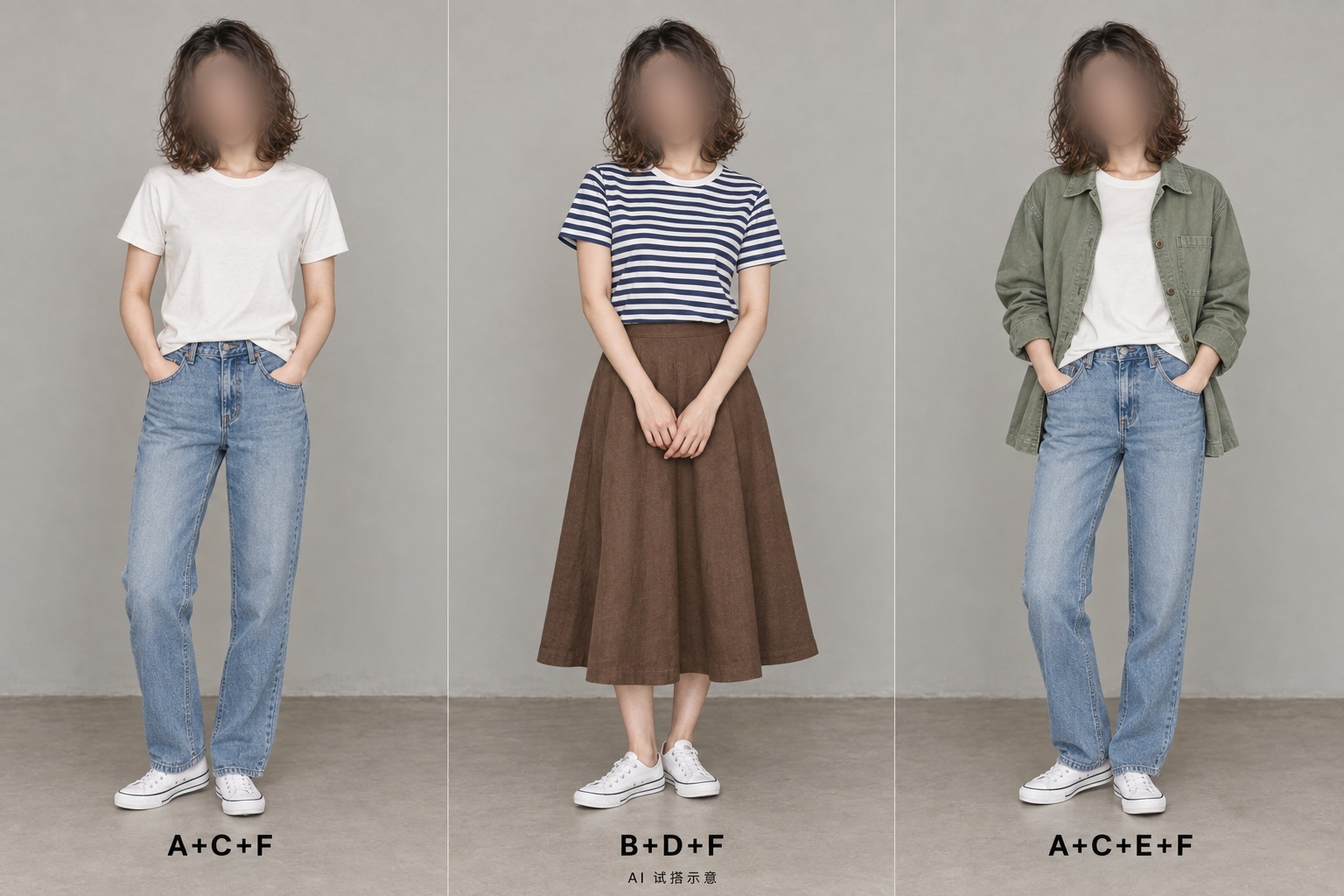
A white tee with denim jeans keeps things crisp and clean, while throwing on the green utility jacket adds dimension; pairing the striped shirt with a brown skirt shifts the look into relaxed leisure.
Virtual fitting works best to audit palette harmony and macro silhouettes. Running this check before leaving lets you filter out incompatible clothes early, cutting down your luggage weight significantly.
03Turn Inverted Umbrellas Into Bespoke Souvenir Magnets
Generic tourist attraction fridge magnets cost a small fortune and almost always feature the same cookie-cutter monumental gates.
In reality, the travel moments that stick in your memory are often the unscripted blunders — like coastal gale-force gusts turning a yellow umbrella inside-out:
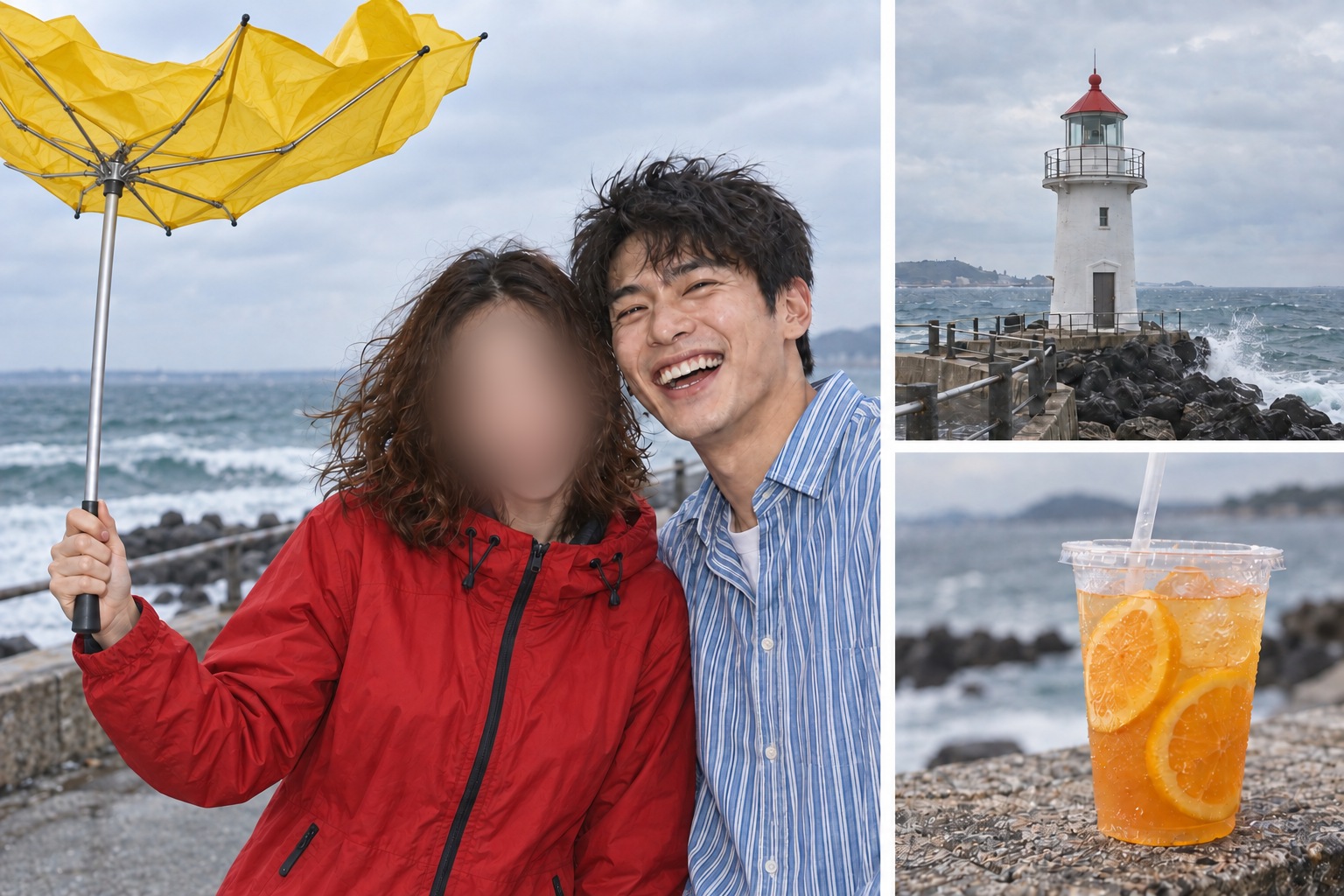
Hand the subject, inverted umbrella, red-roof lighthouse, and orange drink over to AI to produce a vintage graphic illustration:
Vintage illustration aesthetic, bold clean ink outlines, warm off-white background. Lettering above reads “Seaside Day”, ribbon below reads “Heavy Winds”. Straight-on flat view, zero bevel, zero drop shadows, zero scene backdrop; generous bleed margins with text and figures placed safely inward.
Generated graphic layout:

Inscribing “Seaside Day” on top and “Heavy Winds” across the banner anchors genuine personal memories far better than any commercial landmark name.
You can also ask the model to render a polymer clay sculpture preview to inspect physical tactile dimensionality:

Bringing this into the real world is effortless: color-print the flat vector layout onto ordinary paper, cut along the contour, and affix it to self-adhesive magnetic sheeting. Your fridge holds a one-of-a-kind travel memory.
04Rescue Scenic Travel Shots Erase Crowds and Grade for Cinema
You hike to an iconic vantage point in peak golden light, the framing is ideal and energy is high, only for the background to be swarmed by dozens of backpackers and selfie sticks, reducing an editorial shot to a crowded tourist scene.
Take this raw capture where the background is completely clogged with tourists:
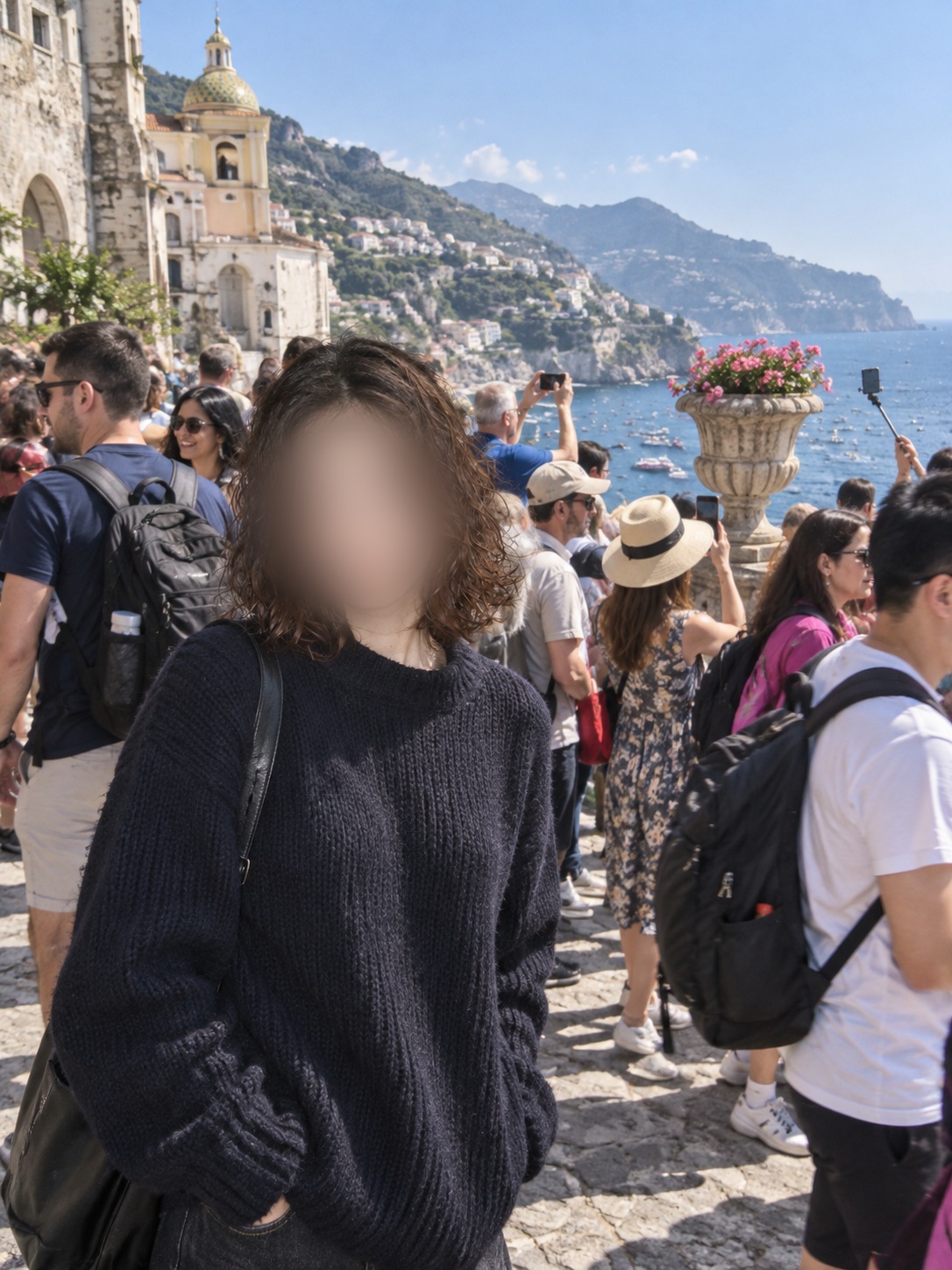
Don’t waste hours manually painting with an eraser tool. Feed the image into an editing model to purge every passerby, reconstruct the architectural environment, and tune the cinematic lighting in a single pass:
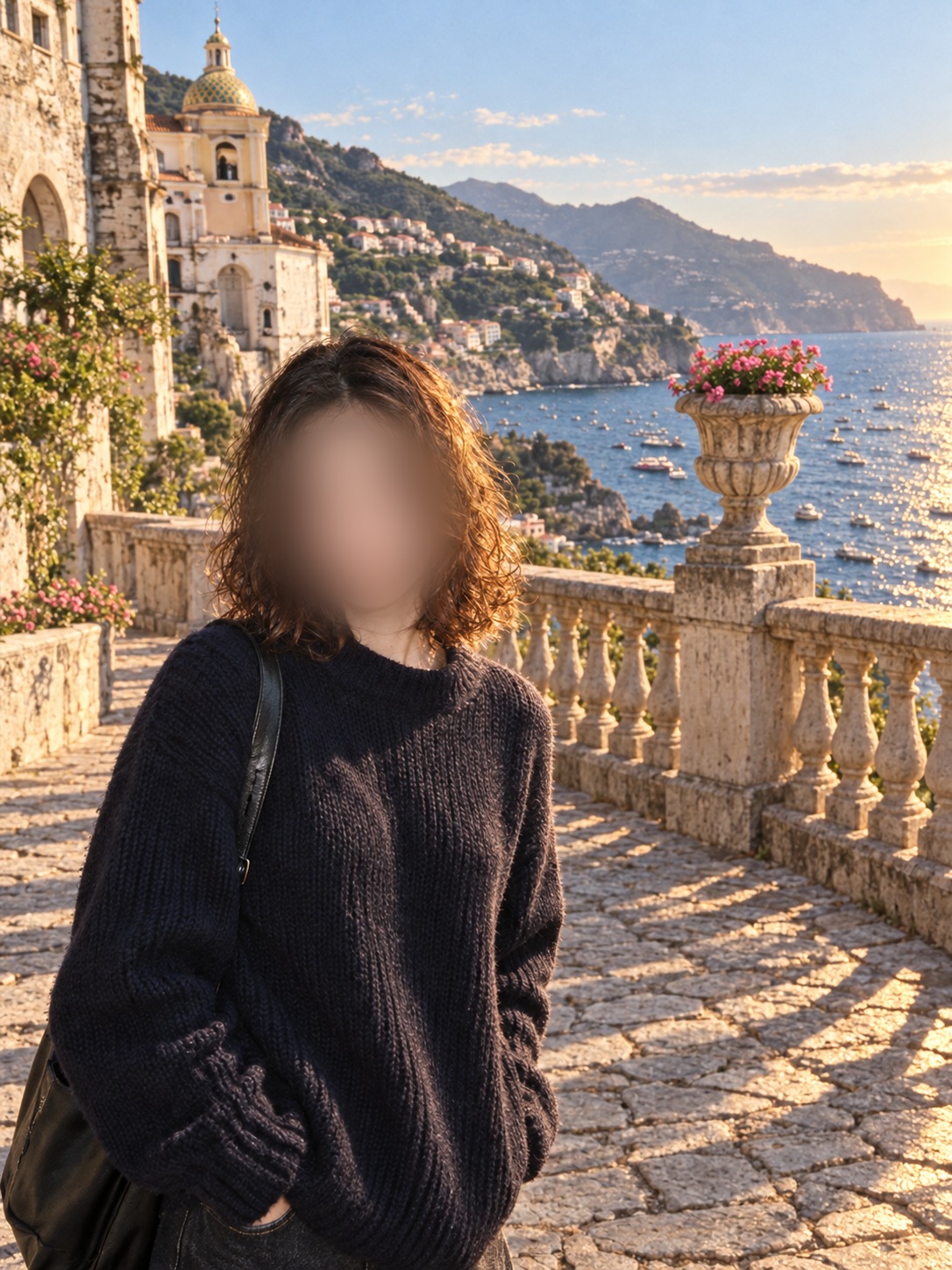
To get genuine cinematic qualities, avoid vague phrases like “cinematic masterpiece” — models need specific lighting cues, architectural synthesis, and color grade parameters.
Copy this prompt and adapt the subject positions and scenery to match your environment:
Completely remove all background tourists, backpackers, selfie sticks, and extraneous debris. Naturally reconstruct the environment based on surrounding architectural structures: extend the stone flagstone terrace to the right, continuing the classical carved balustrade and stone planter with blooming flowers; complete the historic cathedral bell tower on the upper-left, along with the scenic coastal cliffside village and ocean sparkles below. Ensure perspective, shadows, and directional lighting align seamlessly with zero ghosting or floating artifacts.
Grade into 35mm European travel cinema film stock. Honor the evening side-backlight, introducing restrained golden-hour rim lighting across hair wisps and shoulders; maintain natural skin tones and organic skin texture, deep clean shadows, and smooth highlight rolloff across the sea. Keep delicate film grain, avoid heavy teal-and-orange push, and omit extra letterboxing borders, text, or watermarks. Output a single refined cinematic widescreen portrait.
Generative editing excels at background synthesis, but occasionally re-interprets facial features slightly. Always zoom in to verify facial integrity first. This approach is built for creative travel photography rather than unaltered archival records.
Don’t rush to delete those scenic travel captures spoiled by tourist crowds — save them and let AI run this workflow.