
Apple could block this at any time, so save it before you read on.
The two most frustrating things about buying a mainland-China iPhone have now been sorted:
No eSIM: when you travel abroad and want a local plan, you either carry a spare phone or spend tens to hundreds of yuan on a physical adapter such as 5ber.
Cut-down AI: even with a 15 Pro or 16 in hand, you get none of the full Siri experience, the effects exclusive to overseas models, or native ChatGPT integration shown at the launch.
The latest update to the open-source GestaltX project breaks both locks by changing configuration values without a jailbreak:
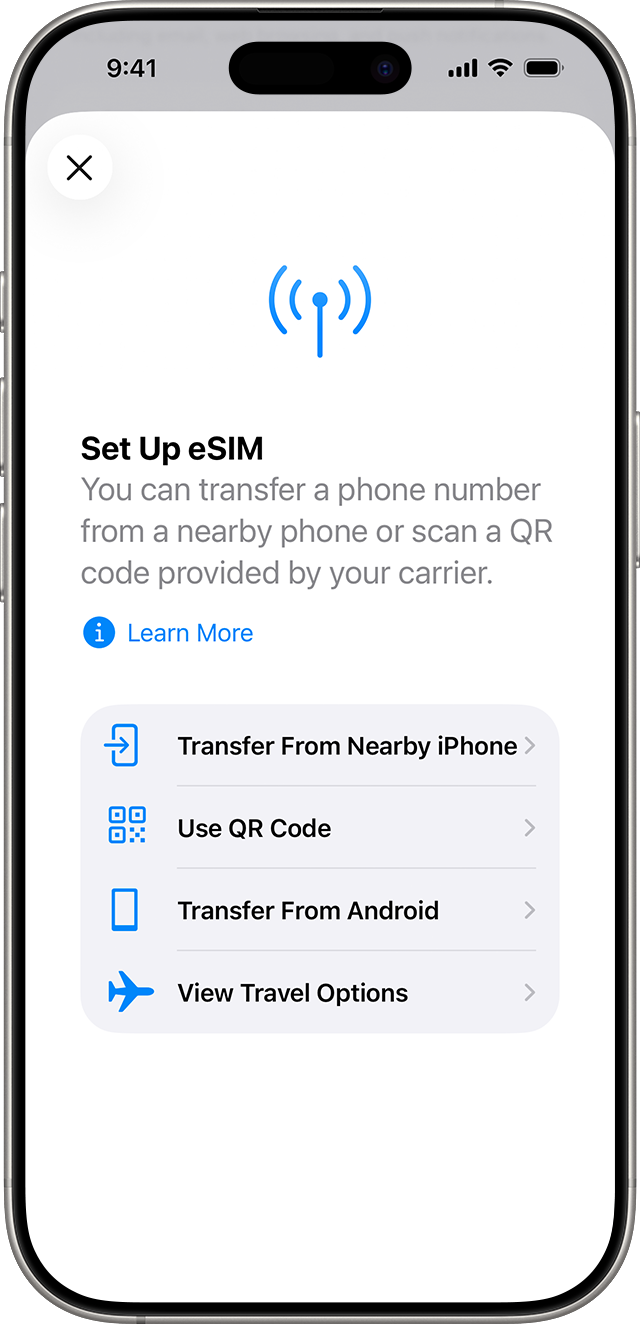
Enable native eSIM: an add-eSIM option appears directly in Cellular settings. Scan a travel-plan QR code to install it, switch between multiple profiles, and keep the mainland model’s original dual physical SIM support.
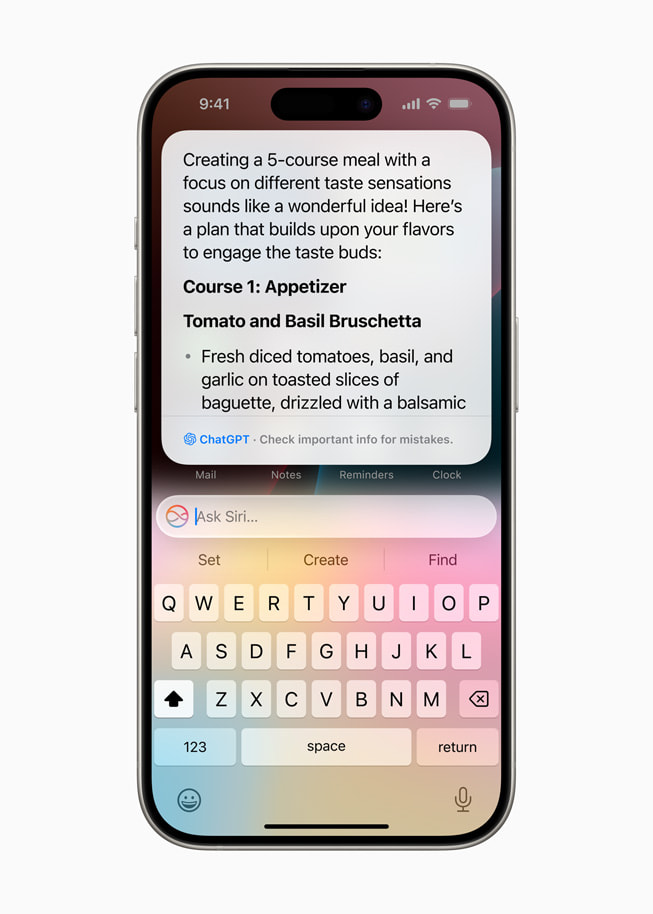
Connect native GPT: enable the full-screen glow and bring up the official integration switch in Settings. For difficult questions, long-form writing, and complex reasoning, Siri calls GPT directly instead of brushing you off with “Here’s what I found on the web.”
Why This Update Matters
Keep the mainland model’s two physical SIMs while gaining the overseas model’s core eSIM and full AI features—saving you from buying a separate overseas-model phone.
A note for tinkerers:
Full Siri + GPT integration has a strict chip requirement: A17 Pro / the A18 series (15 Pro and the entire 16 lineup). eSIM supports a wider range of models.
Using the model requires an account from a supported region and a working network connection.
Before changing system configuration, make a full backup of the phone on your computer.
Search for the project: huamidev/GestaltX.
A Single Prompt to Hand It Over to AI;
automatically set up the environment and dependencies. Analyze the code in this commit that enables eSIM and full Siri (with GPT integration) on mainland-China iPhones.
First back up the original MobileGestalt file from the currently connected iPhone to my computer, just in case. Then run the script to write the eSIM and full Siri settings to the device. Tell me directly whenever I need to do something on the phone, such as turning off Find My or trusting the computer.