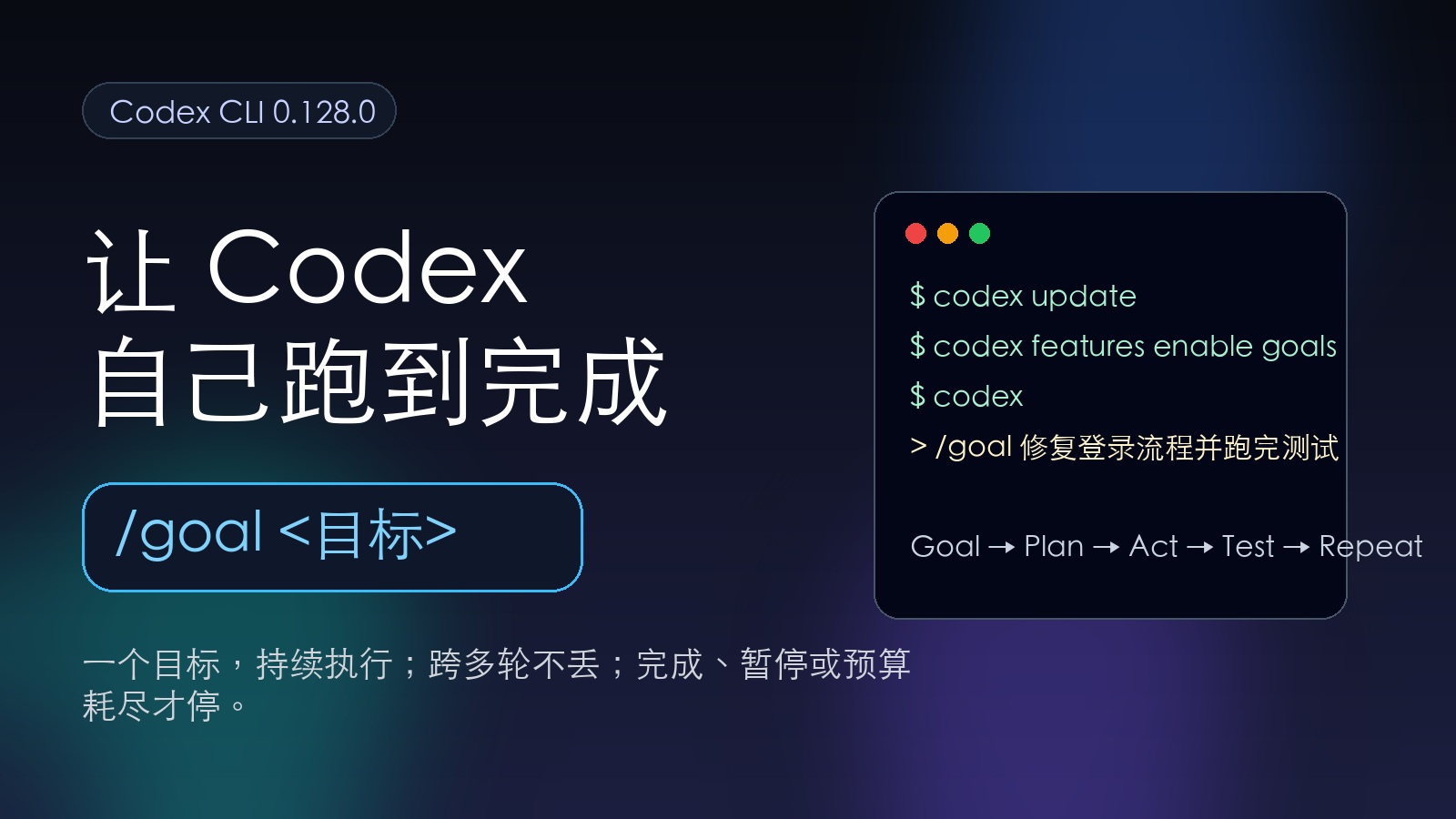
OpenAI added /goal to the Codex CLI.
Put simply: you give Codex a goal, and it can run for extended periods working toward it. When the current turn finishes, it doesn’t wait for you to prompt “continue”—it determines on its own whether the task is done. If not, it keeps going.
This isn’t a theoretical feature. People are already running it in practice.
Peter Steinberger had a Goal run for 11 hours 31 minutes. Yannik (@ynkzlk) also shared a more comprehensive case study: his Codex /goal ran continuously for 6 hours 44 minutes. Midway through, he closed his laptop, pausing it for over 5 hours. When he came back, Codex resumed automatically and finished the task.
This is worth paying attention to, not because “Agents don’t need sleep.” Machines don’t sleep anyway.
What’s far more interesting is: what kind of task can you actually hand off to an Agent to run unattended for this long?
Enabling /goal First
You need Codex CLI 0.128.0 or higher.
codex update
codex --version
Then enable goals:
codex features enable goalsYou can also edit your config manually:
~/.codex/config.tomlAdd:
[features]
goals = true
If you don’t want to see the experimental feature warning every time, you can add:
suppress_unstable_features_warning = trueRight now, this is primarily available in the terminal Codex CLI; the desktop app hasn’t caught up yet.
What Does /goal Actually Do?
Yannik’s case study is particularly informative.
He handed Codex a voice interview system in a TypeScript monorepo and tasked it with verifying and fixing multiple end-to-end scenarios.
The final results:
- Total runtime: 6 hours 44 minutes
- Actual model compute time: about 41 minutes
- Cumulative input: about 6.8 million tokens
- Cache hit rate: about 94%
- Final status:
TASK_COMPLETE - All four target end-to-end scenarios passed
The most interesting part was its recovery capability.
He shut his laptop at minute 57. Over 5 hours later when he returned, Codex had already resumed execution on its own. No reprompting, no manual recovery steps. It injected a developer message into the thread along the lines of “continue working toward current goal,” and then kept running.
So the value of /goal isn’t just “automatically clicking continue.”
It’s more like adding a goal-persistence layer for long-running tasks in Codex: the goal remains, the state remains, and the next turn keeps revolving around that goal.
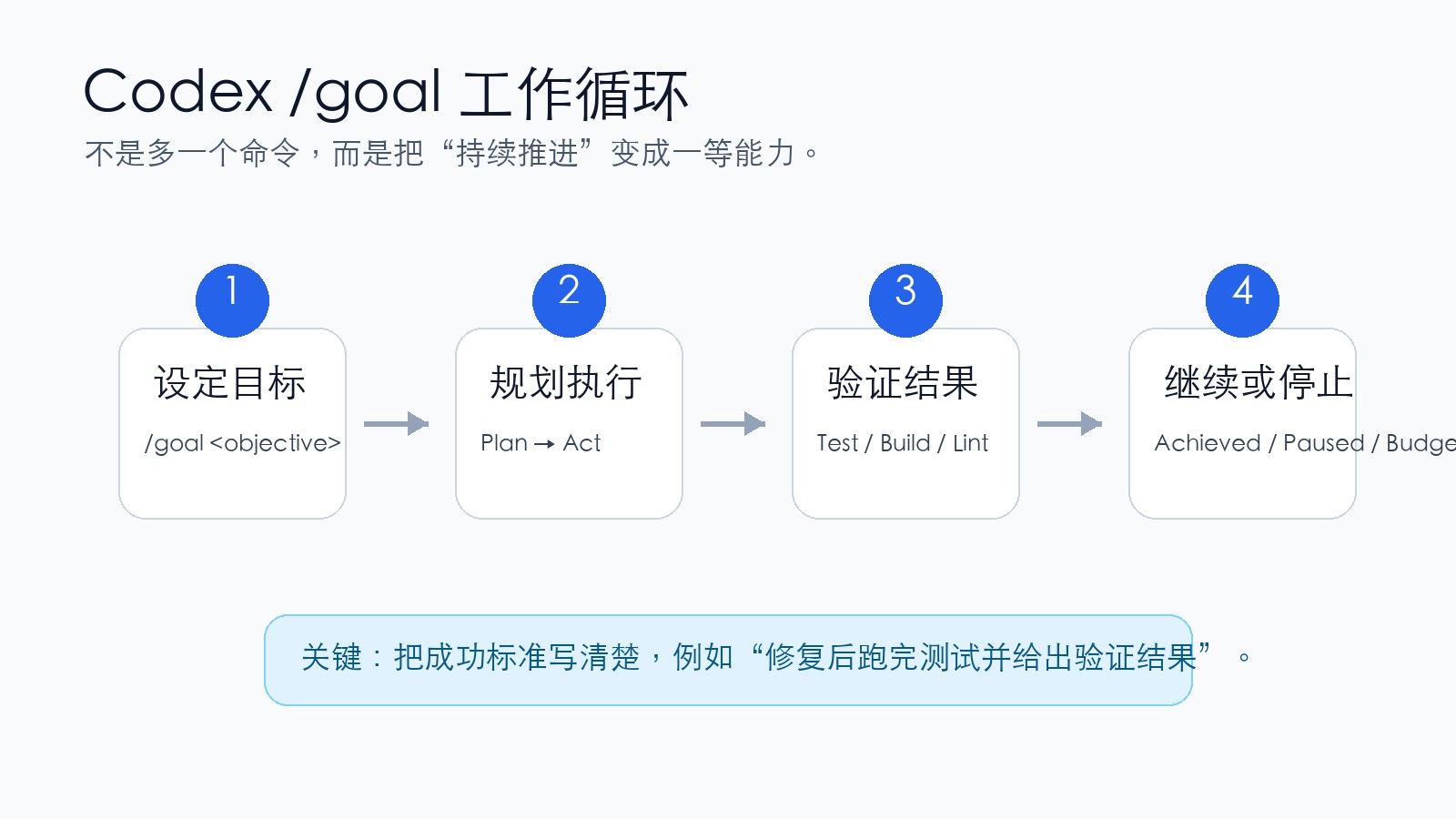
The Key Isn’t /goal—It’s Writing a Goal That Looks Like a Contract
A lot of people will misuse this feature.
For example, writing something like:
/goal Optimize this project for meThat’s basically handing over the steering wheel and hoping the car miraculously ends up where you had in mind.
That’s not how Yannik approached it. His /goal prompt was around 600+ words with a clear structure covering:
- A clear objective
- Which files to read first
- Working rules
- Guardrails on what bad paths to avoid
- Verification methods
- Output requirements
done_when—the explicit criteria for what counts as done
The most important piece here is done_when.
Without a clear definition of done, an Agent easily runs into two problems:
- Declaring completion too early
- Spinning its wheels, repeatedly “optimizing”
So /goal isn’t a magic spell. What it really thrives on is an engineering contract.
The clearer you write it, the better it can execute independently. The vaguer you write it, the easier it goes off track.
A More Reliable Way to Write /goal
Don’t just write a one-line goal. Include at least these sections:
/goal Complete [Task Name].

Goal:
[What is the final deliverable this time]

Read first:
- [Key File 1]
- [Key File 2]
- [Relevant docs / tests / configs]

Working rules:
- Understand the existing implementation before modifying
- Do not modify unrelated files
- Do not add new long-term feature flags
- Do not use --no-verify to bypass checks
- Preserve existing user changes

Completion criteria done_when:
1. [User-facing outcome is usable]
2. [Relevant tests pass]
3. [build / lint / typecheck pass]
4. [None of the specified failure modes introduced]
5. Upon completion, explain what was changed, how it was verified, and any remaining risks

Pause if any of the following occur:
- Login, CAPTCHA, payment, or secret keys required
- Production environment operations required
- Test environment unavailable
- Requirements conflict with each other
This template might look tedious, but it saves you hours of babysitting down the road.
What Tasks Are Well-Suited for /goal?
Tasks with clear boundaries, clear acceptance criteria, and a process that can be automatically verified.
For example:
- Fixing a well-defined bug
- Building a small feature
- Getting a batch of tests to pass
- Verifying and fixing several end-to-end scenarios
- Cleaning up lint errors, type errors, or build errors
- Executing according to an existing SPEC.md or task plan
What these tasks have in common is that the Agent can determine on its own “what is still needed to reach completion.”
What Tasks Are Not a Good Fit?
This part is even more critical.
Not suitable:
- Exploratory tasks
- Tasks with ill-defined success criteria
- Security-sensitive paths
- Tasks dependent on external systems where you haven’t verified connectivity
- Small tasks that could easily be wrapped up interactively within ten minutes
Yannik’s rule of thumb is practical: if a task wouldn’t naturally span across more than two sessions, you probably don’t need /goal.
Don’t use a new feature just for the sake of using a new feature.
Regular Codex is enough for short tasks. Write a SPEC first for ambiguous tasks. Keep humans at the gates for high-risk tasks.
My Take on /goal
The shift with /goal isn’t about “letting Agents run longer.”
Running longer isn’t hard. Running for a long time without drifting off course is.
Previously, humans were more like supervisors: watching it work, stepping in when seeing an error, and tossing in a “continue” whenever it stopped short.
Now, the human role looks more like an architect: define the goals, boundaries, acceptance criteria, and failure modes clearly upfront, then let the Agent execute on its own.
This actually raises the bar for the user.
You can’t just toss out feature requests anymore. You have to be able to break a fuzzy idea down into a contract that an Agent can independently execute, verify, and close out.
If you can’t write that, don’t blame the Agent when it goes off the rails.
The Shortest Practical Advice
If you want to try /goal, I suggest starting with this kind of task:
/goal Fix failing tests in the current project.

Run tests first, locate root causes, and only modify relevant files.
Completion criteria: all originally failing tests pass; no new failing tests introduced.
If external accounts, secret keys, or production environment permissions are required, pause and explain.
Final output: root causes, modifications made, verification commands, and remaining risks.
Don’t jump right in by asking it to “refactor the entire project.”
Start by having it tackle small, verifiable, longer-running tasks. Once that’s stable, expand the scope.
References
- OpenAI Codex GitHub Release:
rust-v0.128.0 - Felipe Coury:
/goallands in Codex CLI 0.128.0 - Greg Brockman: built-in Ralph loop++
- Yannik (@ynkzlk): 6-hour 44-minute
/goalcase study - Tecton & Tide: From SPEC.md to
/goal: My Codex + GPT-5.5 Workflow - Michael Guo: Chinese summary on
/goaland engineering contracts