I recently saved a few "universal prompts" for Seedance, and they all had one thing in common: they were long. After messing around with them, I realized the ones that actually work are written even shorter: leave characters and scenes to reference images, and use text only for action.
One prompt spelled out everything: focal length, color temperature, dust in the air, character mood, camera speed. I plugged it in as-is, and the footage looked okay. The person walked, curtains moved, light came in from the window.
But when I put it next to a single line—“The girl hangs up the phone, pushes open the door, and runs out into the rain”—I couldn’t see where that massive paragraph had won.
What’s more troublesome is that every once in a while, it really does produce a gorgeous shot. Once the pretty picture is done, you still have no idea which phrase did the trick. Next time you switch characters or swap rooms, you have to drag the entire block over again and try your luck.
It’s a bit like buying a lottery ticket. Even if you win, you can’t explain how the numbers came together.
I’ve Been Writing Shorter and Shorter Prompts
Seedance 2.0 can already take text, images, audio, and video simultaneously. If an image can do the job, let the image do it. Model capabilities and billing methods will keep evolving; refer to the official site when you use it for exact details on supported inputs and pricing.
When I have a consistent character reference image, I stop writing about how old she is, her hairstyle, or which jacket she’s wearing. When the platform supports reusing a “subject,” I just reuse it. The same goes for scenes. A single image already establishes the space, textures, lighting, and character proportions; writing it all out again only blurs the focus.
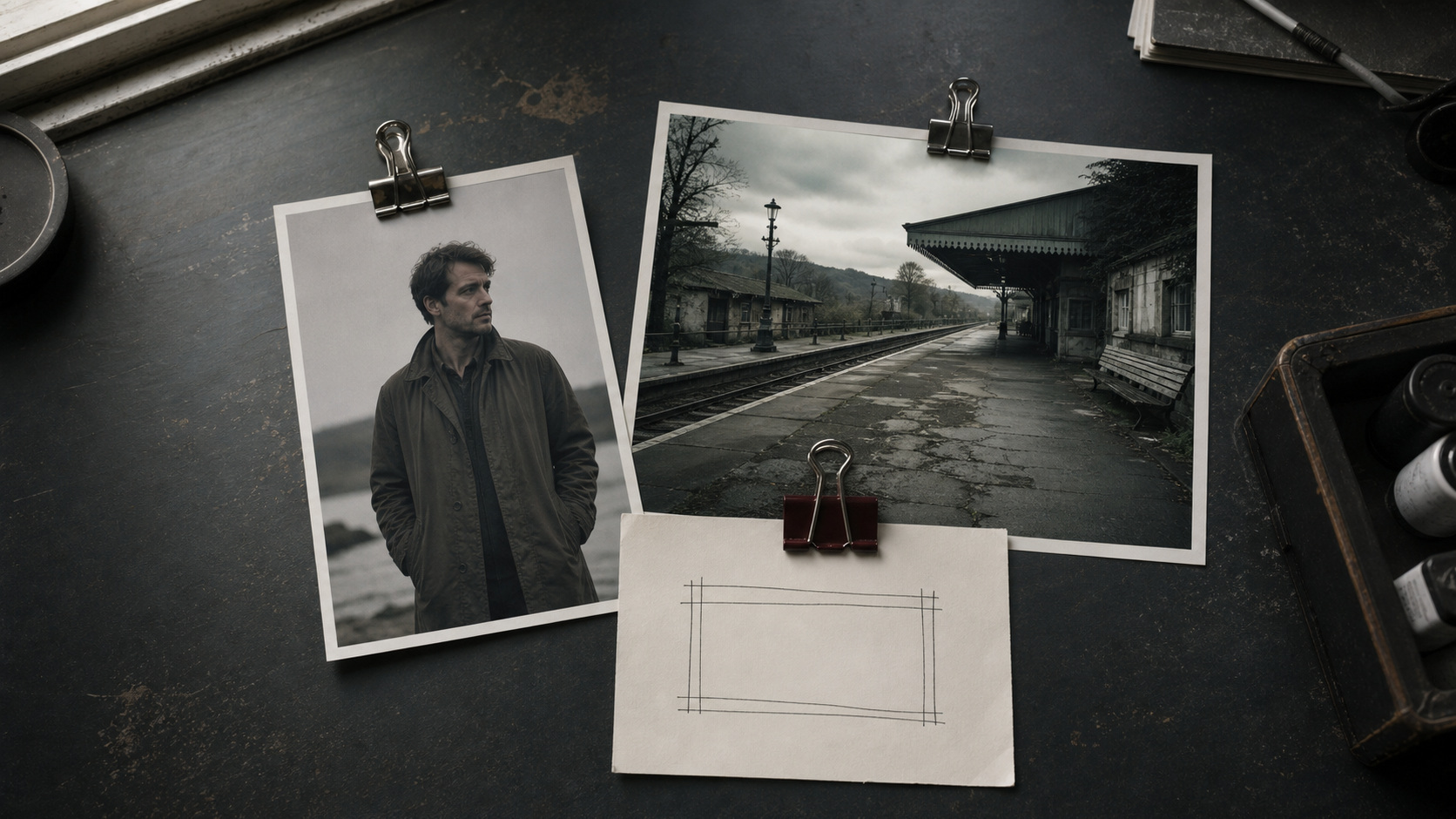
Save text for changes not present in the image.
Here is how I write them now:
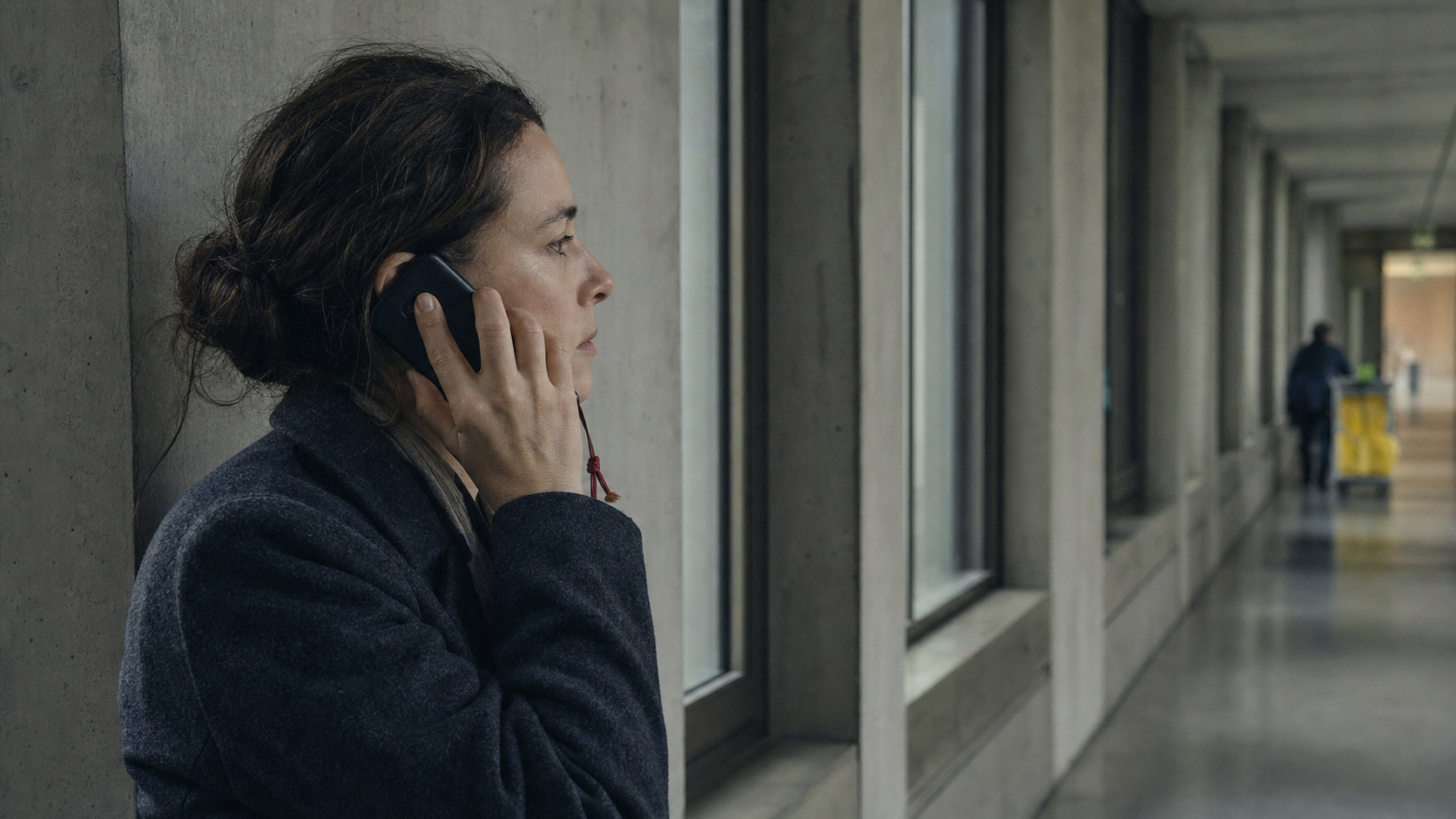
Medium close-up. She hangs up the phone without putting it down. She stares out the window, pausing for two seconds, as the sound of rolling cart wheels comes from the end of the hallway.
That’s it. Shot scale, action, pauses, sound—all of them can be checked. Did she pause for two seconds? Did her gaze shift over? Did the rolling wheels keep up? Once it generates, you can tell at a glance.
“Melancholic, poetic, cinematic, warm sunlight, dust, memory” aren’t forbidden words, of course. It’s just that they can’t take action for the character. If cutting those words suddenly leaves the person in the shot with nothing to do, then that shot wasn’t clearly thought through to begin with.
I handle sound separately, too. Since there’s still editing ahead, I only let the model handle dialogue, ambient noise, and foley. The doorbell, rain, shoes splashing in water—these grow out of the visuals. Don’t rush to generate BGM, or your pacing can easily get locked into an ill-fitting track.
Take the girl rushing out of the convenience store into the rain. The character image tells the model who she is; the scene image tells it what the door and the street look like. The text only says: The phone rings, she checks the screen, her expression changes, and she pushes the door open and runs out.
I don’t push for a final cut on round one, either. I check four things first: Did the face change? Is the sequence of actions right? Did the camera jump erratically? Did the key sounds keep up? Whichever fails is the one I fix.
A Few Lessons Burned Through Credits
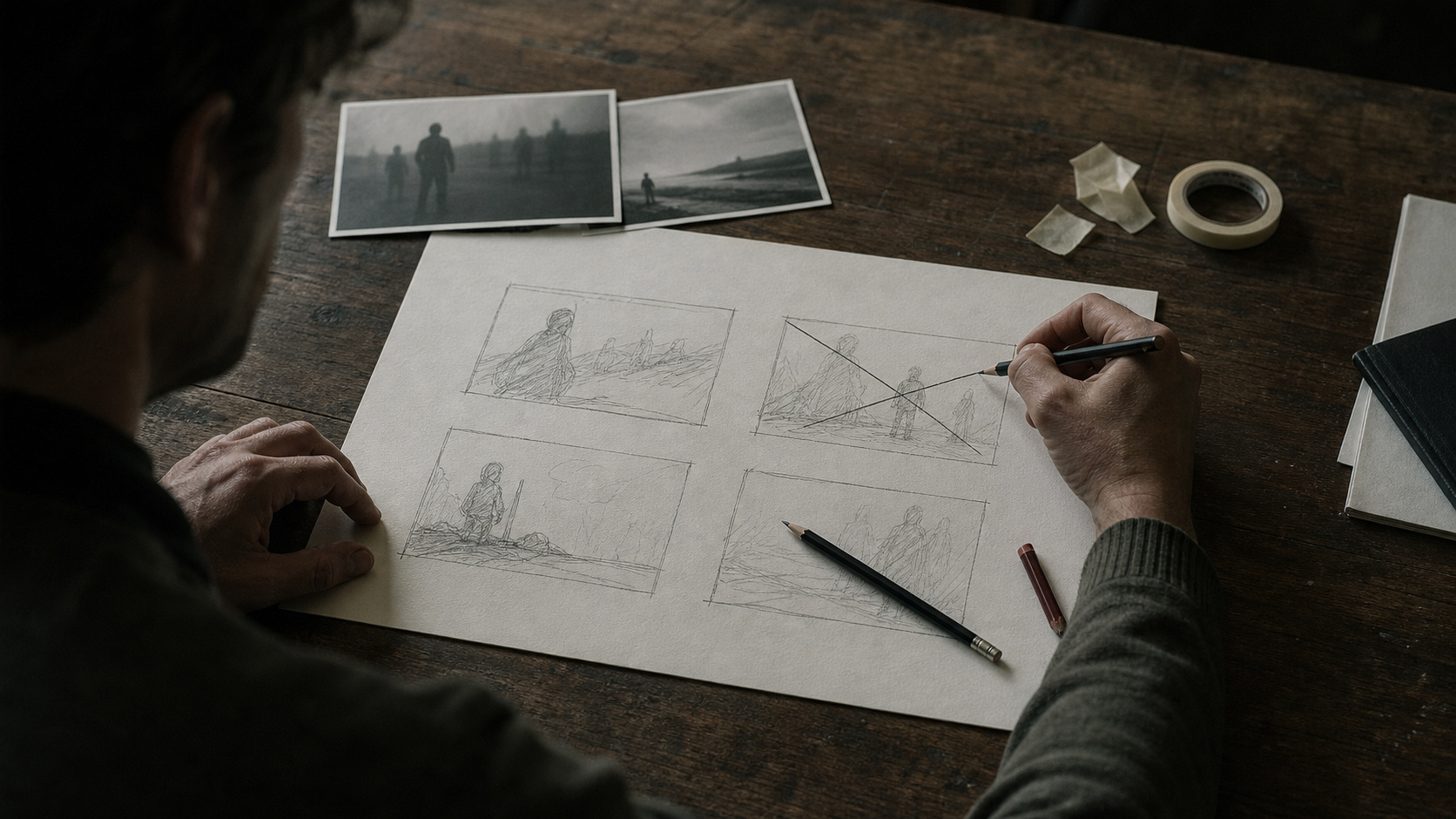
Make a storyboard, but make it for yourself first.
It helps me decide the shot sequence, character blocking, and where to cut. But toss an entire storyboard crammed with arrows, curves, tables, and tiny text at a model, and you’ll often end up talking past each other. The model sees a complex image; it won’t necessarily follow the reading order in your head.
Break key shots into individual reference images, and write out the sequence in short sentences. It feels clunkier, but it’s much more solid.
When I write timecodes, it’s mainly to stop myself from cramming too many actions into a single shot.
“0 to 3 seconds close-up, 3 to 6 seconds zoom out” can help me lay out the order, but you can’t count on the model to cut on the dot at the 3-second mark every time. Stuffing five or six shots into a dozen seconds usually ends with none of them turning out clear.
I don’t obsess over 720p versus 1080p from the start, either.
When testing characters, actions, and camera moves, low-res is plenty as long as you can see whether the face changed or the action drifted off course. There’s no need to make the model churn out 1080p every round. On platforms that deduct tokens, points, or credits by resolution, generating low-res first is far cheaper and saves waiting time.
Once the shot is locked down, feed the selected clip to tools like Topaz Video AI for upscaling and sharpening. If the action is wrong, Topaz can’t save it anyway, so I’d rather spend my credits upfront testing a few more rounds.
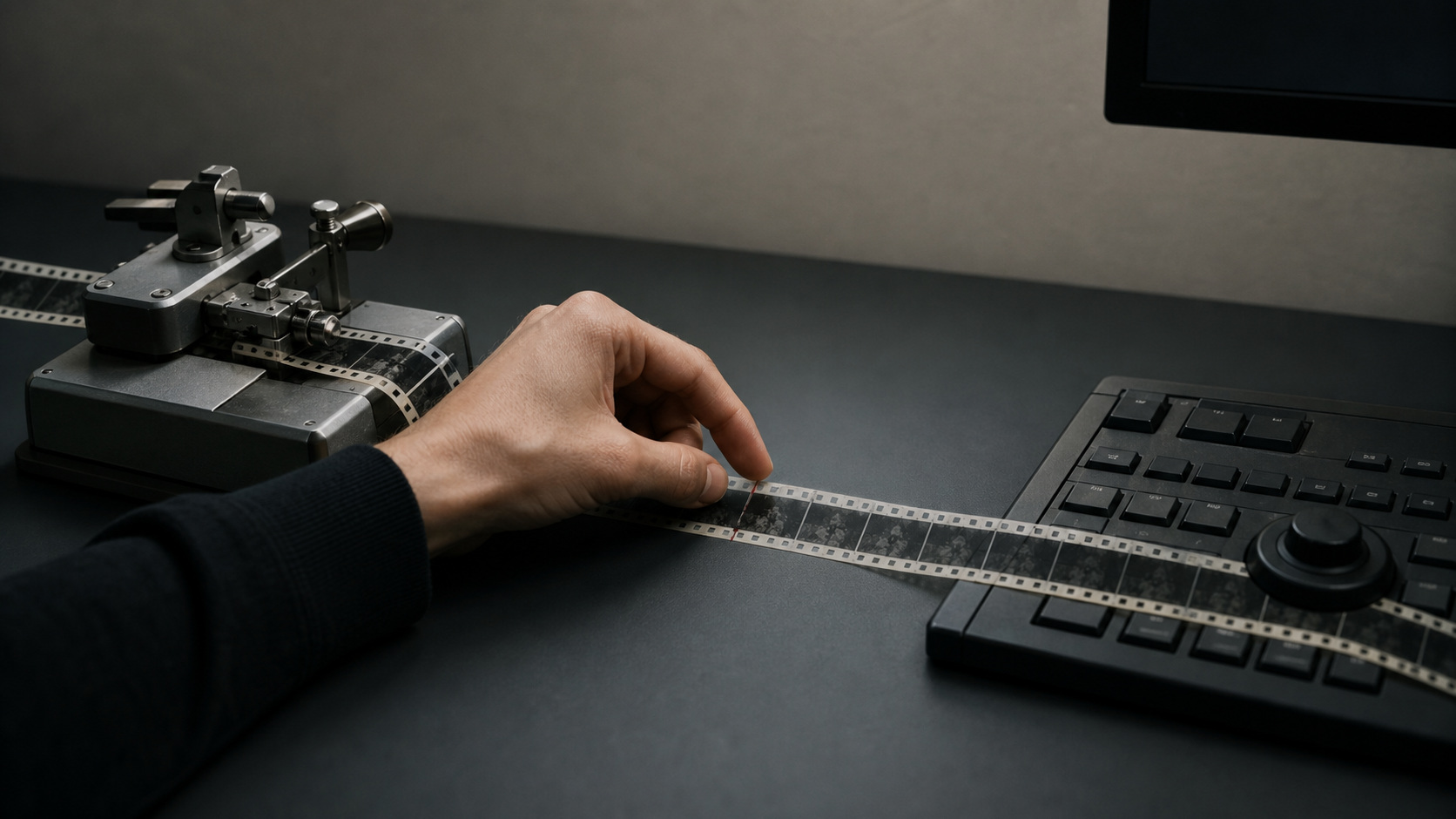
I also have a very crude check now: if I can’t even get through reading my own prompt, I probably haven’t seriously thought through what should happen in that shot.
That style of writing is just piling on words in hopes that a few of them might accidentally click. Once finished, even you can’t tell which line is worth keeping.
Why There Are Flowers Behind the Door
What these practices cut out is rework: you don’t have to keep re-describing the character, you don’t have to hunt for conflicts inside bloated prompts, and you don’t have to roll the dice on high-res renders.
Once shots start rendering quickly, I soon hit a wall with a different set of questions:
Why does she run out after taking that call? Why did the cart in the hallway make her pause? Why should the audience keep following her?
AI can list twenty answers. I have to delete nineteen of them.
I’d rather take a sheet of paper and draw three boxes.
The first: she stands outside the door.
The second: she pushes the door open and goes in.
The third: no one is in the room, but the table is covered with flowers.
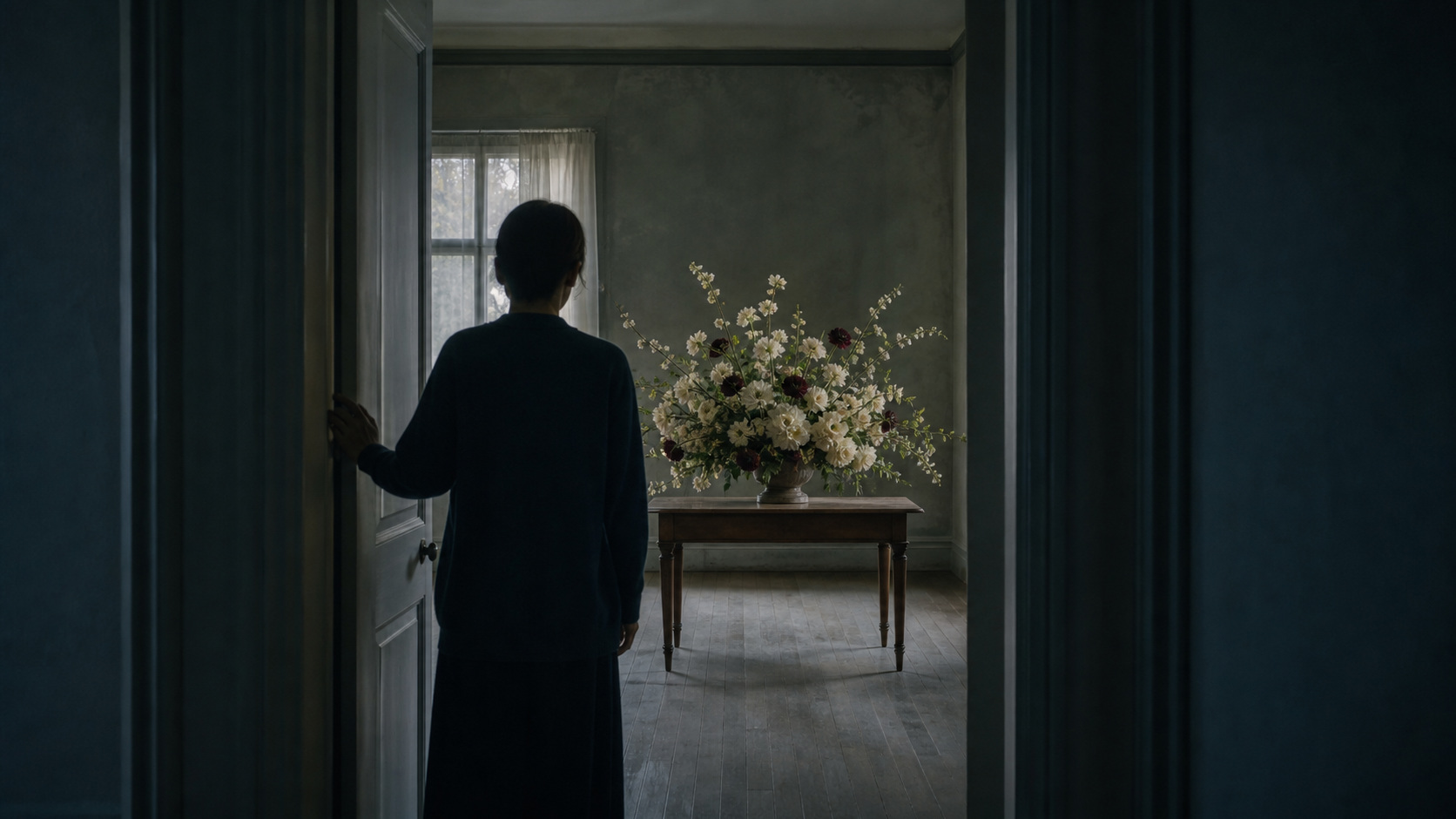
Seedance can give me ten ways to push open a door, and ten expressions after seeing the flowers.
But I need to know why it’s this door, why there are flowers inside, and why she didn’t cry when she saw them.
Next time I write a Seedance prompt, I’ll probably write it even shorter.
A character image, a scene image, a single line of action. What little time is left, I want to save for the flowers behind the door.
FAQ
Why Do Prompts Get Worse as They Get Longer?
Long prompts can occasionally yield gorgeous shots, but you can never tell which phrase actually made it happen. Switch characters or swap rooms, and you have to drag the entire spell over again to try your luck—a bit like buying a lottery ticket. Even if you win, you can’t explain how the numbers came together. Short, inspectable, reusable prompts are what actually work.
Should Characters and Scenes Still Be Written into the Prompt?
Once you have reliable reference images, you don’t need to write them anymore. The character image already establishes how old she is, her hairstyle, and which jacket she’s wearing; the scene image already makes the space, textures, lighting, and character proportions clear. Writing it all again only blurs the focus. Text should be reserved solely for changes not present in the image: actions, pauses, sound.
Should You Generate Low-Res Previews First?
Yes. When testing characters, actions, and camera moves, low-res is plenty as long as you can tell whether the face changed or the action drifted off course; there’s no need to output 1080p every round. Most platforms deduct tokens, points, or credits by resolution, so generating low-res first is cheaper and cuts down the wait. Once the shot is locked down, hand it off to Topaz Video AI for upscaling—though if the action is wrong, upscaling won’t save it anyway.
To see how the same mindset applies to shots with a cinematic film look, check out AI Can Already Shoot with a “Cinematic Film” Look; to systematically learn how to write shot-by-shot prompts and build complete storyboards, see the preview page for the Higgsfield AI Video Course. For more hands-on AI video creation reviews, see our AI Video Creation topic.
Source note: Descriptions of multimodal input in this article reference ByteDance Seed team's official introduction to Seedance 2.0; timecodes, low-res previews, and Topaz post-upscaling reflect personal workflow experience. Platform billing methods vary, and post-upscaling cannot fix an action that was generated wrong in the first place.