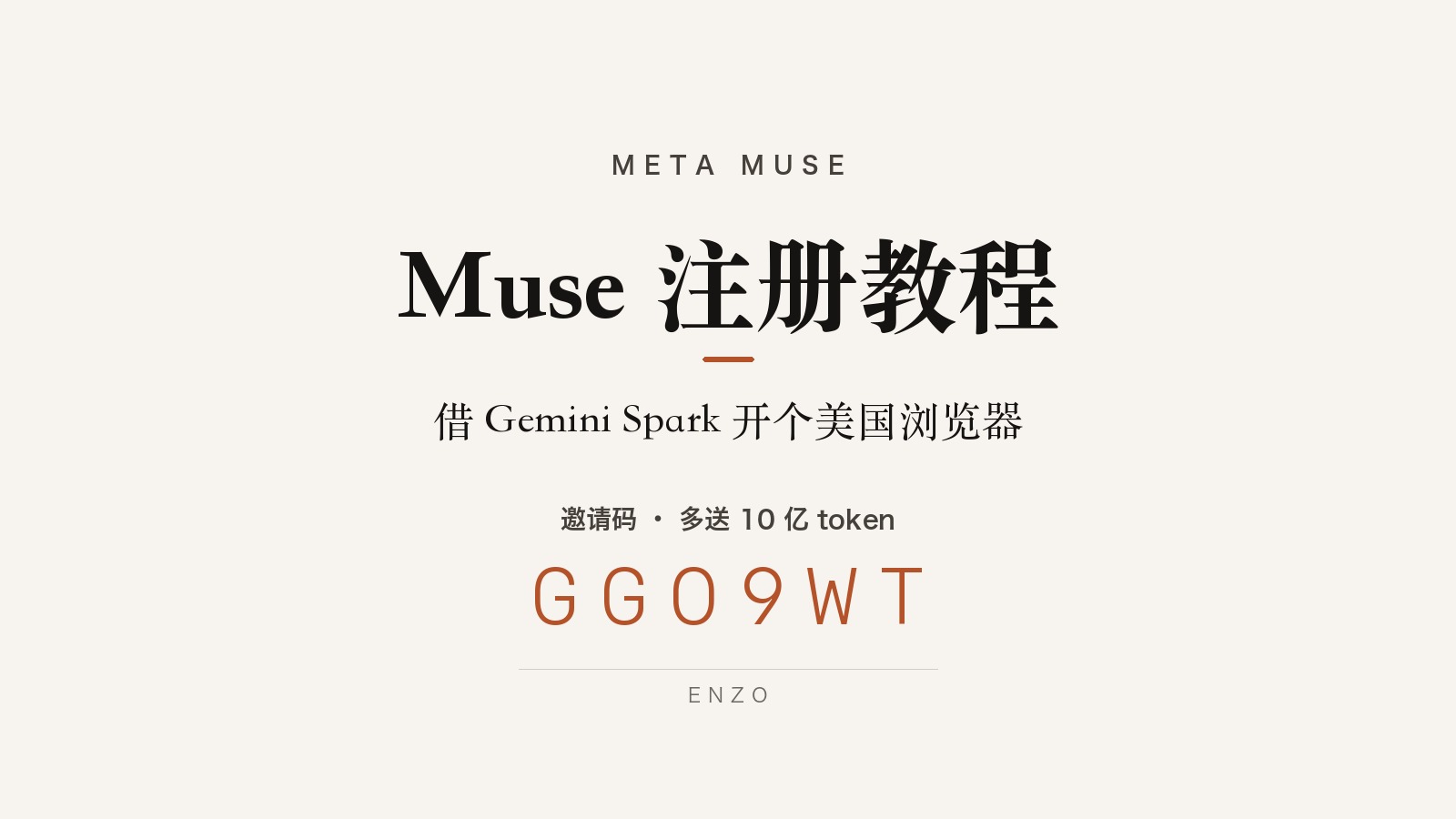
Muse is only open in the US for now. Signing up from elsewhere tends to leave you stuck in a queue or at a card check. The workaround is to have Gemini Spark open a browser in a native US environment and sign up there. I did the whole thing inside RoxyBrowser, a fingerprint browser.
What You Need
- A Gemini AI Pro or Ultra plan (Spark is only available on these two tiers)
- An existing Facebook account
- A Visa card, as a backup
- A clean proxy node
Advertisement
Sign-Up Steps
- Open Gemini Spark: gemini.google.com/spark
- Enter the prompt:
Open http://muse.ai/join - Click “Allow”: a browser running in a native US environment opens in the current window
- Sign up with email: in that browser, enter your email and the verification code
- Link Facebook: use an existing account, which lets you skip the card check
- Enter the invite code: Settings > Redeem Code, within 48 hours of signing up
Invite code: GGO9WT
It adds an extra 1 billion tokens, which lasts a long time. You don’t get them without the code.
Troubleshooting
- Stuck in the queue: your proxy node isn’t clean. Switch to a clean node and try again
- Card check pops up: any Visa card works. You’re charged $1, refunded after a week
- Invite code invalid: each code has a limited number of uses, so it may be full