
Installing apps on a TV isn’t hard. It just eats your time.
Hunting down APKs, figuring out 32-bit vs 64-bit, copying to a USB stick, granting permissions, clicking through installs one by one, then configuring sources. No single step is hard. Together they cost you an evening.
What is TVBox? It puts the newest shows, movies and variety programs on your TV the moment they come out, which is why it ends up on almost every TV.
This time I handed that evening to Codex. I typed on my Mac, and it connected to the TV and installed everything itself.

| Installed | Result |
|---|---|
| TVBox | Updated to the latest version, 12 sources configured |
| Apple TV | QR-code sign-in, plays fine, Chinese subtitles available |
| Netflix | Signs in and plays, SD quality |
| Douyin TV | Scroll short videos with the remote |
| Casting, player | Mac can cast, local videos play |
01Before You Start: Get These 3 Things Ready
1A Mac with Codex installed (Claude Code works too)
2The TV and the Mac on the same Wi-Fi
3Developer mode and network debugging turned on for the TV
Developer mode is usually unlocked by tapping the build number repeatedly under “Settings → About”. If you can’t find it, send your TV model to Codex and ask. Mine is a TCL Thunderbird, and most Android TVs work. I also did this remotely on a friend’s Sony TV, and it worked there too.
02Copy This Message and Let AI Install TVBox
Connecting to the TV, installing TVBox, configuring sources: say it all in the first message. Below is what I actually sent, lightly tidied. You can copy it as is:
Goals:
1. Find the TV’s IP automatically and connect with ADB. If I need to confirm anything on the TV, just tell me which button to press.
2. Update TVBox on the TV to the latest version (install it if it isn’t there), and confirm it opens normally.
3. Add the config source https://tvbox.clbug.com/user.php and add the first 12 sources from that site.
4. If you hit permission, architecture, install-conflict or network problems, troubleshoot and fix them yourself first, then verify again.
5. Don’t touch settings or apps unrelated to this task. No factory reset, no root.
Rules:
- Anything you can do automatically, don’t make me do by hand.
- Don’t make up the IP, install results or whether sources work. Verify for real.
- If there’s an old TVBox, check whether it can be safely overwritten first. Don’t delete existing data unless you have to.
- Stop once the sources are configured; no need to test each one. At the end, report only: what you did, whether it works, and what you still need from me.
Once you send it, the TV pops up “Allow USB debugging?”. Tick “Always allow” and press Allow. That’s the only time in this whole tutorial you pick up the remote. Just this once.
19 minutes later, it handed back this:

When watching, switch sources under TVBox “Settings → Line selection”. If one won’t load, try the next.
03Want Something Else? One Sentence Is Enough
The rules were set in the first message. Just keep going in the same conversation; it remembers the earlier requirements. Everything below is what I actually typed.
Apple TV: for Apple’s exclusive shows
Why install it: Apple’s own exclusives only stream here. Severance, Ted Lasso and other top-rated shows are all Apple’s, with good picture quality and no ads.
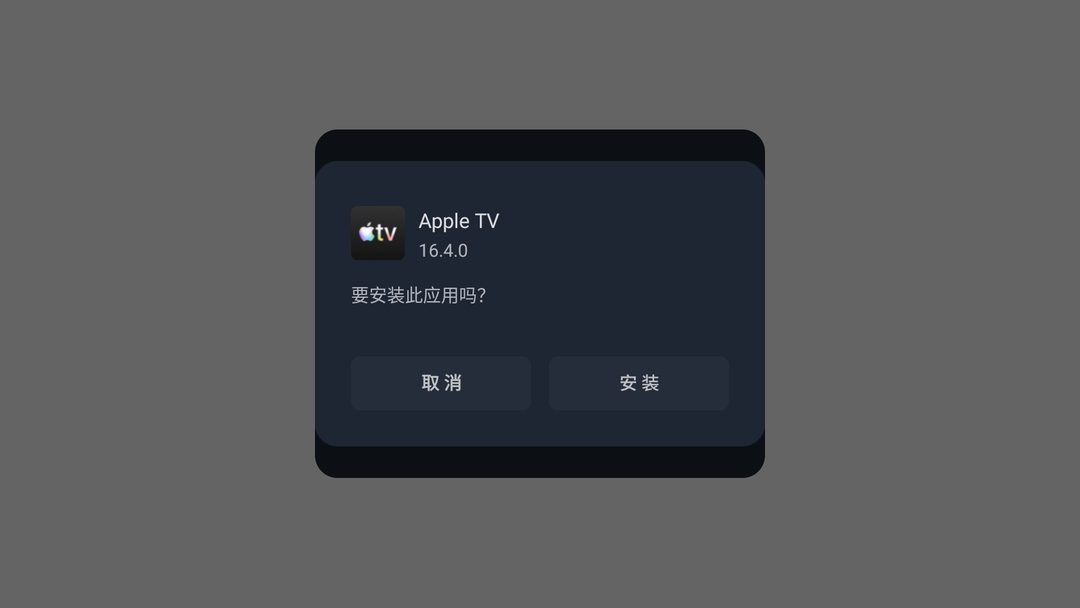
Once installed, sign in with a QR code. If it’s a black screen the first time, tell it, and it restarts the app.

Netflix: hand the error to AI
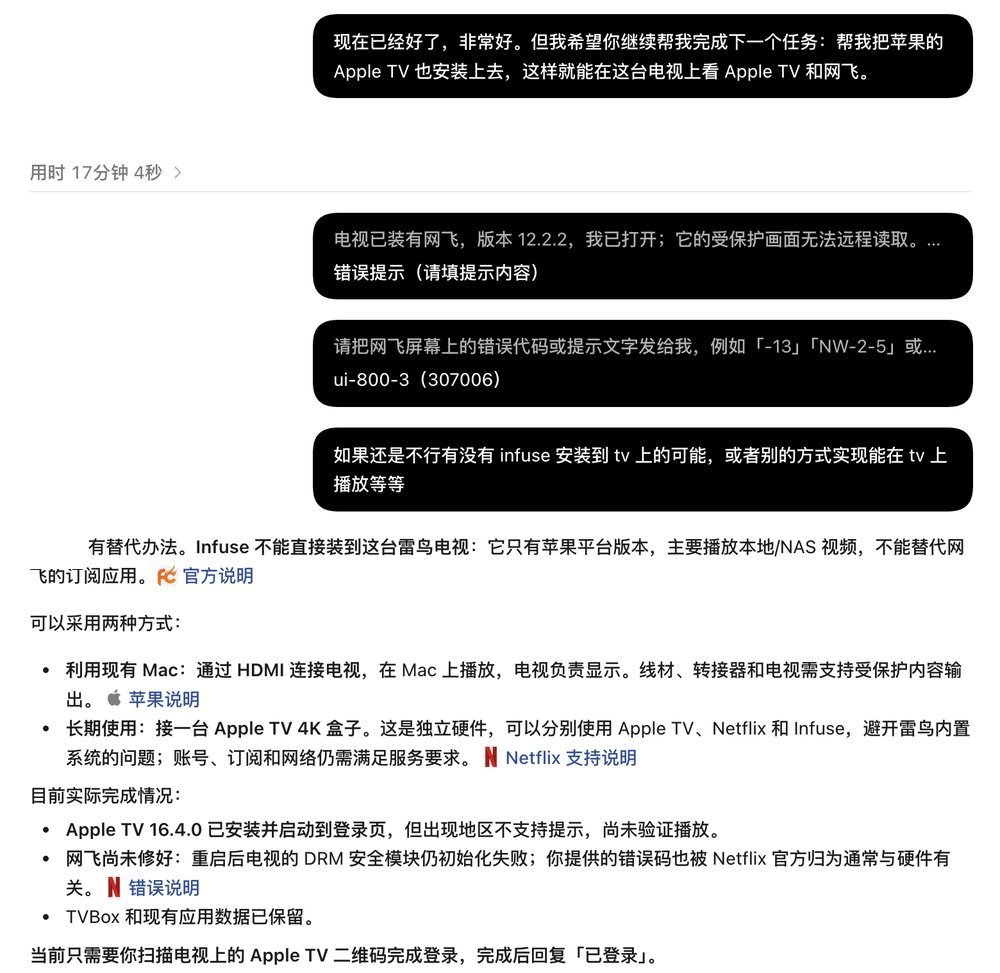
If Netflix throws an error, give the error code to the AI. It fixes it on its own and swaps in a version that fits.
Douyin: scroll with the remote
The official TV version has been discontinued, so it installed a third-party app called myDV. Scroll up and down with the remote.

AirScreen and VLC: easier casting
Install AirScreen and VLC together, for casting and playing local videos.


Finally: clear out old versions and leftovers
That freed up 1.4 GB.
04If a Computer Can Control a TV, What Else Can It Do?
Installing apps is only the start.
If a computer can install apps, press buttons and read the screen, then having AI build a little remote-control game for the TV, play the family album at startup, or pop up a reminder after the kids have watched for an hour is just a few more sentences.
Things you wouldn’t have dared imagine, you can now just say out loud and try.
Enzo · 09.26