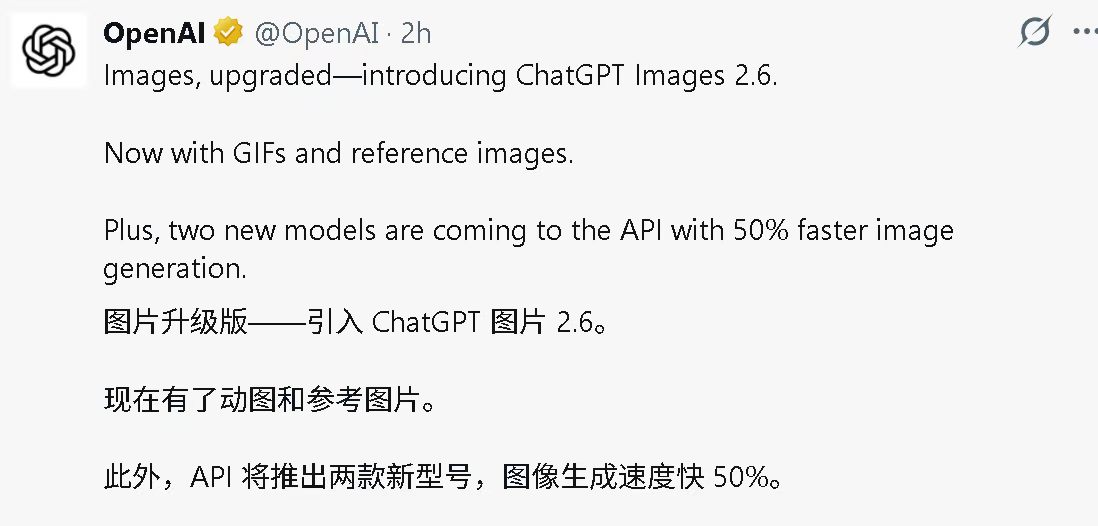
OpenAI released Images 2.6 on November 4. ChatGPT can now create GIFs directly.
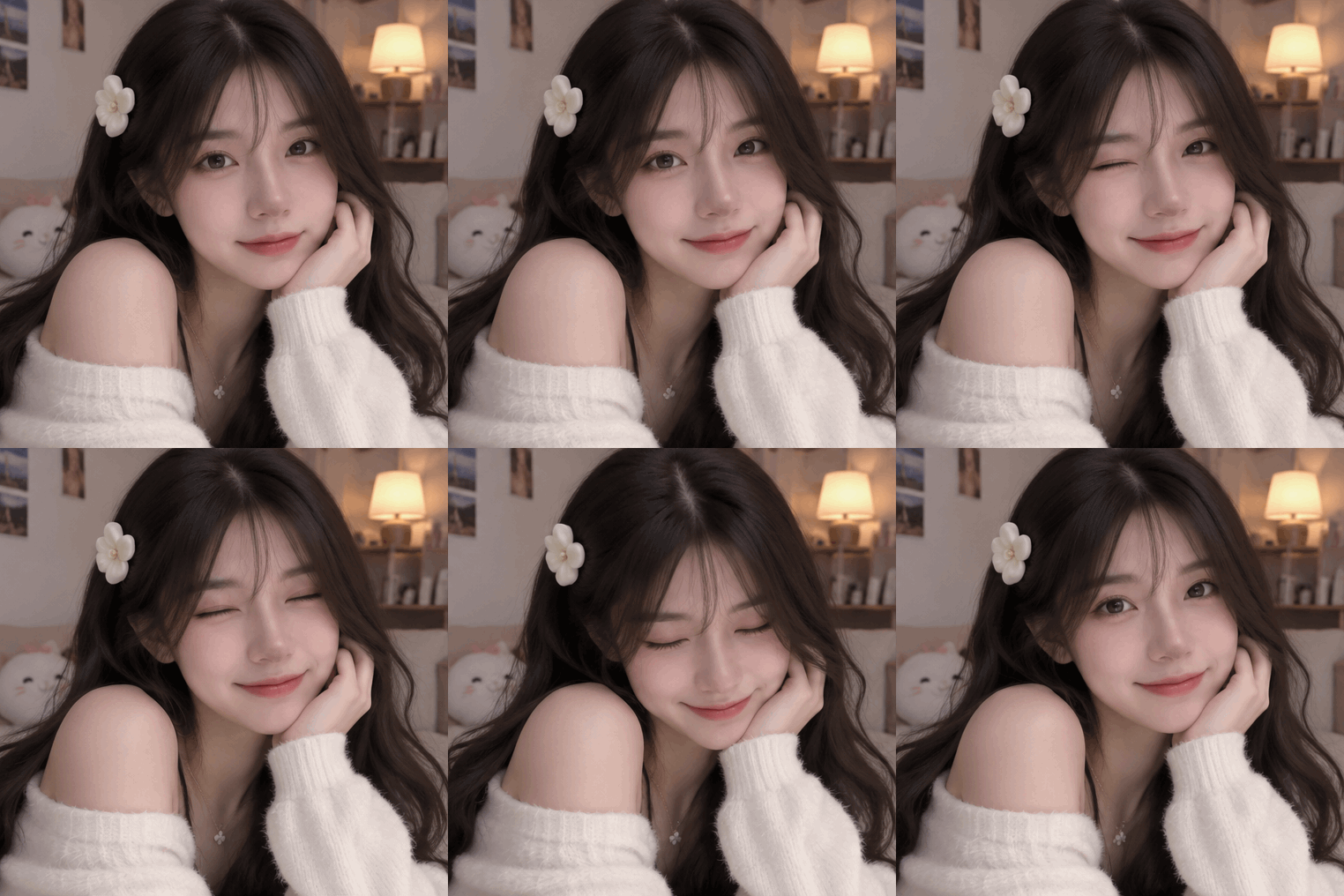
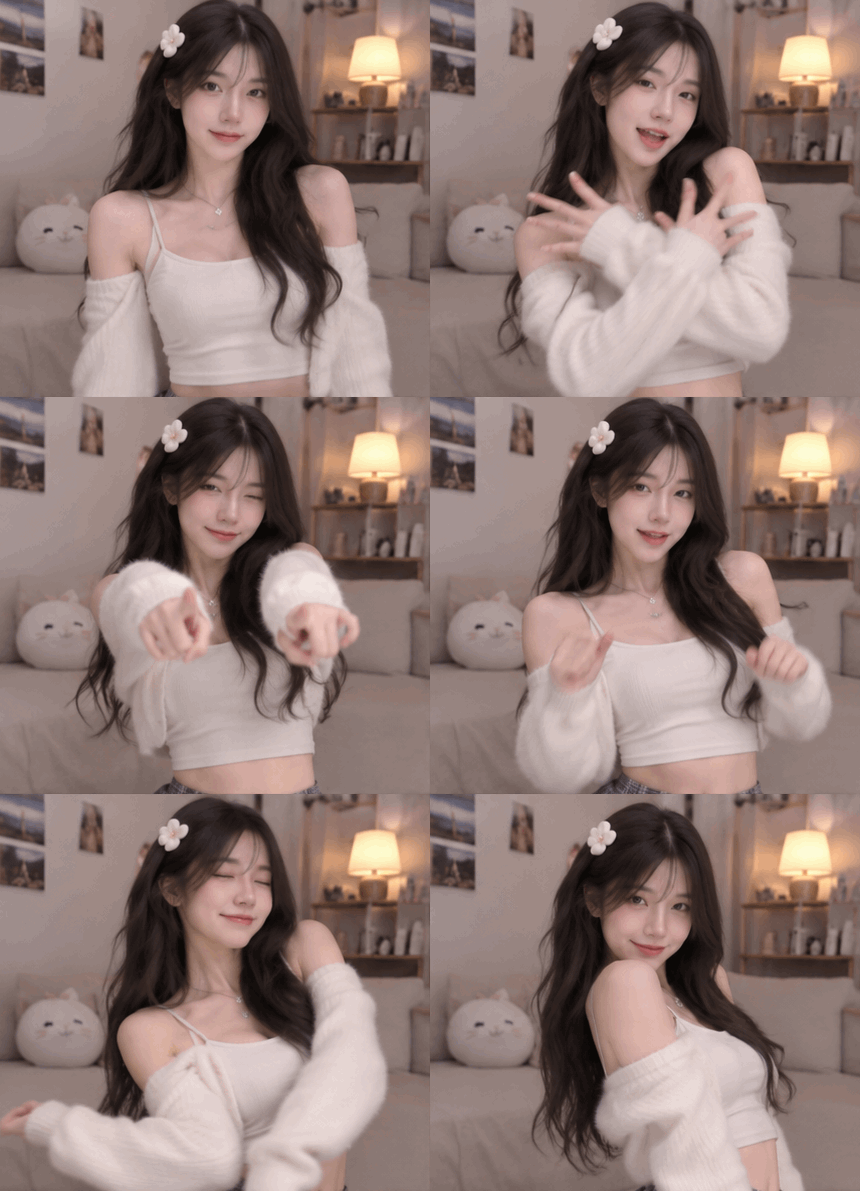
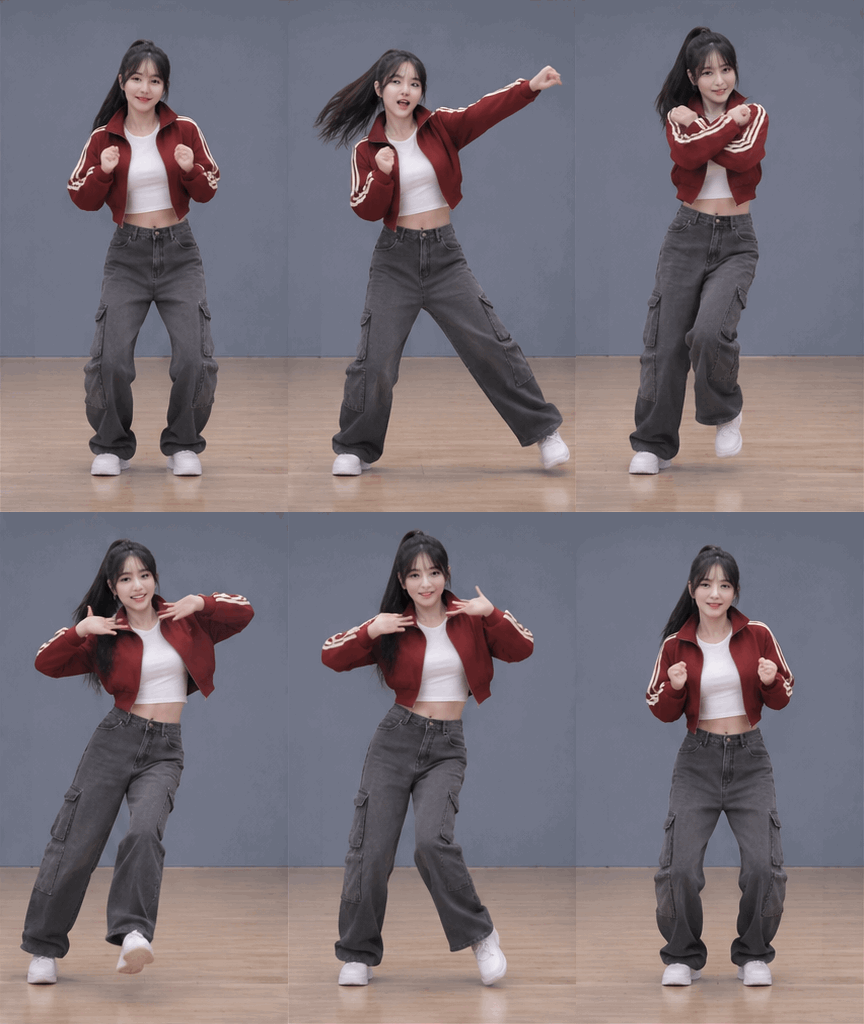
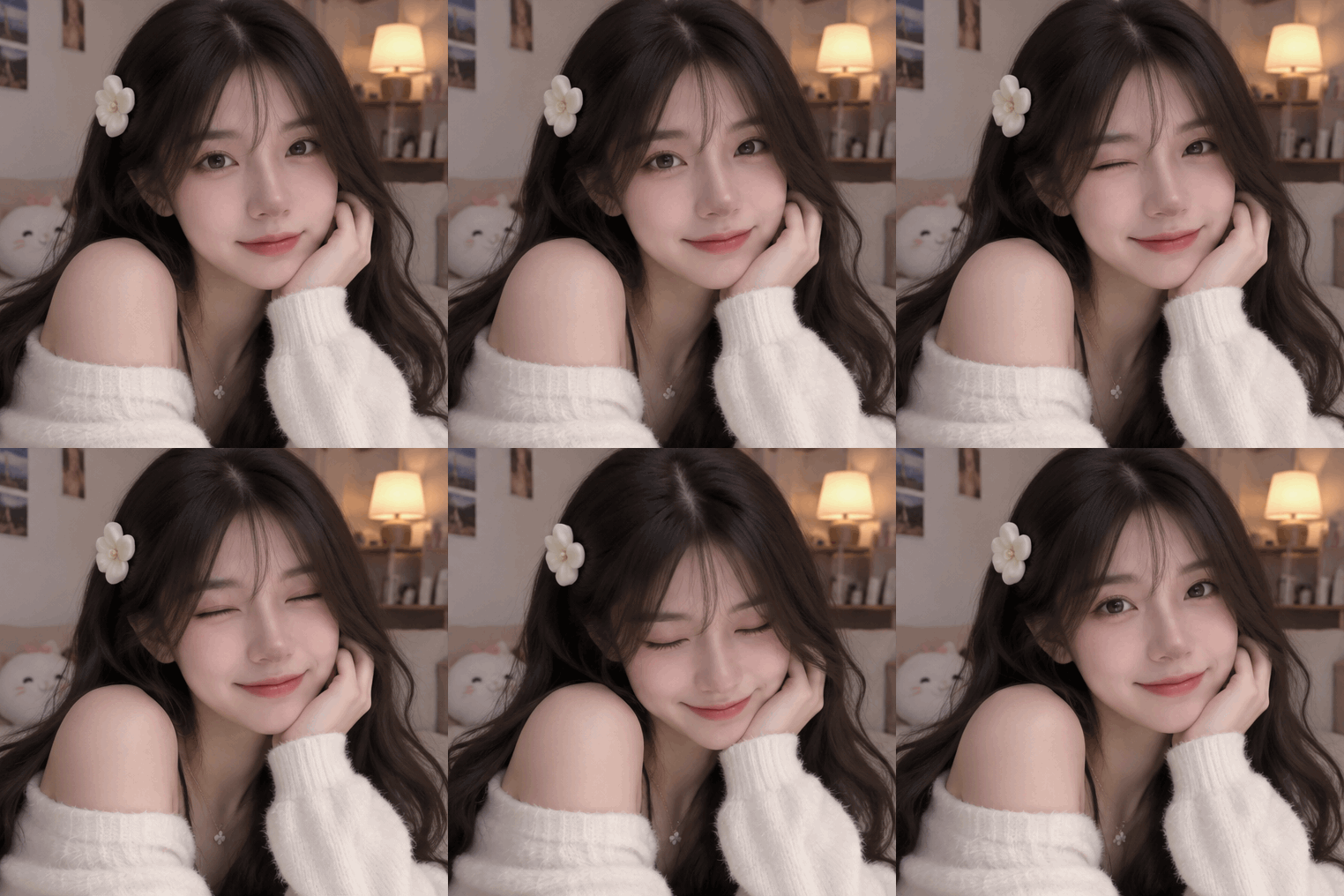
Here are three examples: a blink, a hand gesture, and a short dance.
Adjust the GIF playback speed
ChatGPT can adjust a GIF’s playback speed. Here is the same blink side by side: the original is on the left, and the version on the right was slowed locally to 0.5x using the original GIF.
Reuse reference images across chats
For a recurring character, you can save a reference image and call it up again in a new chat.
OpenAI gives an example: save a photo of your dog as Pepper. In a new chat, mention @Pepper to create a watercolor portrait from the saved photo, without uploading it again.
In an OpenAI API example, a person’s photo is combined with reference images of a jacket, top, and boots to generate an image of the person wearing that outfit.
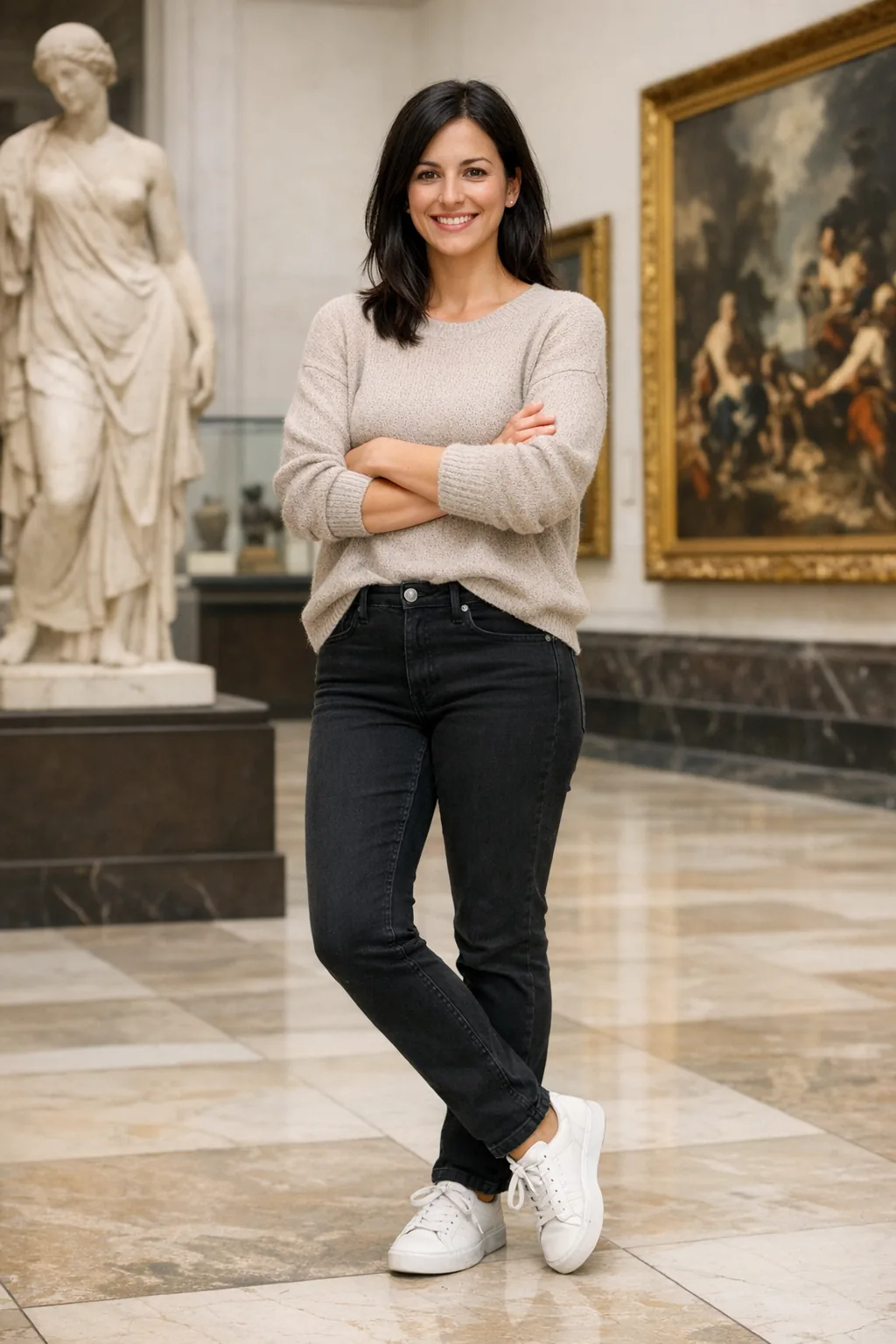
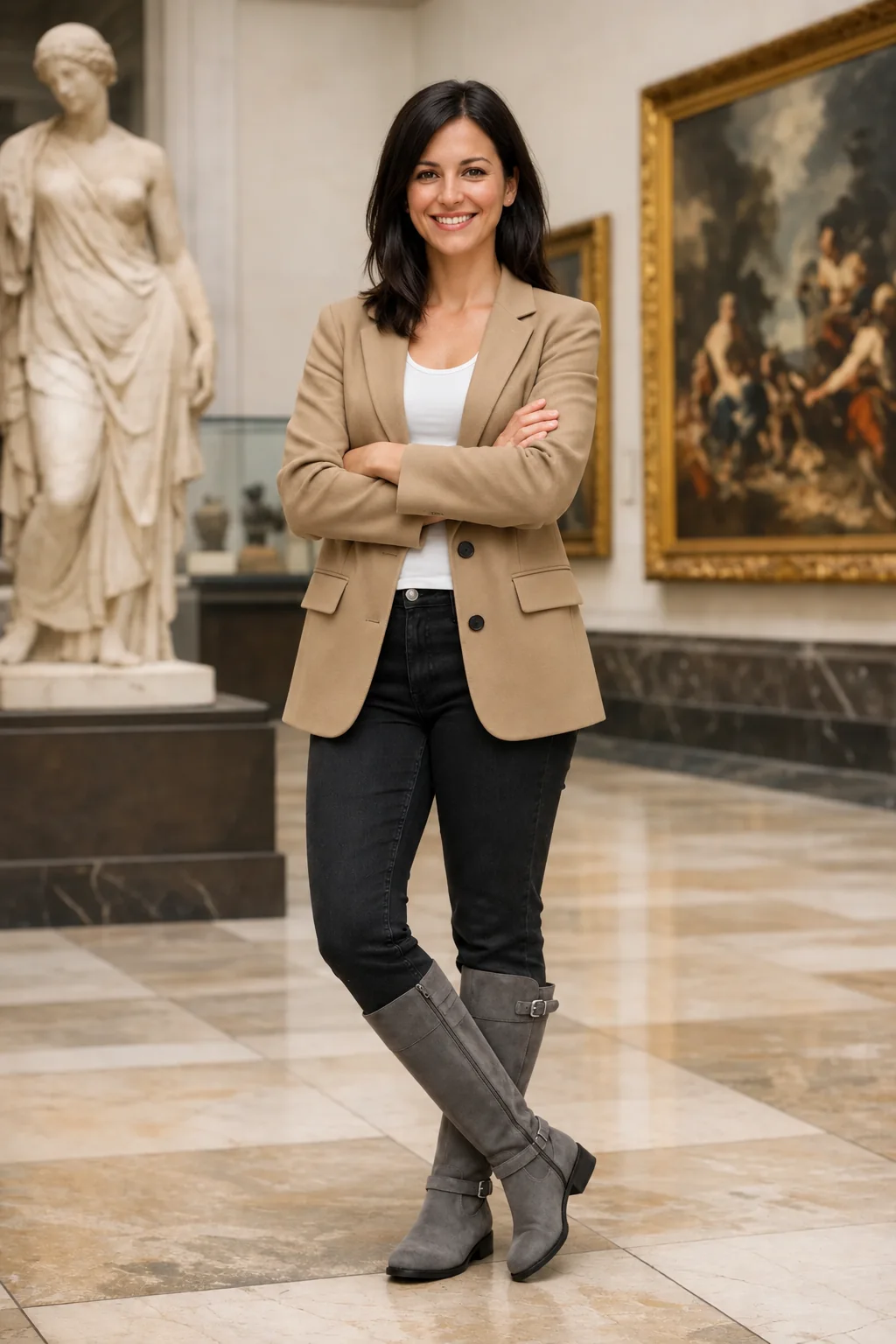
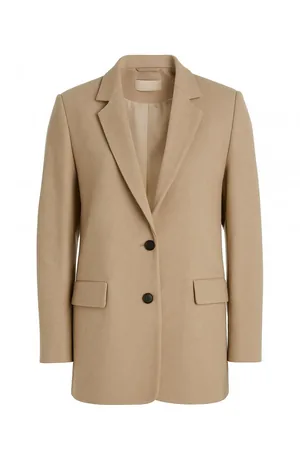
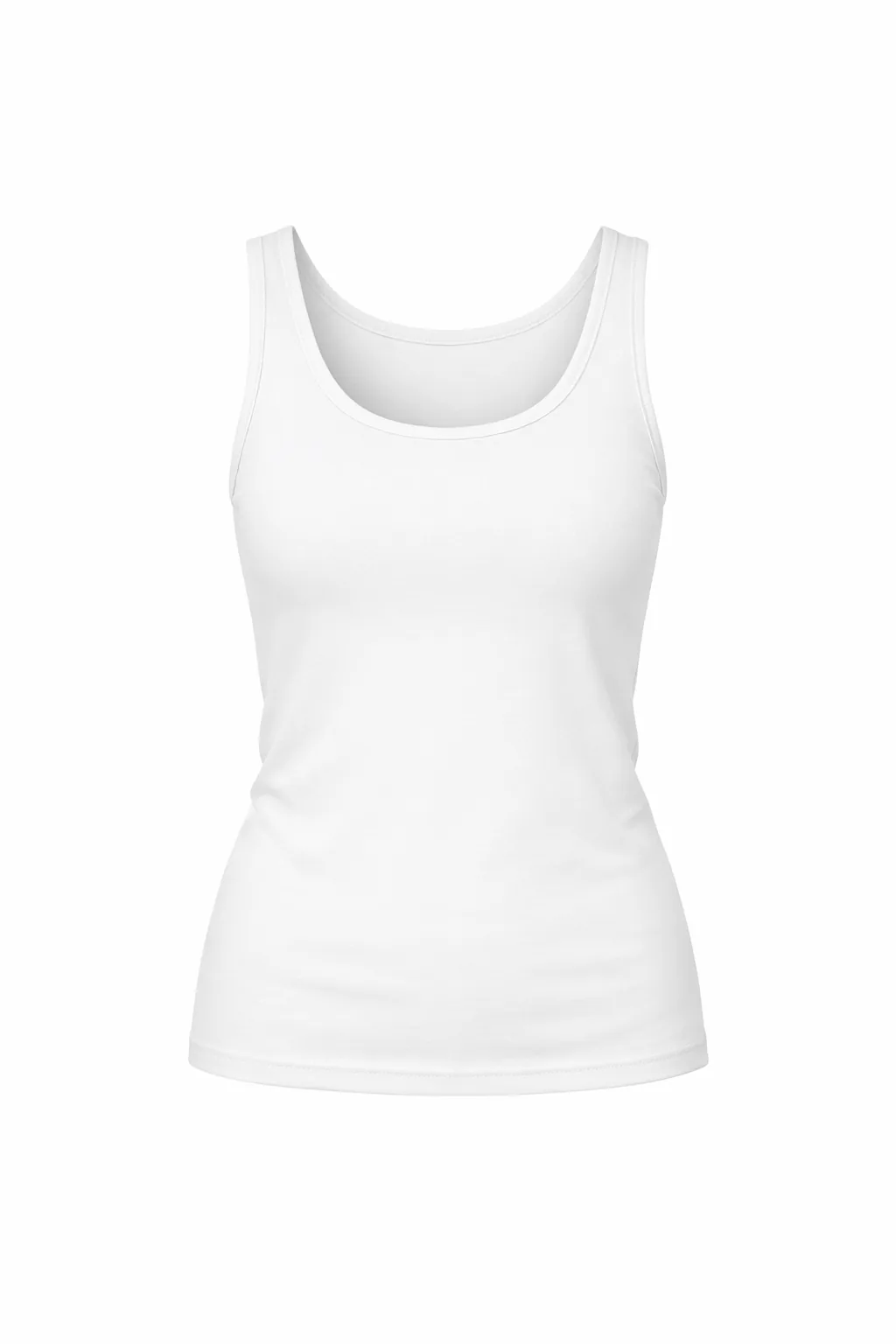
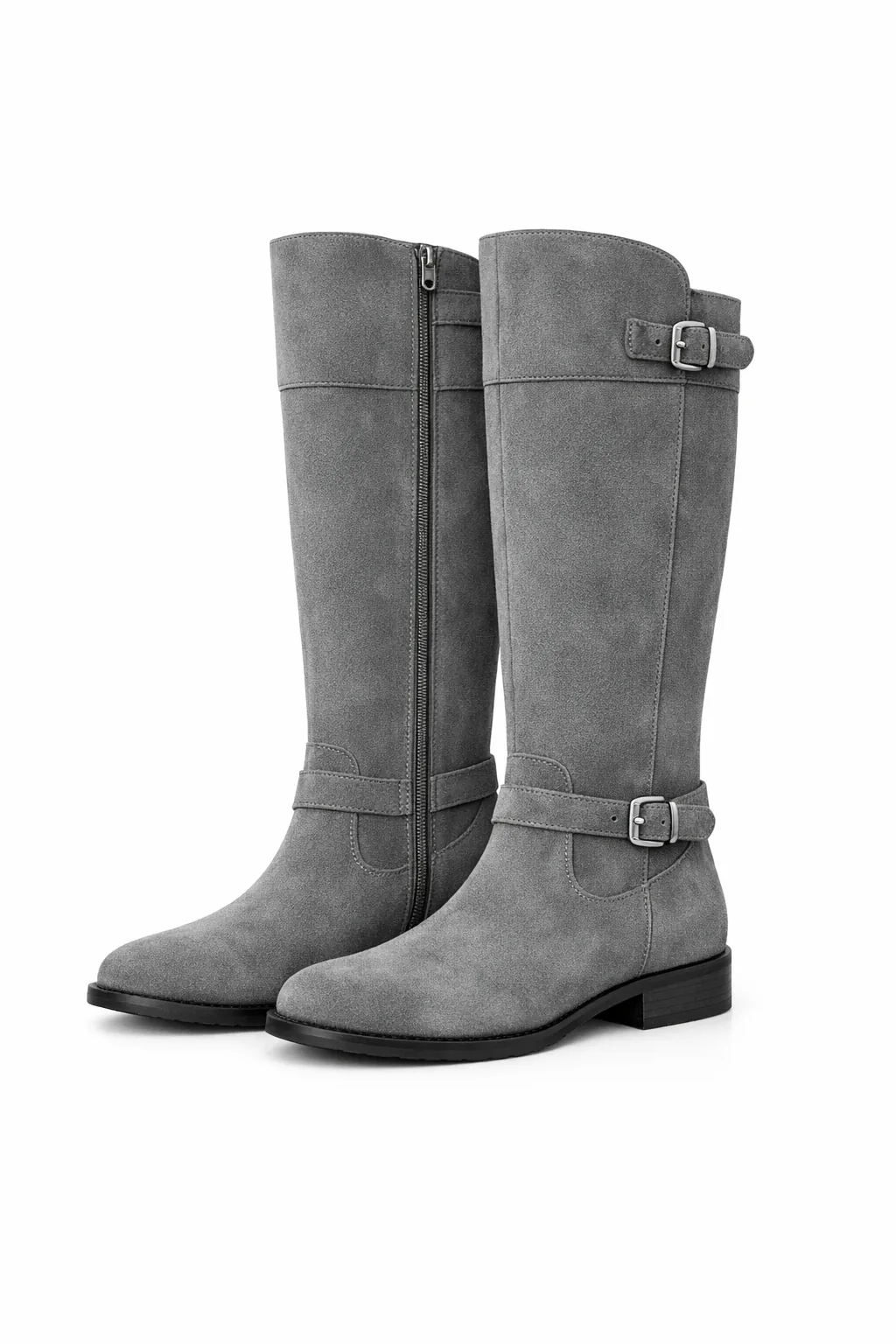
Reference images can help keep a person’s appearance, hairstyle, and clothing similar, but details may still change across generations. Check the face and hands yourself.
How much faster is image generation?
OpenAI says Images 2.6 generates images 50% faster than before.
In an official low-quality comparison using the same travel-ad task, 2.5 Flare took 7.08 seconds and 2.6 Flare took 4.84 seconds. The GIF plays at 8x speed; the on-screen clocks show the actual API request times.
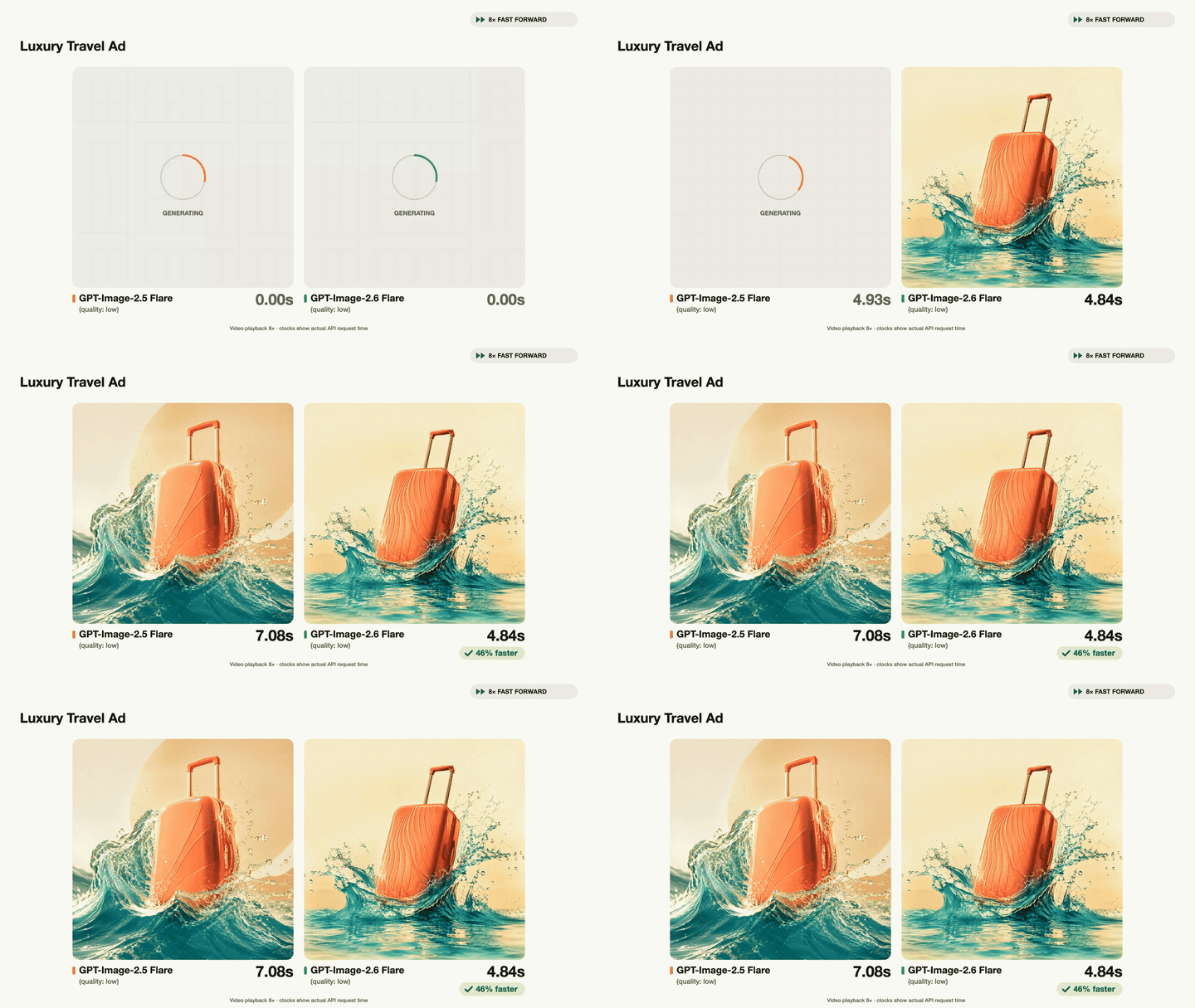
The API offers Flare and Sunburst: Flare prioritizes speed, while Sunburst focuses more on detail and consistency across edits.
GIF creation is rolling out gradually. If you do not see it yet, check again later.
Enzo · 11.05