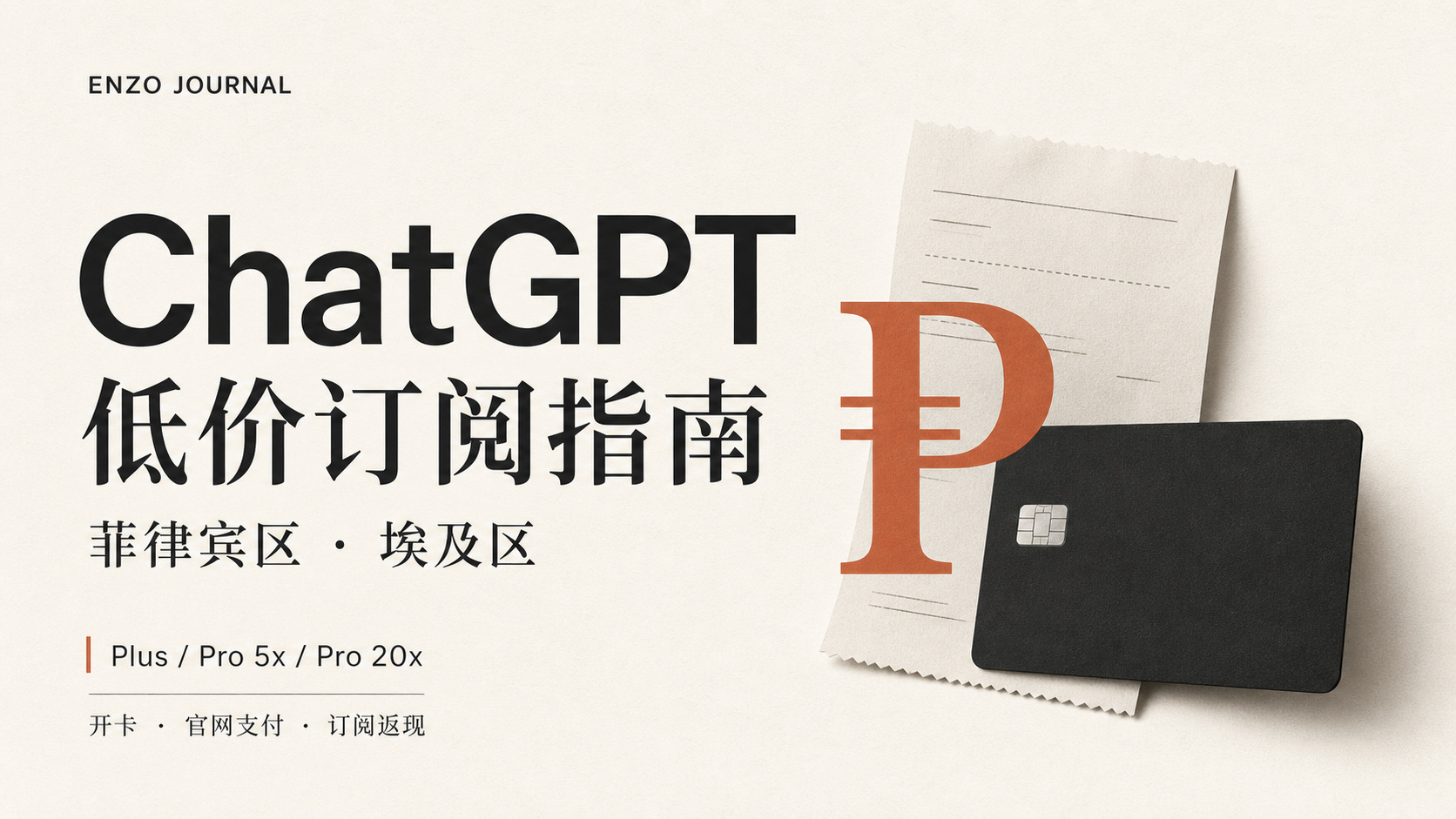
ChatGPT Plus in the Philippines region is about $16/month, and Pro 20x is about $145; Pro 5x in Egypt is about $88.
Below, I start with buying crypto on OKX, then configuring your IP, opening a card, funding it, and paying directly on the official ChatGPT website. How to handle failed payments is covered at the end. The entire process uses your own account and your own card—no third-party top-ups, no shared subscriptions.
Five-Step Process
Price Quick Reference
| Plan | US Official Price | Best Low-Price Region | Local Price | Approx. USD | Savings |
|---|---|---|---|---|---|
| Plus | $20 / month | Philippines | ₱982–999 | ≈ $16 | ~19% |
| Pro 5x | $100 / month | Egypt | EGP 4,736 | ≈ $88 | ~12% |
| Pro 20x | $200 / month | Philippines | ₱8,919–9,990 | ≈ $144–150 | ~25% |
Swipe left and right on mobile to view the full table.
Pro 20x has a tax-inclusive listed price of ₱9,990, with a final settlement price of around ₱8,919, which comes out to roughly $144–150.
If you want to keep things simple, route everything through the Philippines—the tradeoff is paying about a dozen dollars more for Pro 5x. If you want the absolute best price on every tier, open a separate window with an Egyptian IP specifically for 5x.
OKX: Prepare USDT
Mainland Chinese users can register; you can verify your identity with a passport or a Chinese National ID. C2C trading supports WeChat, Alipay, and bank card payments. The USDT you buy will be deposited into the card later.
Before You Register
- Both passports and National IDs work. Passports are more widely accepted and can be used on the other platforms below as well. Sometimes it gets routed to manual review—just wait for the results.
- Don’t use temporary SMS verification numbers. You’ll need to receive SMS messages for risk control verification and account recovery later, so use a real number you maintain long-term.
- You must complete identity verification (KYC); without it, you can’t buy crypto via C2C.
- Download only from the official website or official app stores; don’t install third-party “Lite” versions.
Registration and Buying Crypto
- Register using the sign-up link below.
- Complete identity verification: take a photo of your passport and complete facial recognition. Review times vary depending on the on-screen status.
- Link your own payment method, then place an order in C2C to buy USDT.
- Once you receive the coins, withdraw them to your payment card’s deposit address. Always start with a small test amount.
How Much to Prepare Initially
| Goal | Amount to Prepare | Notes |
|---|---|---|
| Plus only | ≈ $20–30 | Subscription fee plus a small buffer |
| Pro 5x | ≈ $100–120 | Actual charge in Egypt is ≈ $88 |
| Pro 20x | ≈ $160–200 | Actual charge in Philippines is ≈ $144–150 |
| Plasma Core Card Activation | ≥ $100 | Threshold and card fee depend on current in-app details |
Swipe left and right on mobile to view the full table.
Add a small buffer on top of the tier you plan to subscribe to, and test with a small amount first. There's no need to transfer a large sum just to test a card.
RoxyBrowser: Browser and Network Environment
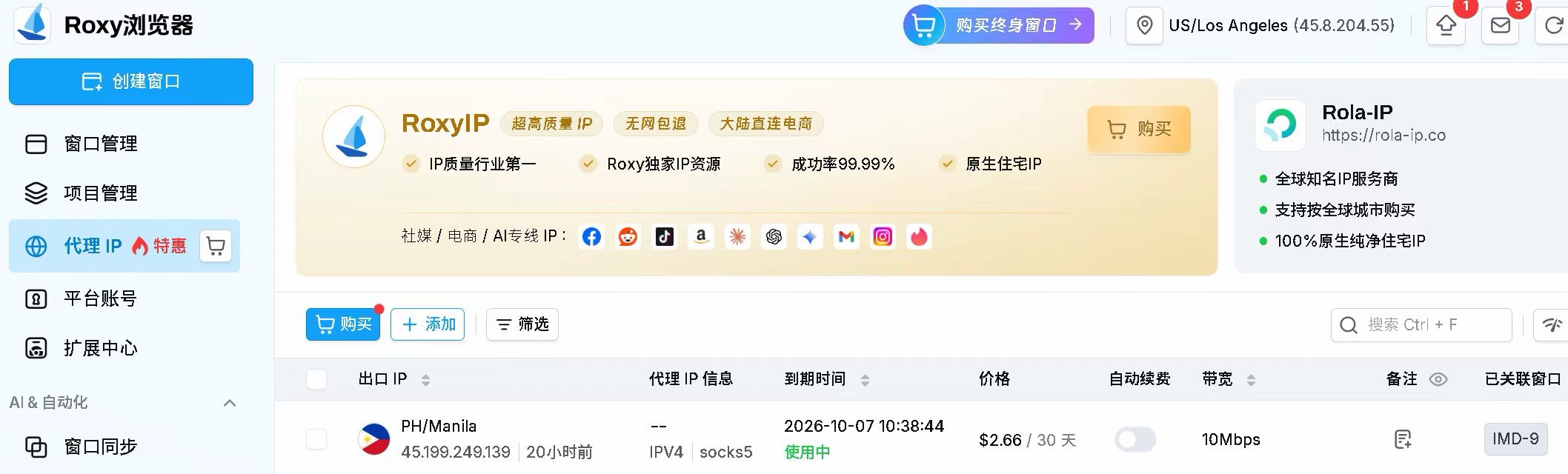
When paying, try to avoid nodes shared by many people. Prepare a clean Philippine IP, then create a separate profile window in RoxyBrowser to isolate cookies and your browser environment.
Registration and Setup
- Register via the link below, download the client, and log in. The free tier provides 2 profile windows.
- Create a new window, then configure the browser environment and proxy IP separately. Use a PH node for the Philippines region.
- Open the IP check page to verify the actual outbound location—don’t just rely on the node’s label.
- Use a stable environment for registration, payment, and renewals; avoid switching back and forth.
If you don’t have a Philippines node, there’s a workaround: RoxyBrowser lets you purchase residential Philippines IPs directly; alternatively, you can log in via a US node and switch the region to the Philippines on the upgrade page, which usually pulls up peso pricing as well.
Even more important than “how pure the IP is” is stability. Use the same window and the same IP region for registration, initial top-up, and renewals. Don’t jump between Hong Kong one minute and the US the next—hopping regions triggers risk controls far more easily than poor IP quality.
Plasma One: Registration, Funding, and Cashback
Plasma One is a stablecoin Visa card funded with USDT and denominated in USD. It has dedicated cashback tiers for AI subscriptions: for services like OpenAI, Claude, and Cursor, the Core card gives 5% back, the Platinum card gives 10%, and the $8 ChatGPT Go plan is even fully reimbursed.
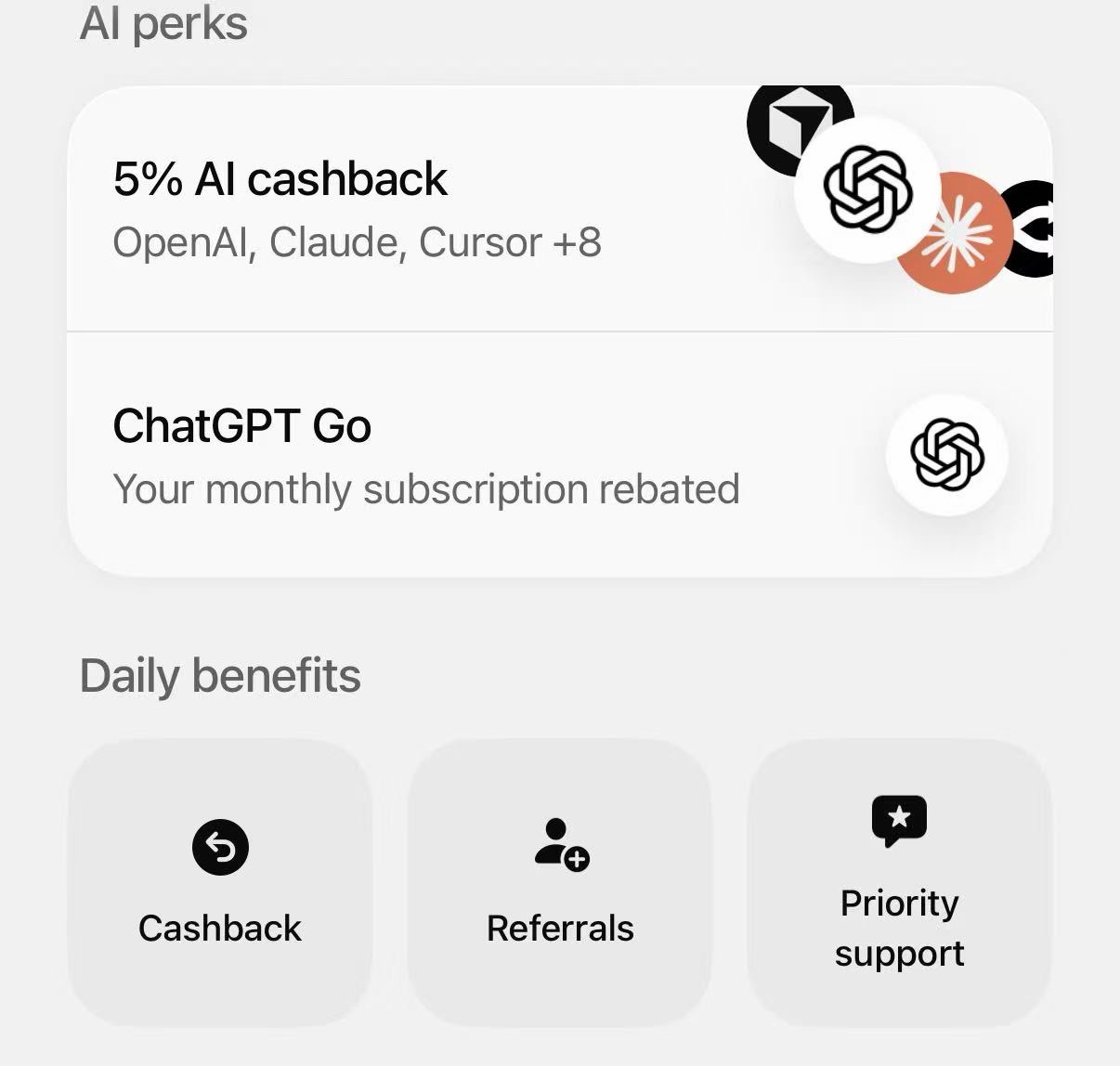
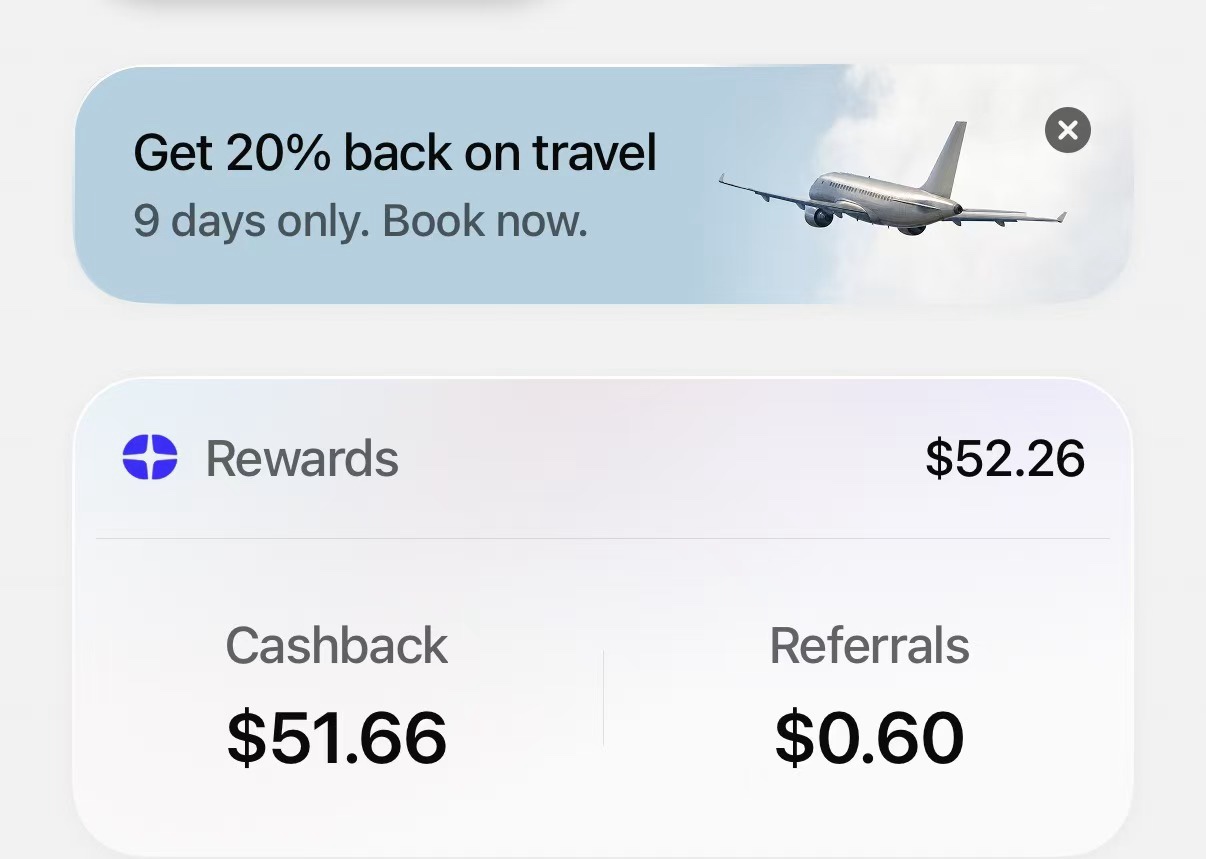
Plasma is invitation-only; you need an invite code to sign up. You can pick any of the following codes:
XPNSF3FGSEPHK8SLGFIf you use the registration link, the code will populate automatically; you can also download the app first and enter it manually. Codes have usage limits and are first come, first served.
Four Items to Prepare
| Item | Requirement | Notes |
|---|---|---|
| Referral Code | Invitation-only; code required to register | Pick any of the three above, or auto-applied via the link |
| Overseas Phone Number | Non-mainland China | A UK giffgaff SIM is commonly used; don’t use SMS verification platforms, as you’ll need to receive verification codes for risk checks later |
| Passport | Valid / Not expired | Plasma and all the crypto cards below require a passport to register |
| Proof of Address | Statement within 3 months | Name and address must match registration (you can buy a bank statement address on Xianyu to submit) |
Swipe left and right on mobile to view the full table.
Registration and Identity Verification
- Download Plasma One from the App Store and verify the developer information.
- Register with your email, enter the referral code, and provide a phone number you use long-term.
- Take a photo of your passport and complete facial recognition to pass KYC.
- Upload your proof of address, ensuring your name and address match the submitted statement.
- Wait for review, which can take anywhere from a few minutes to several days.
If rejected, check the reason first instead of repeatedly submitting the same identity documents. Mainland KYC has tightened over the past two years, so occasional rejections are normal—wait at least 24 hours before trying again.
Funding and Card Activation
- In the app, tap Add Funds to view currently supported cryptocurrencies, networks, and deposit addresses.
- Select the ARB (Arbitrum) network, and choose the exact same network when withdrawing on OKX. The network names on both sides must match.
- Test with a small amount first to confirm the network, address, and arrival before transferring the main funds.
- Deposit at least $100, then activate the Core card.
- Once the card is active, head to the ChatGPT checkout page to review and pay.
Alternative Payment Card: Bybit
If Plasma’s verification doesn’t go through, you can switch to Bybit. Register using a Taiwan IP and verify using a Chinese passport. It features a 0 card issuance fee, 0 annual fee, can be bound to WeChat, Alipay, and Apple Pay, and works for direct payment on the ChatGPT official site.
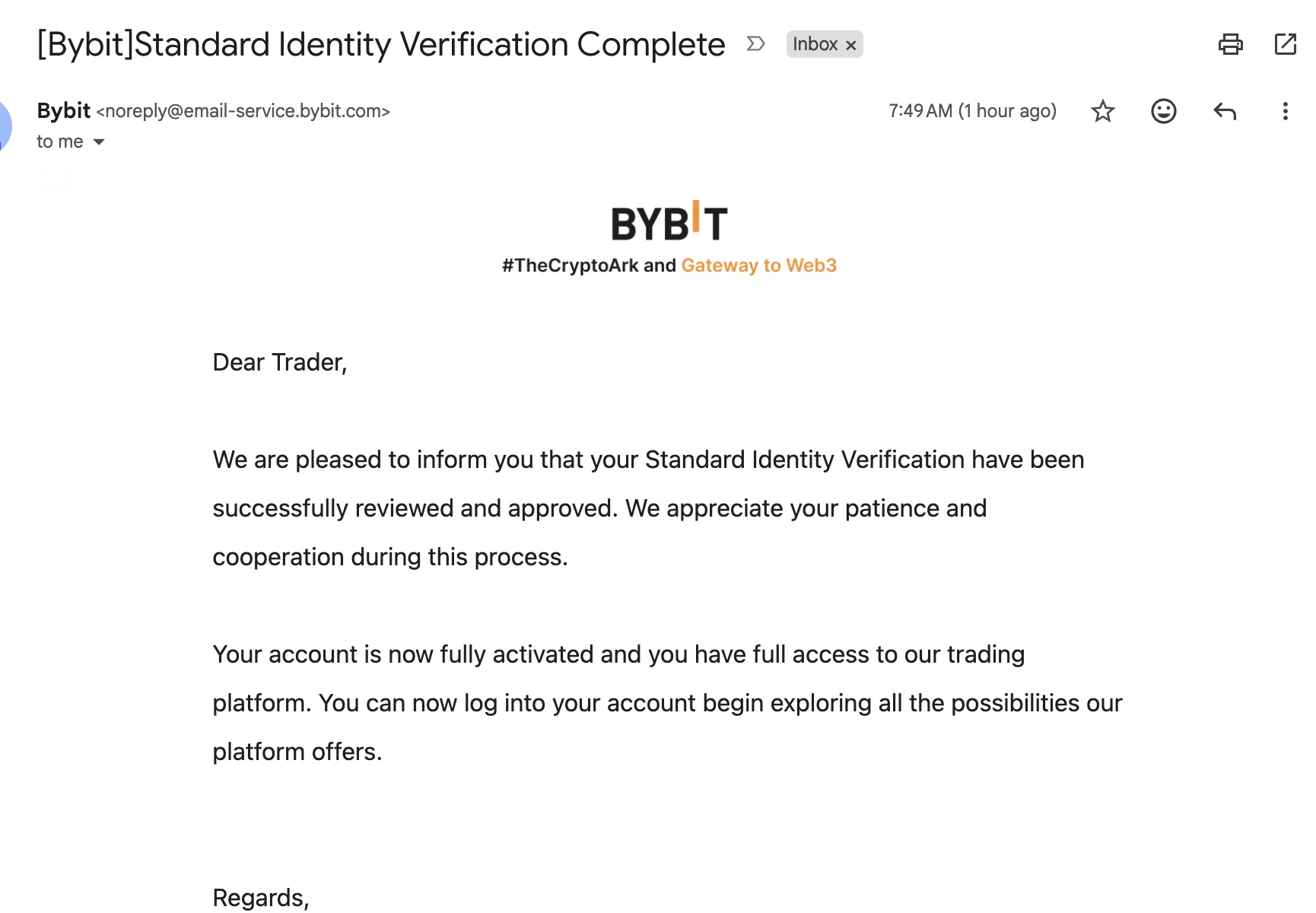
Bybit Application Steps
- Open Click Here to Register on Bybit with a Taiwan IP connected.
- Verify identity using a Chinese passport. A National ID can pass as well, but a passport is more reliable.
- Fill in a residential address in Taiwan (generate one using Google Maps or the tool at the bottom; proof of address will not be required later).
- You can use a Chinese email, and +86 mobile numbers are supported. But when registering overseas accounts, it’s best to use an overseas number—it makes subsequent SMS risk verification smoother.
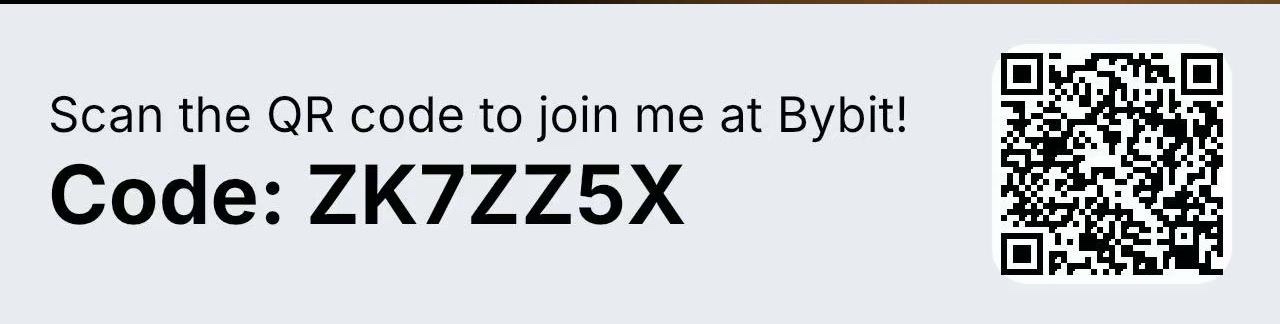
- Finally, enter the invitation code
ZK7ZZ5Xto receive mutual rewards. - Activate the virtual card → deposit USDT → select this card when paying on ChatGPT.
Maintain a Taiwan IP throughout registration and KYC; don’t switch back to mainland China halfway through. Policies for welcome packages and card airdrops change frequently—refer to what’s currently shown in the app.
How to Choose Other Cards
| Card or Channel | Payment Status | Notes |
|---|---|---|
| Bitget | Can apply with passport; pays for ChatGPT | Another crypto card route |
| Fiat24 / N26 / EtherFi / RedotPay / Savo | Can pay for ChatGPT | Depends on individual circumstances |
| Wise / Revolut | Prone to payment declines in low-price regions | Not recommended as first choice |
| Mainland China-issued Visa / Master / UnionPay | Common acceptance restrictions | Not recommended as first choice |
Swipe left and right on mobile to view the full table.
Enter referral code ZK7ZZ5X on the Bybit form (mutual rewards apply); reward eligibility is subject to the current promotion.
Whether a card can make payments and what price appears on the page are two separate issues. The card solves the payment itself; regional pricing depends on your IP and checkout settings.
Subscription Cashback: By Region and Card Tier
Low-price regions are only the first layer of savings. Use the right card, and you can get a portion of your subscription fee back.
| Platform / Card | Applicable Region | Cashback Rules |
|---|---|---|
| Bybit Card | Global / APAC | Tier 2+ users get 100% points back on direct official site payments, monthly cap approx. $50 |
| Bybit Card | EU | Regular users get 100% back for the first month, up to €50 total; VIPs can receive monthly returns |
| Plasma One | Core | 5% back on AI subscriptions (OpenAI / Claude / Cursor, etc.) |
| Plasma One | Platinum | 10% back on AI subscriptions; approx. $20/month additional subsidy each for Plus / Claude |
| OKX | Europe | 50% back on direct official site payments for ChatGPT / Claude, up to €10/month, requires USDG |
Swipe left and right on mobile to view the full table.
Three things determine whether you can claim these cashbacks:
Always pay directly on the official website (Click Here to Subscribe on ChatGPT Official Site)—don’t use App Store or Google Play in-app purchases, and avoid third-party top-ups. With in-app purchases, the merchant of record is Apple, not OpenAI, so you lose both the regional discount and the cashback.
Route through Apple Pay or Google Pay if necessary. Some cards get blocked when charged directly through the card network, but routing through Apple/Google Pay goes through much more smoothly.
Check current promotions in your card’s app before subscribing; cashback is calculated by “region × card tier,” and rules vary by region.
Subscribing to ChatGPT: How to Choose Across the Three Tiers
Plus · Philippines Region
- Log in to ChatGPT and go to Upgrade to Plus.
- Check the plan, currency, and price. The listed price should be ₱982–999 / month.
- Enter your card details and your actual billing address, confirm the tax and total amount, then pay.
If the price doesn't match, check your outbound IP first; it could also be a pricing adjustment or a different account region.
Pro 20x · Philippines Region
- Select Pro 20x on the Upgrade page; the tax-inclusive listed price is ₱9,990 / month.
- You can subscribe to Plus or 5x first, then upgrade to 20x. Make sure you understand the prorated difference and effective date when upgrading.
- The final charge will be around $144–150; verify the amount and complete payment.
Pro 5x · Egypt Region
- Create a new window in RoxyBrowser, and set the proxy IP to Egypt (EG).
- Select Pro 5x; the listed price is EGP 4,736 / month, approx. $88.
- Use a supported card and your real billing information, verify the total, and pay.
How to Fill Out the Billing Address
| Field | What to Enter |
|---|---|
| Country | Country on your billing statement |
| State | State or province on your billing statement |
| Street / City / ZIP | Fill in street, city, and ZIP separately, matching your statement |
Enter the country, state, city, and ZIP code separately. A mismatch between the city and ZIP code easily triggers an AVS (Address Verification System) failure.
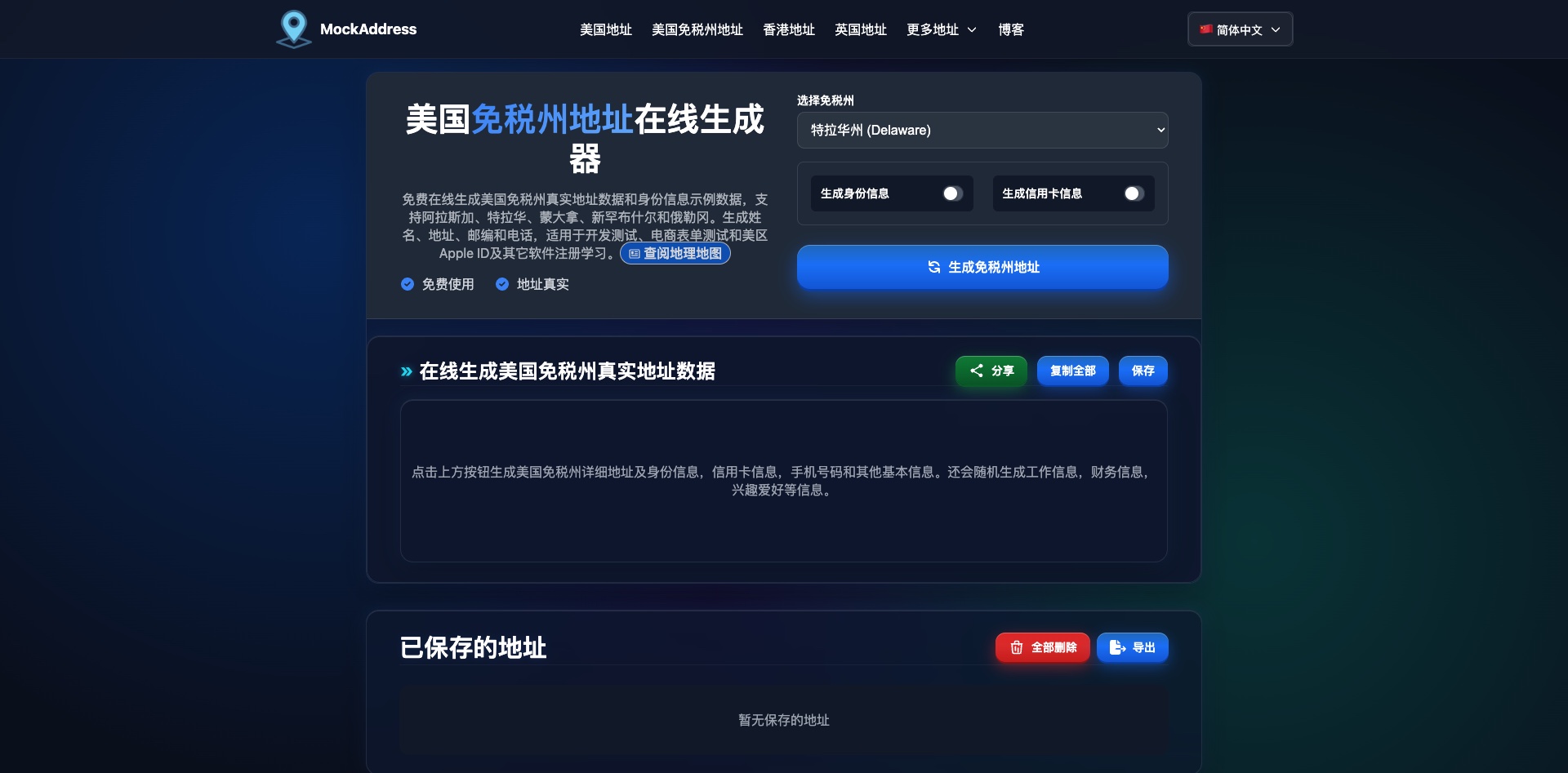
If you're unfamiliar with formatting English addresses, you can use this to map out the fields.
Payment Failed: Stop First, Then Troubleshoot
OpenAI processes payments via Stripe. Their risk controls evaluate whether your IP country matches your billing country, IP reputation (datacenter vs. residential), browser fingerprint, card BIN, address verification, and payment attempt frequency.
If a payment fails, don't spam retries.
Pause for a bit first.
| Step | Action | Details |
|---|---|---|
| 1 | Stop | Try the same card at most 2 times; stop immediately after the 2nd failure |
| 2 | Wait | At least a few hours to a full day. Repeated retries basically put you straight onto the risk control blacklist |
| 3 | Check | Is the IP truly in the target country? Does the ZIP match? Is your balance at least 1.2x? Any typos in the card number? |
| 4 | Switch Environment | Open a fresh profile window, clear cookies, or try again from another device |
| 5 | Switch Cards | If Plasma doesn’t work, switch to Bybit or Bitget |
| 6 | Downgrade | Subscribe to Plus or 5x first before upgrading; if it still fails after 24–48 hours, consider starting a new account |
Swipe left and right on mobile to view the full table.
If an error occurs, you must wait before trying again. Spamming payment attempts will render that card completely unusable in the short term, and the cost of waiting is far lower than the hassle of swapping cards.
Preventative measures you can take upfront: keep a fixed environment in an anti-detect browser, using the same profile window and IP region for registration, payment, and renewals; ensure the city and ZIP code match on your real billing address; keep at least 1.2x the monthly fee in your card balance to prevent renewal declines; start small before upgrading; keep your identity details consistent and avoid submitting KYC repeatedly.
Before renewal, check your card’s status and ensure you have sufficient balance, then glance at the transaction notification after the charge goes through.
FAQ
Will my account get banned?
There is that risk. Subscribing across regions can trigger risk controls and may even jeopardize your account. Use your own card on the official website and stay away from shady third-party top-ups.
What should I do about proof of address?
For Plasma document requests, use a utility or bank statement from the last 3 months with a name and address matching your registration. If you don't have one on hand, you can buy a bank statement address on Xianyu to submit; registering on Bybit with a Taiwan address won't trigger proof-of-address requirements.
Why the emphasis on passports?
A passport works across OKX, Plasma, and Bybit, so you don't have to juggle different documents for each platform. Fill in your English name exactly as it appears on your passport.
Are these still the current prices?
Check the currency and amount on the checkout page first. If it doesn't show the expected price, go back to RoxyBrowser and verify your actual outbound IP.
What if I only have a standard browser and no Philippines node?
RoxyBrowser lets you buy residential Philippines IPs directly; alternatively, connect via a US node to log in, then switch your region to the Philippines on the upgrade page—in most cases, that will display peso pricing as well.
How do I handle renewal failures?
First, check your balance, card status, and charge notifications, then troubleshoot using the failed payment sequence above. If there's an anomaly, contact the card issuer or merchant—never make repeated payment attempts.
Refer to the checkout page for exact prices, and check the app for current cashback promotions.
Good luck.
Your own account · Your own card · Direct payment on the official site