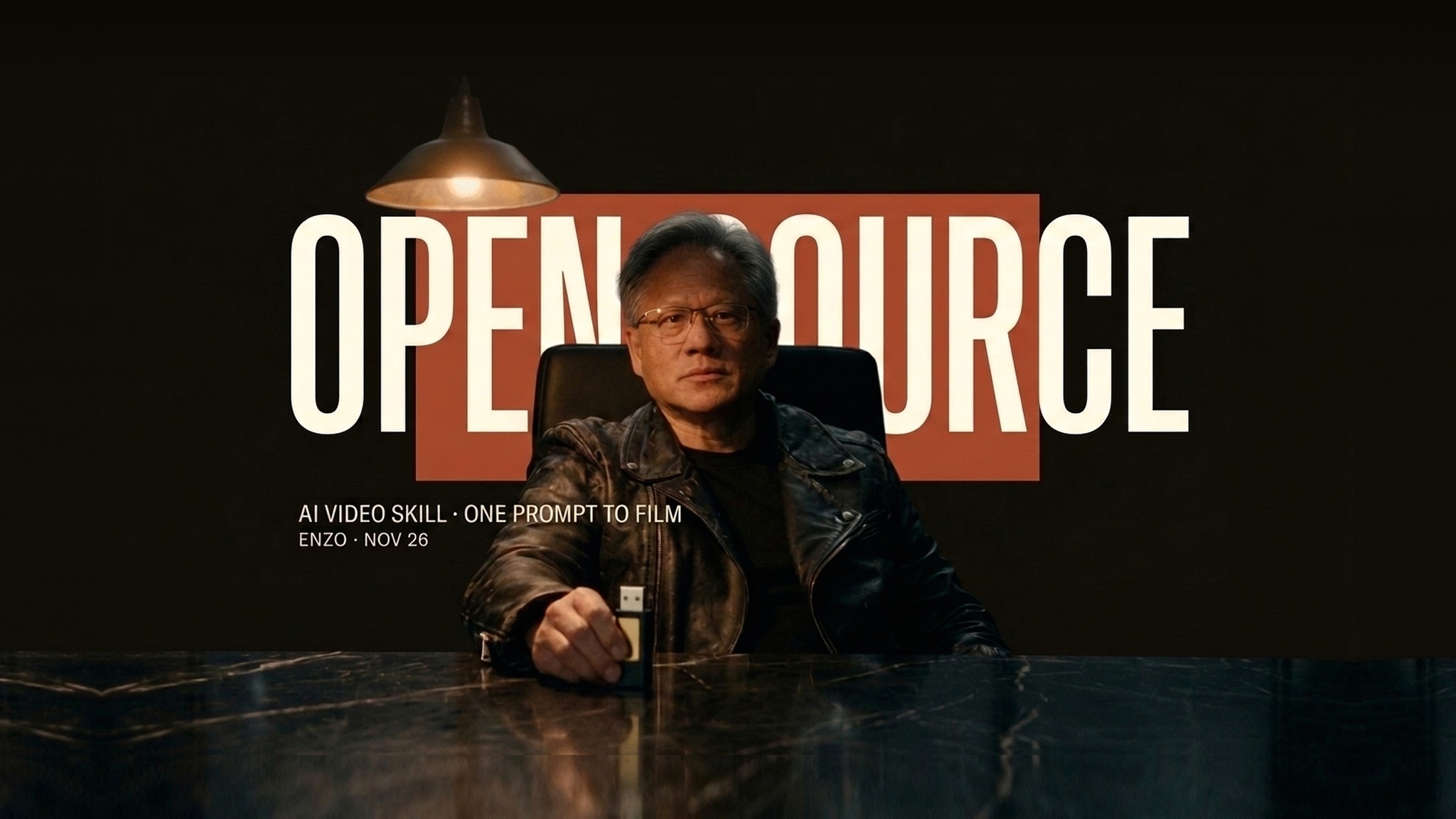
After last week’s behind-the-scenes breakdown of the Jensen Huang AI short drama, I finally wrapped up the open-source cleanup. There is a big gap between a workflow that works on my own laptop and one another person can install and run without hitting silent traps. Over the past six months I patched face swaps, flipped left-right eyelines, and wasted video credits shoot by shoot—today the cleaned-up repo is public.
Quick note: Follow-up updates will roll out steadily as time permits, along with a dedicated director workbench or standalone app if there is real demand. If this saves you time and credits, leave a Star or drop support along the way so I can keep maintaining it cleanly.
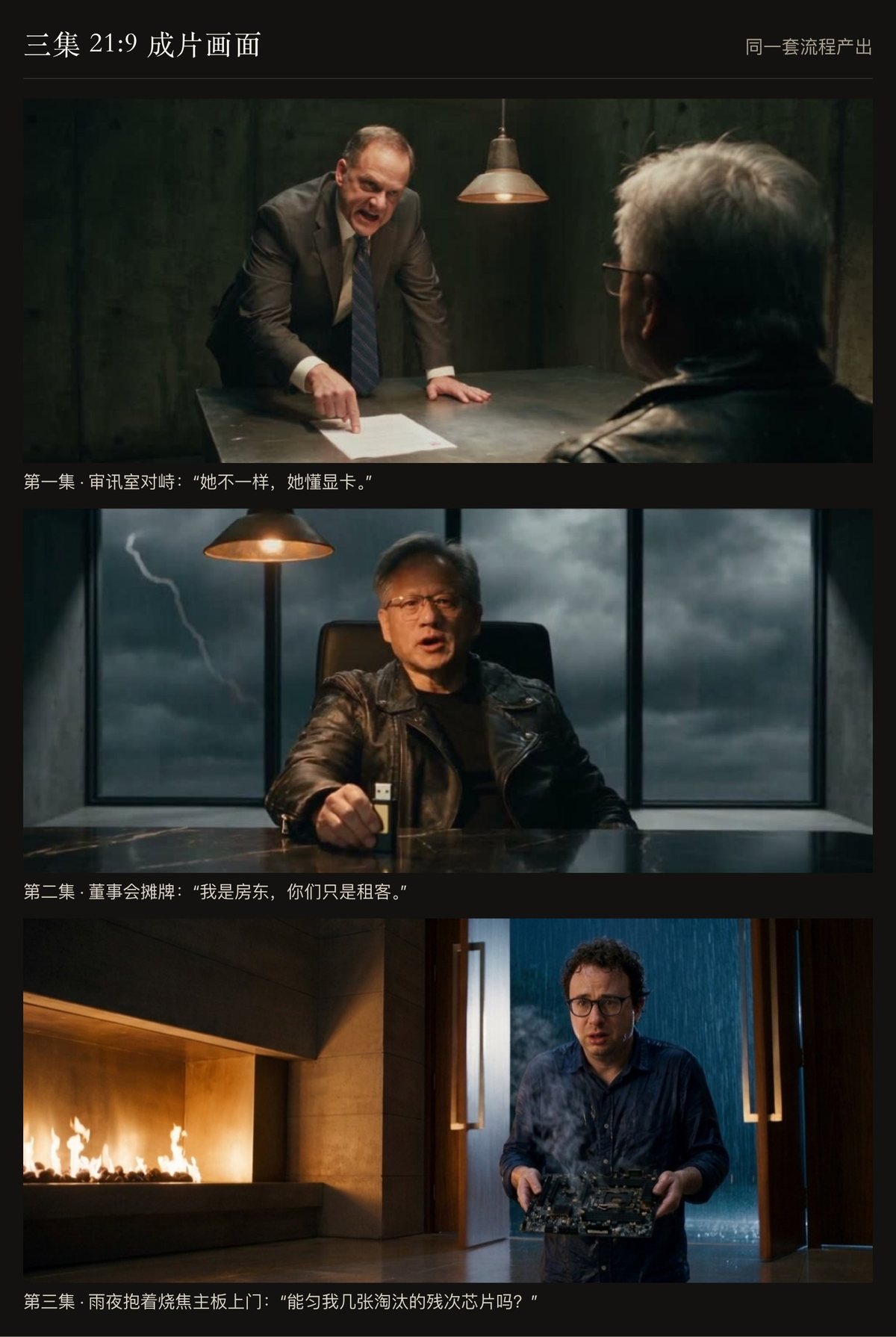
Here is the repository link up front if you want to jump straight in:
01What Does It Actually Make?
It does far more than pad your prompt with extra adjectives. Give the AI an idea and it walks you through character turnarounds, spatial blocking, video generation, voiceover, and bilingual subtitles—then lands the finished cut inside a local project folder.
Widescreen two-person dialogue scenes, vertical subtitled micro-dramas, and nostalgic subtle-motion vignettes all run on the same workflow. Every clip in the reel below came straight out of the pipeline with zero timeline hand-editing:

The fastest way to burn money on web video tools is discovering mid-render that a character’s face drifted or two speakers swapped seats. This pipeline locks costume sheets and every opening keyframe first, stopping bad images on the spot so broken frames never reach video rendering.

02What You Need Before Installing — and the One-Line Setup
Only set up what matches how far you want to push it—there is no need to wire everything on day one:
/seedance-prompt-gen or describe your scene in plain language.Open Claude Code, Codex, Cursor, or Gemini CLI and paste this single instruction—it installs in roughly ten seconds and inventories every local tool ready to run:
Clone and install https://github.com/enzoyoyo/seedance-prompt-gen by running its install.sh, then inspect my machine and list which models, CLI tools, and platform credentials are ready to use or missing.
03Which Models It Connects To, and My Daily Pairing
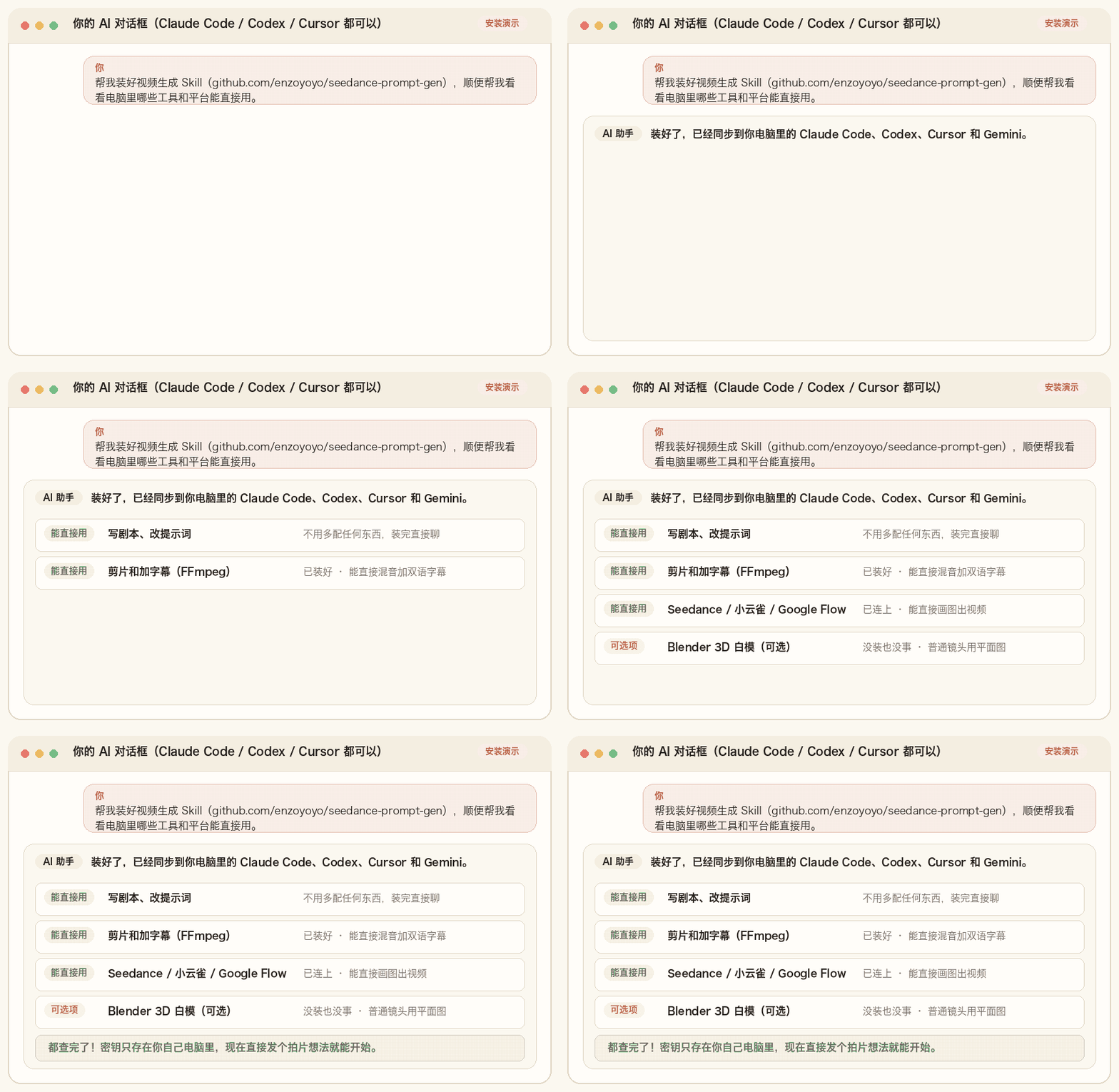
Over the past six months I wired in most of the practical image, video, and voice platforms worth using today—just pick the accounts you already have:
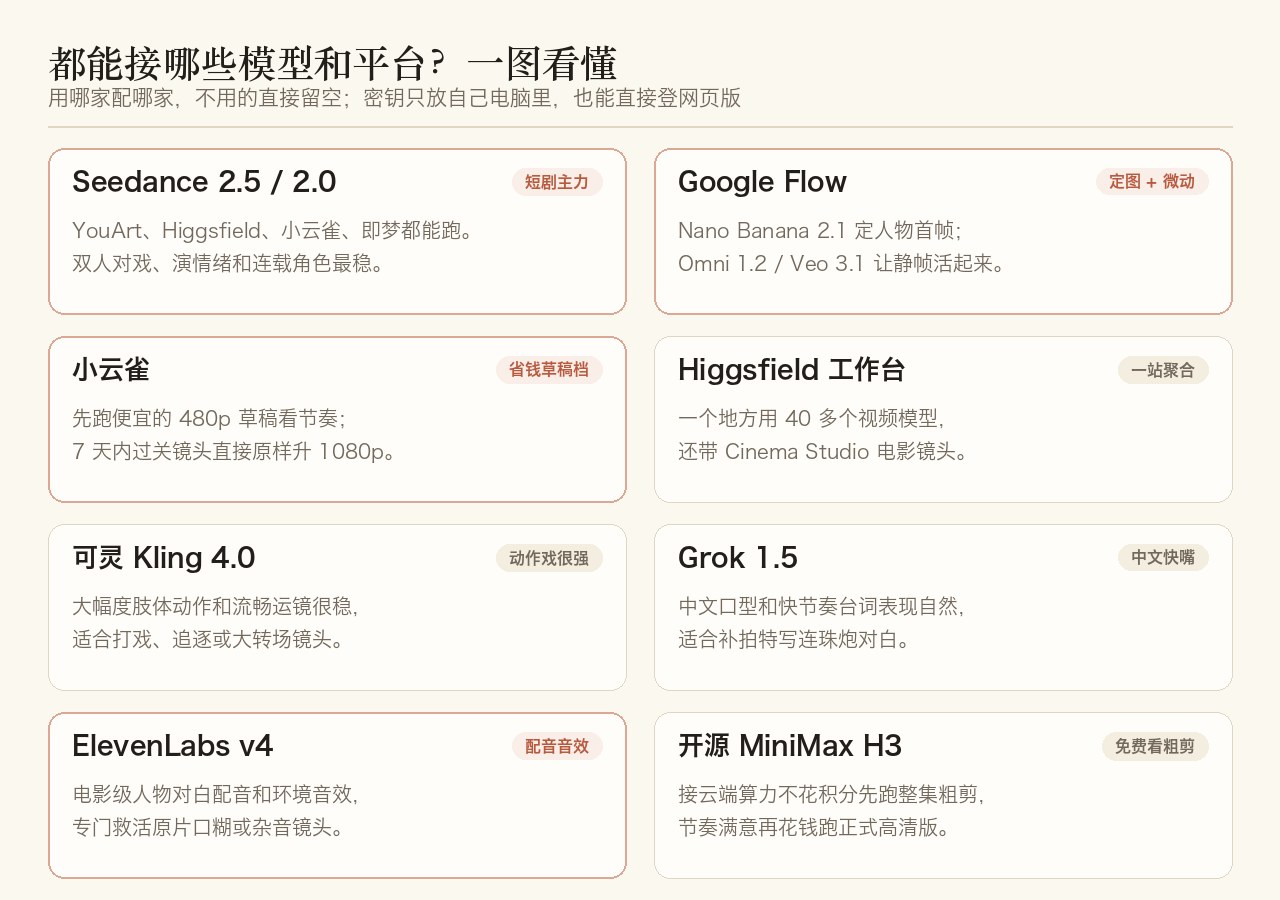
Here is the exact model stack I reach for on real episodes if you want to skip trial and error:
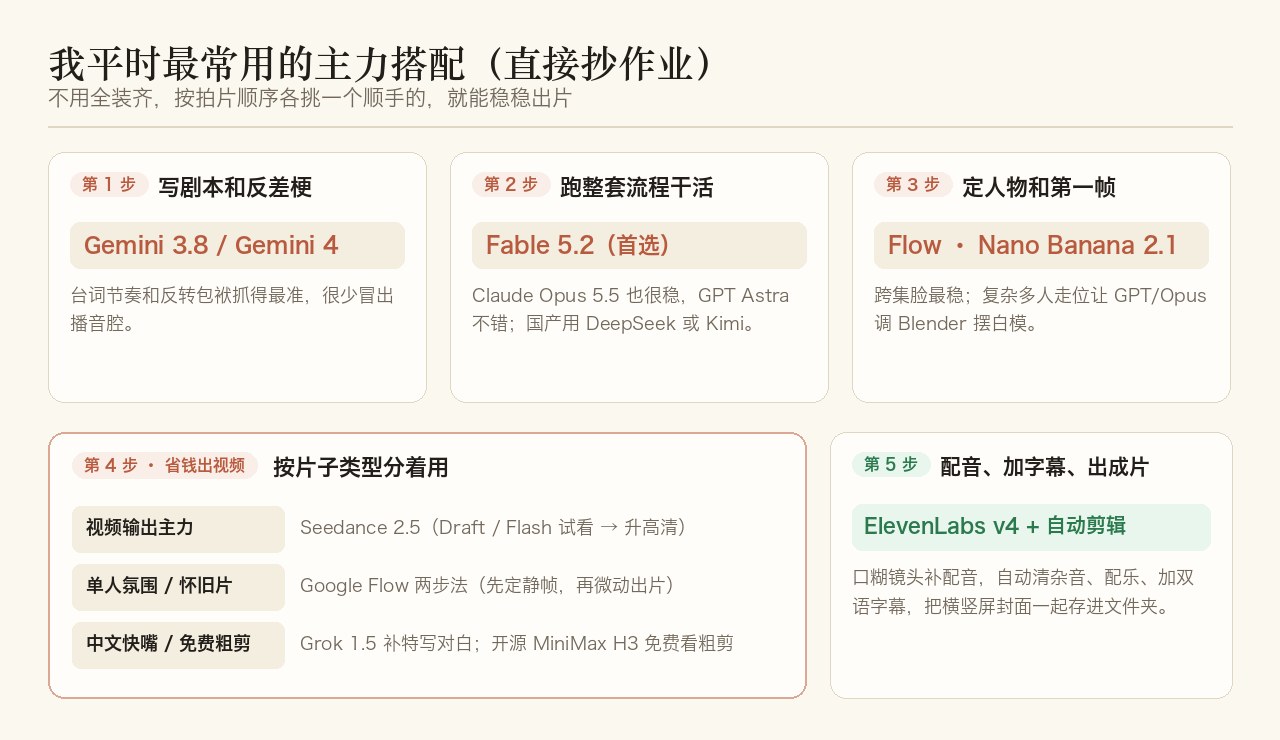
When you reach video generation, go straight for Seedance 2.5 whenever you can. Running cheap previews first on Seedance 2.5 Draft / Flash and upgrading only approved takes saves a huge amount of budget. Tools with free tiers like Google Flow or MiniMax look cheap on paper, yet the gacha variance burns hours re-rolling characters and motion that refuse to lock. Most single-pass keepers in my cuts come from Seedance—everything else costs far more in retakes and time. Remember: free is often the most expensive tier.
04Platforms I Pay Out of Pocket For Every Week
These three are the exact platforms I keep active subscriptions on after testing the rest. If Seedance 2.5 is your main target, compare the annual rates closely: YouArt delivers the lowest effective per-second cost starting from its third-tier annual plan (39% off) when running Seedance 2.5 Flash. Higgsfield stands out for cinema camera-move presets and 40+ bundled models, while ElevenLabs handles multilingual voiceovers and sound effects.
With Black Friday and annual discounts live right now, scan any QR card or click the platform name below to go straight to its official offer:

Lowest 2.5 Flash rate on Tier 3

40+ models & camera presets

Dialogue dubbing & SFX staple
05How to Go From One Prompt to Your First Finished Film
Open a clean folder, let your AI agent work inside it, send your premise, and skip tweaking raw sliders—the flow only pauses for your nod three times:

For tricky multi-person blocking where staging gets tangled, it drafts a top-down diagram or builds a Blender gray-model previs to lock sightlines before applying character likenesses:
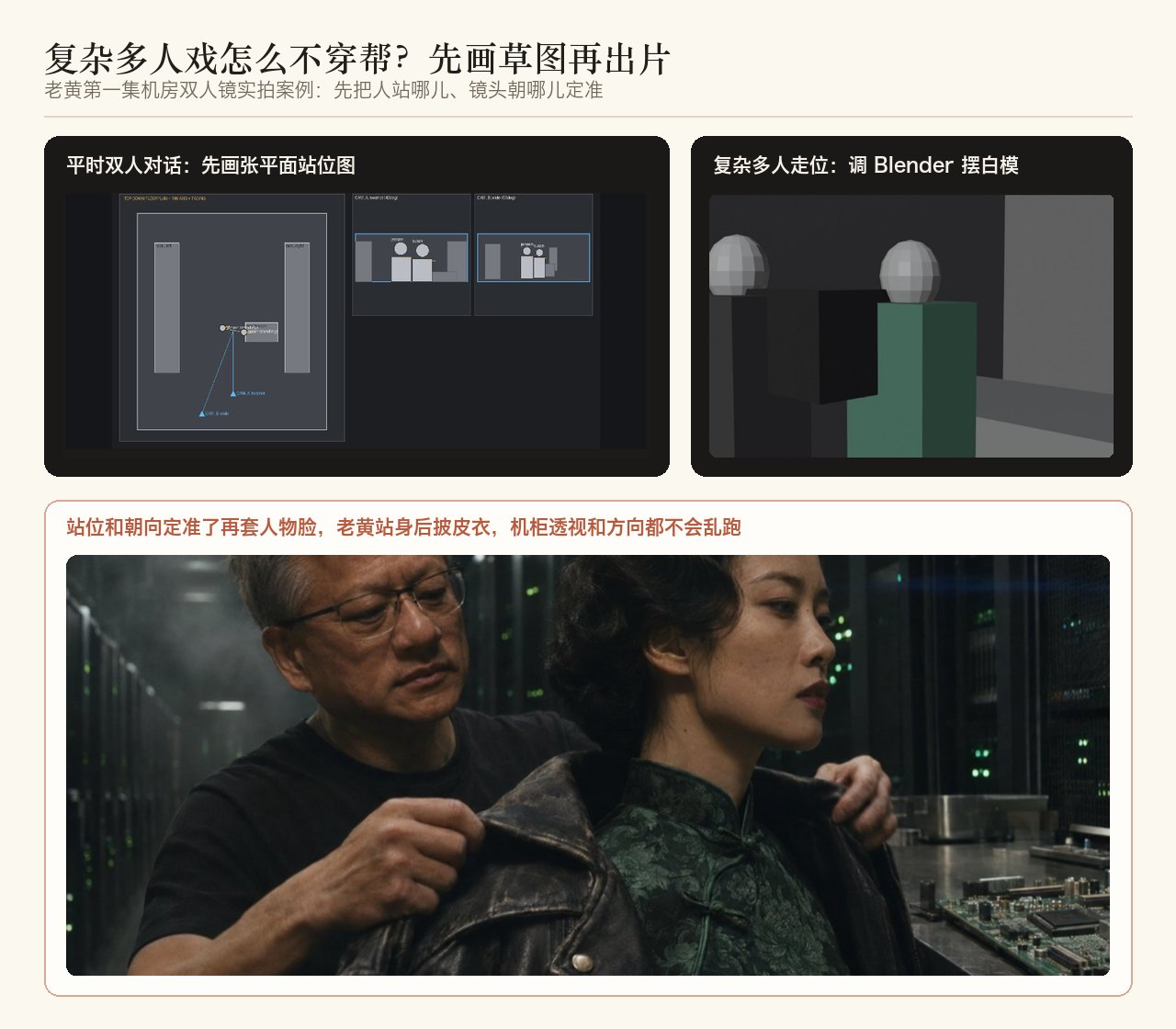
You can also jump in solely to rescue an existing script, generate character sheets alone, or hand it a half-finished folder to finish. When rendering wraps, your subtitle-free master, bilingual cut, and multi-ratio covers sit neatly inside your local directory:

Over the past six months making the Jensen Huang series, every single model quirk that made me want to throw my keyboard turned into one more guardrail inside this Skill. Putting it online is simple: nobody else needs to pay twice to learn the same lessons. If it saves you a few frustrating nights, give it a Star—and open an Issue whenever something breaks: